How to Protect Against Dependency Confusion Attacks
Configure reserved namespace policies and internal package flags to prevent attackers from hijacking your private package names on public registries.
Overview
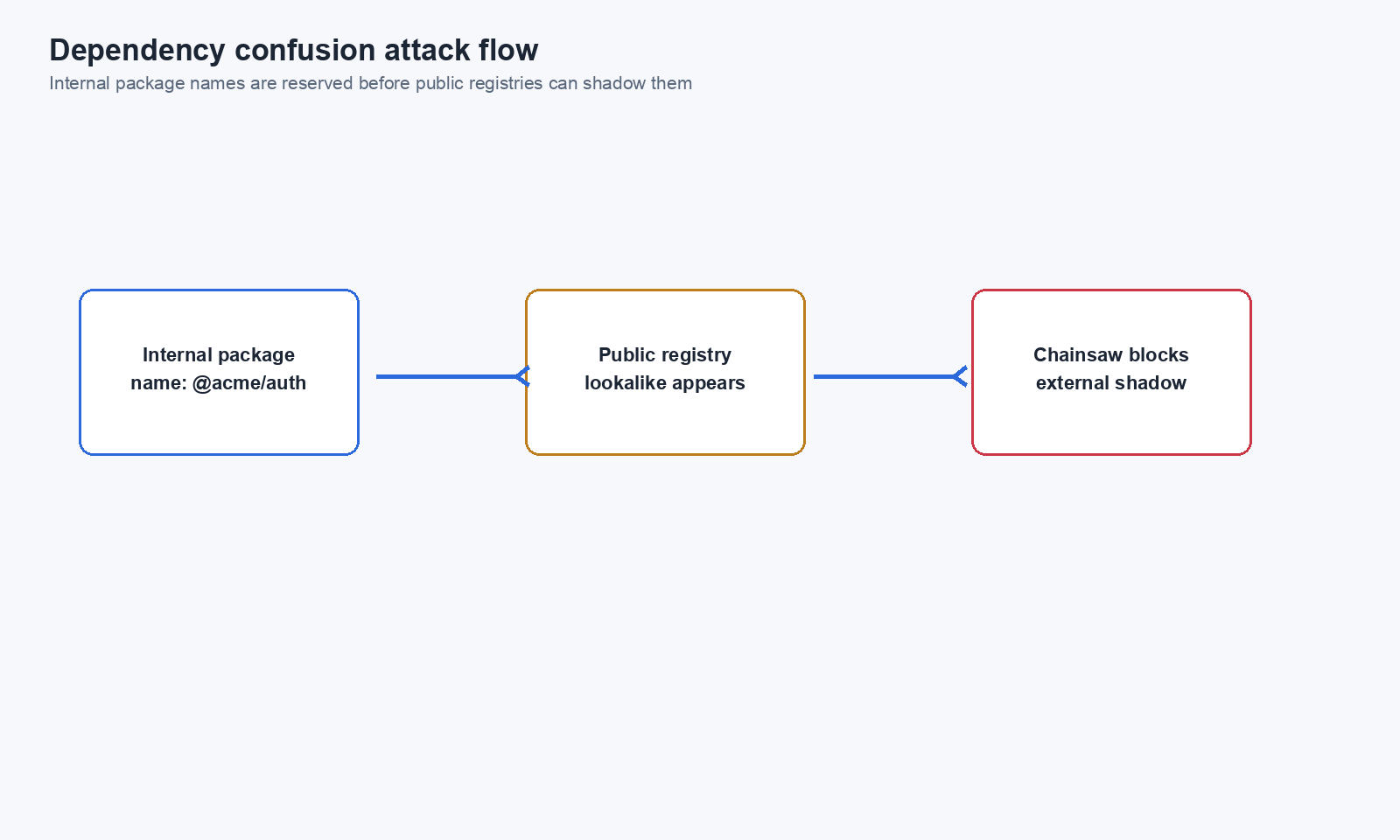
Dependency confusion (also called namespace confusion) is an attack where a malicious actor publishes a package on a public registry using the same name as your organization’s internal package. If a developer’s package manager resolves against the public registry instead of your internal one, it fetches the attacker’s package instead.
Chainsaw protects against this by supporting reserved namespace patterns in policies and an internal package flag in metadata.
Prerequisites
- Admin or Manager role in Chainsaw
- Knowledge of your organization’s internal package naming conventions (e.g.,
@mycompany/,com.mycompany.)
Step 1: Understand the Attack
Your internal registry:     @mycompany/auth-lib@2.0.0
Public npm registry:        @mycompany/auth-lib@9.9.9  (attacker's package)

Without protection:
  npm install @mycompany/auth-lib
  → Resolves to 9.9.9 (higher version from public registry)
  → Attacker's code runs in your build
Step 2: Identify Your Internal Package Names
List all package names your organization uses internally. Common patterns:
| Ecosystem | Internal Pattern | Example |
|---|---|---|
| npm | @orgname/* | @mycompany/core-utils |
| Maven | com.orgname.* | com.mycompany.auth-service |
| PyPI | orgname-* | mycompany-internal-sdk |
| Go | github.com/orgname/* | github.com/mycompany/shared-lib |
| NuGet | OrgName.* | MyCompany.Logging |
@mycompany/), you already have partial protection since npm scopes are claimed per-organization. The risk is higher for unscoped packages.Step 3: Create Reserved Namespace Policies
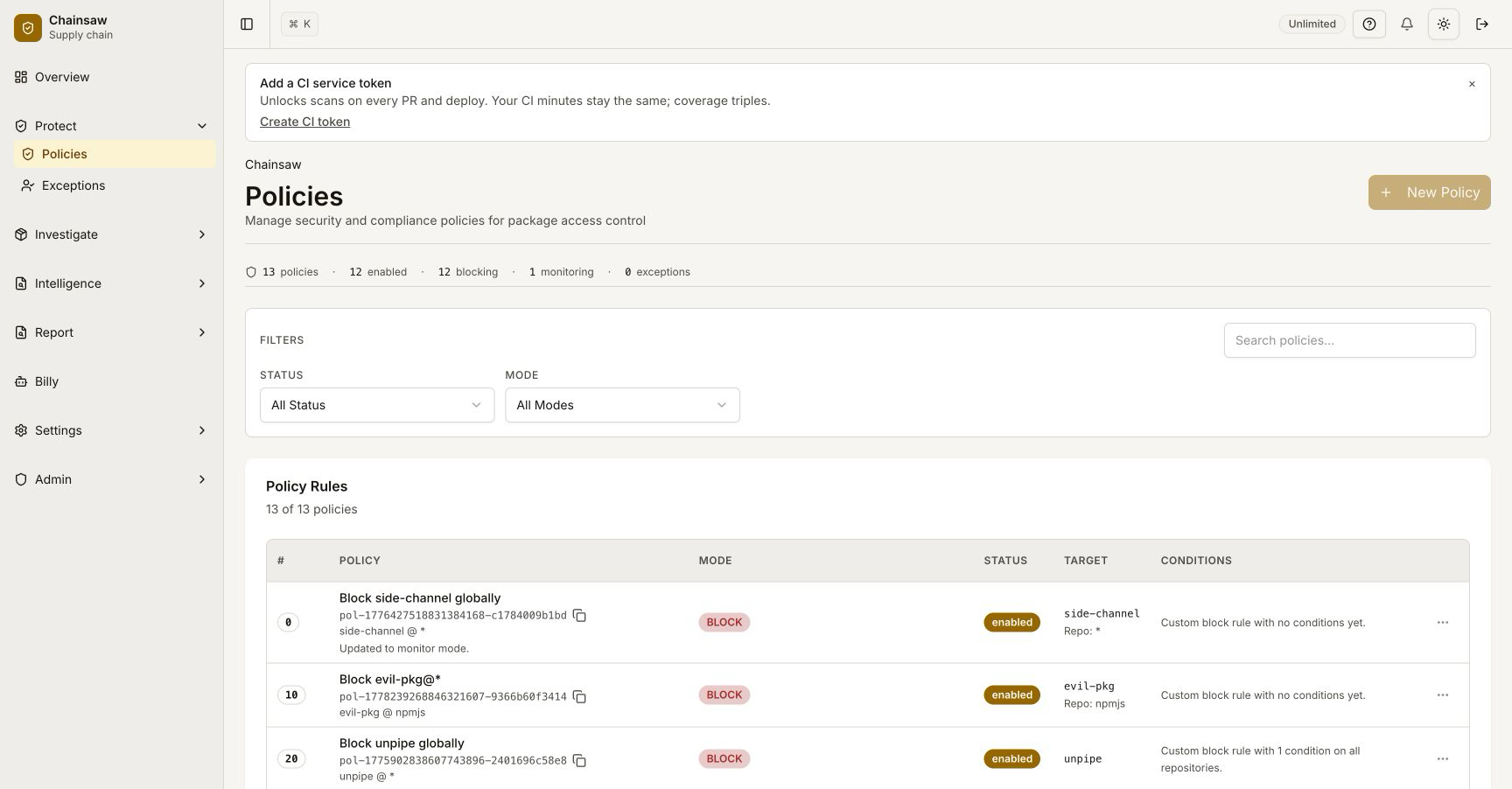
Navigate to Policies and create a policy that blocks public packages matching your internal naming patterns.
configs/reserved_namespaces_defaults.yaml. Click Apply recommended packs in the policy editor’s “Reserved Namespaces” section to seed the list — then replace the ${ORG} / ${COMPANY} placeholders with your own identifiers before saving. The same packs are served from GET /api/policies/recommended-namespaces for automation.Block Public Packages With Reserved Names
- Name:
Block Reserved Namespace — @mycompany - Action: Block
- Condition: Reserved Namespace → pattern
@mycompany/* - Scope: Public repositories only (not your internal registry if you have one proxied)
Multiple Patterns
Create additional policies for each naming pattern:
Pattern: @mycompany/*          (npm scoped packages)
Pattern: mycompany-*           (PyPI prefix convention)
Pattern: com.mycompany.*       (Maven group ID)
my*) will block legitimate public packages.Step 4: Flag Internal Packages
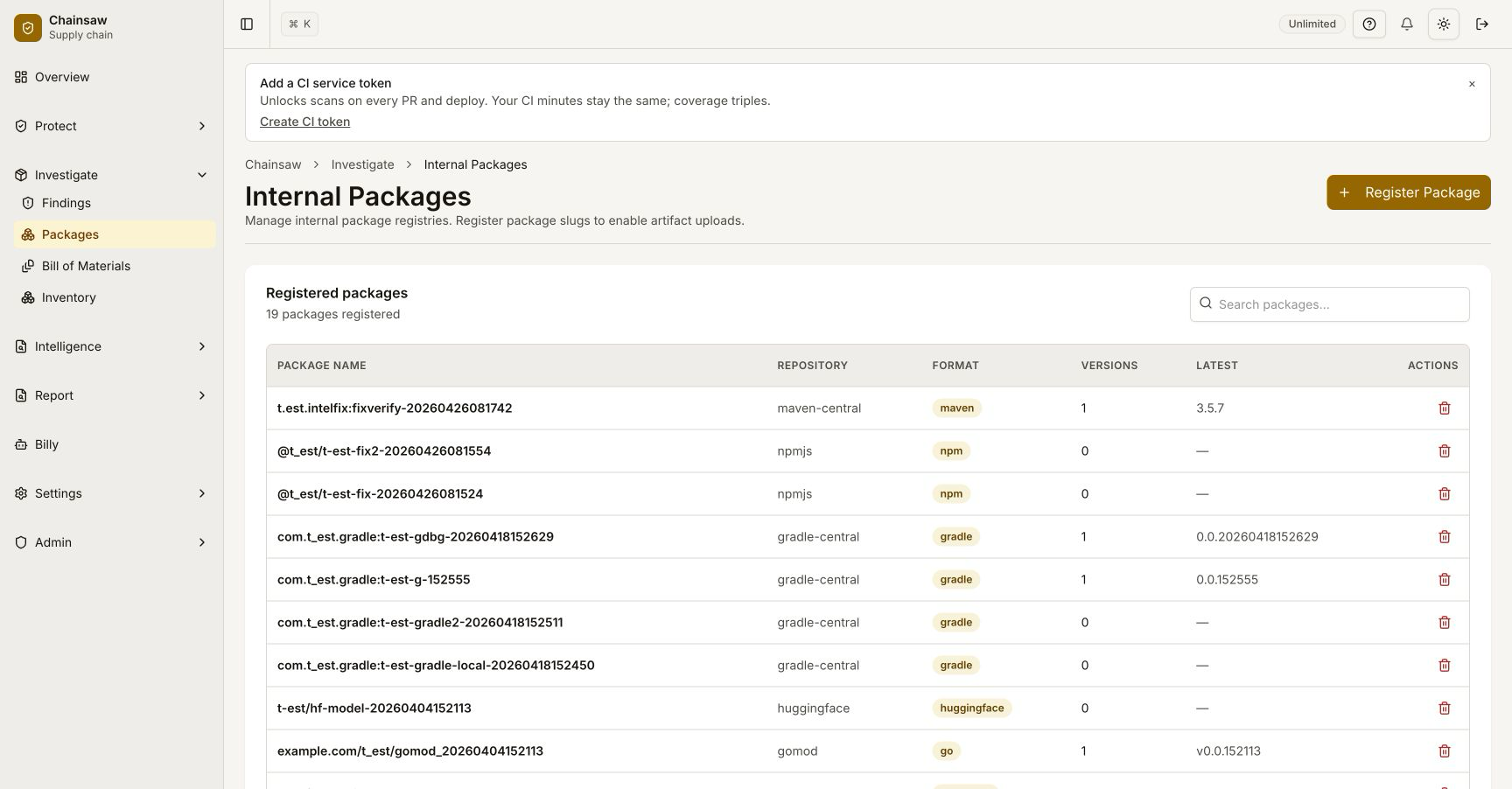
Chainsaw supports an internal flag on package metadata. When a package is marked as internal, it signals that this package name belongs to your organization.
If a package with the same name appears from a public registry, Chainsaw can flag or block it as a potential dependency confusion attempt.
Step 5: Monitor for Confusion Attempts
Watch for these signals in your dashboard and traffic logs:
| Signal | Indicator |
|---|---|
| Blocked requests matching reserved patterns | Active attack or misconfiguration |
| New packages from public registries matching internal names | Potential confusion attempt |
| Unusually high version numbers | Attackers often use 99.0.0 to win version resolution |
Step 6: Configure Package Manager Defenses
Complement Chainsaw’s protection with package manager settings:
npm
# .npmrc — force scoped packages to your internal registry
@mycompany:registry=https://chain305.com/chainproxy/repository/@default/internal-npm/
pip
# pip.conf — use Chainsaw as the only index
[global]
index-url = https://chain305.com/chainproxy/repository/@default/pypi/simple/
extra-index-url =
Maven
<!-- settings.xml — mirror all repos through Chainsaw -->
<mirrors>
  <mirror>
    <id>chainsaw</id>
    <mirrorOf>*</mirrorOf>
    <url>https://chain305.com/chainproxy/repository/@default/maven-central/</url>
  </mirror>
</mirrors>
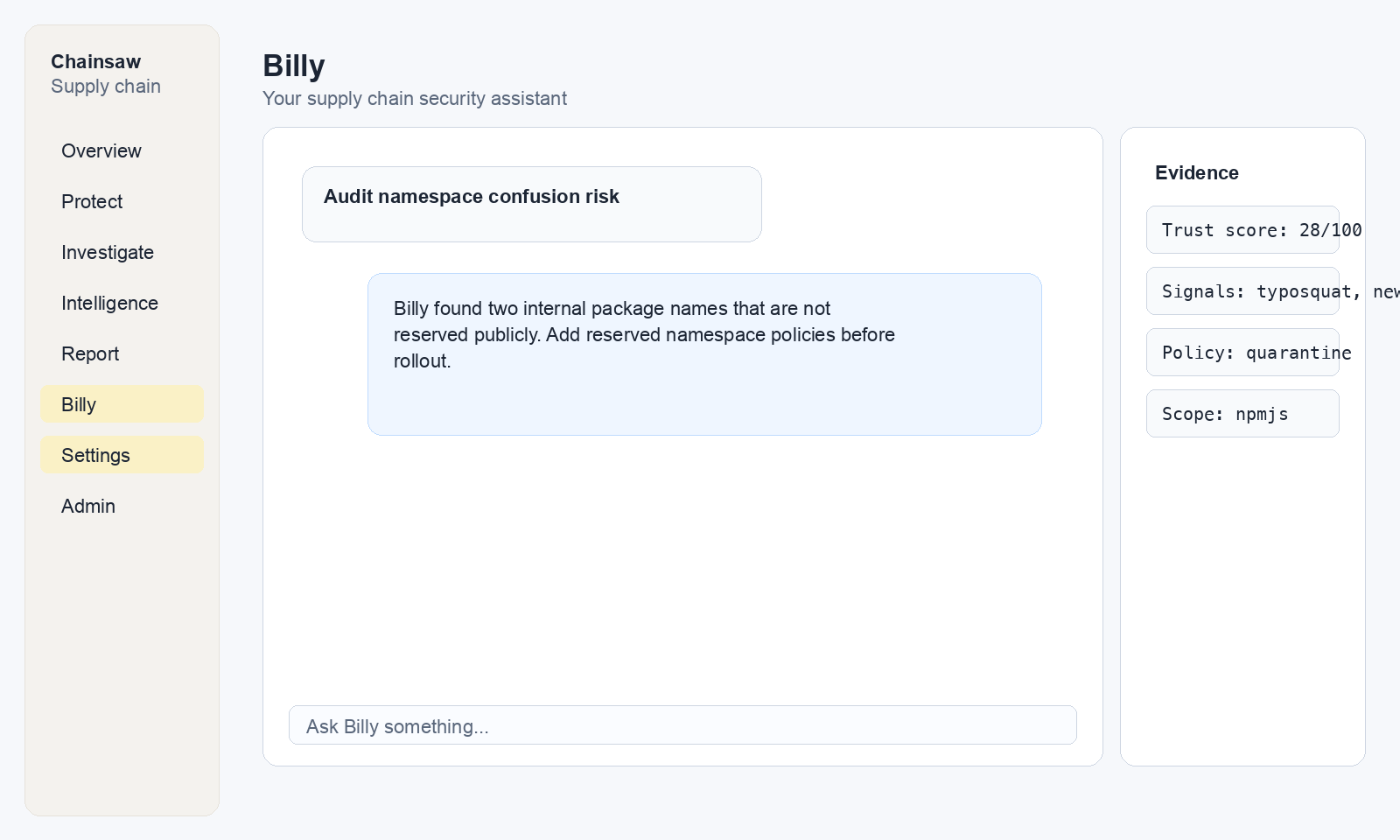
Step 7: Use Billy to Audit Namespace Risk
Ask Billy to help identify potential dependency confusion risks:
"Show me packages that match the pattern @mycompany from public repositories"
"Are there any packages from external registries with names similar to our internal packages?"
Real-World Example
In 2021, a security researcher demonstrated dependency confusion by publishing packages matching internal names of major companies (Apple, Microsoft, PayPal) on public registries. Automated build systems fetched the public versions, executing the researcher’s code in corporate environments.
With Chainsaw:
- Reserved namespace policy blocks any public package matching
@company/* - The attack is logged as a violation
- Security team is alerted
- The build continues using the correct internal package
Next Steps
- How to Create Custom Hook Scripts — Add custom namespace checking logic
- How to Detect and Prevent Typosquatting — Related name-based attacks
- How to Manage Policy Precedence and Exception Workflows — Position namespace policies in your stack