How to Use Trust Scores to Assess Package Risk
Understand the 0-100 composite trust score breakdown, filter by trust score, and build policies around package trust levels.
Overview
Chainsaw computes a composite Trust Score (0-100) for every package version that flows through the proxy. This score aggregates multiple supply chain signals into a single, actionable number. A score of -100 indicates confirmed malware.
Trust scores help you prioritize investigations, build risk-based policies, and communicate supply chain health to stakeholders.
Prerequisites
- Packages flowing through Chainsaw (trust scores are computed automatically)
- Access to the Intelligence page (Manager role or above)
Step 1: Understand the Trust Score Breakdown
The trust score is calculated from these components:
| Component | Max Points | How It’s Earned |
|---|---|---|
| Malware Check | -100 (kill) | If package is in the known malware database, score is instantly -100 |
| Vulnerability Status | 20 | No vulnerabilities: +20. CVSS < 4: +15. CVSS < 7: +10. CVSS < 9: +5. CVSS >= 9: +0 |
| Provenance | 25 | Verified SLSA attestation: +25 |
| License Compliance | 10 | Valid SPDX license present: +10 |
| Package Age | 10 | Package older than 30 days: +10 |
| Typosquat Check | 10 | Clean: +10. Suspected (high): -30. Suspected (medium): -20 |
| Source Repository | 10 | Linked GitHub/GitLab repo: +10 |
| Repo Liveness + Ownership | 10 | Upstream source repo is HTTP-reachable and the default branch has been pushed within the liveness window: +5. Publisher identity matches the repo owner (publisher-to-repo-owner match): +5. Prevents abandoned repos and mismatched-ownership drops from coasting to a passing score on trust alone. |
| Version Count | 10 | Multiple published versions: +10 |
| Checksum Verified | 5 | Integrity hash matches: +5 |
| Wave-4 reputation signals | -40 (penalty band) | Composite penalty drawn from maintainerAge, firstTimeCollaborator, nonexistentAuthor, suspiciousRepoStars, rttAnomaly, artifactRisk, publisherChanged, publishVelocityAnomaly, versionAnomaly, and hasHiddenUnicode. A clean ledger contributes 0; a single fired signal trims the score; multiple fired signals stack toward the cap. |
| Total | 100 |
Step 2: View Trust Scores in Intelligence
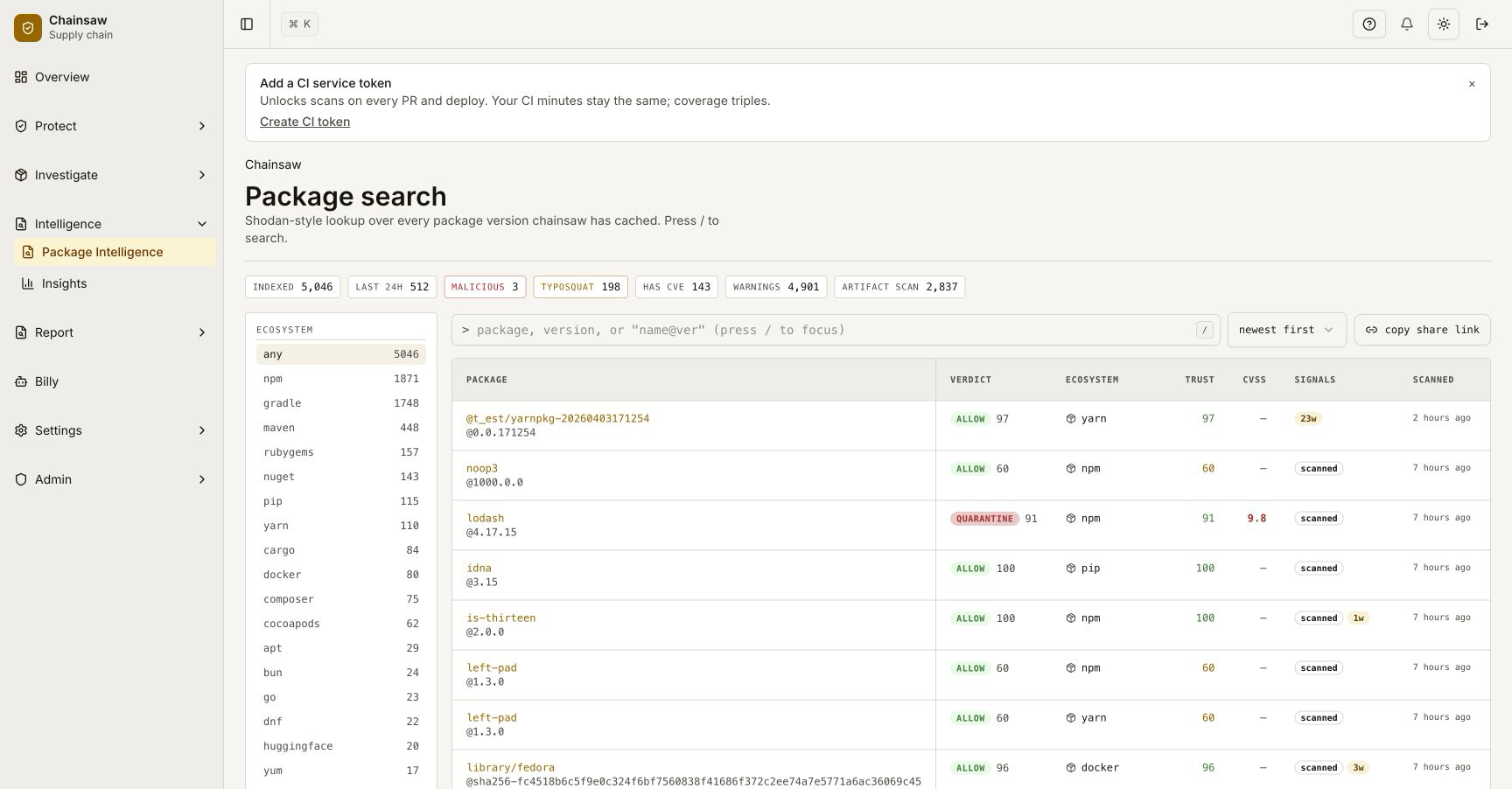
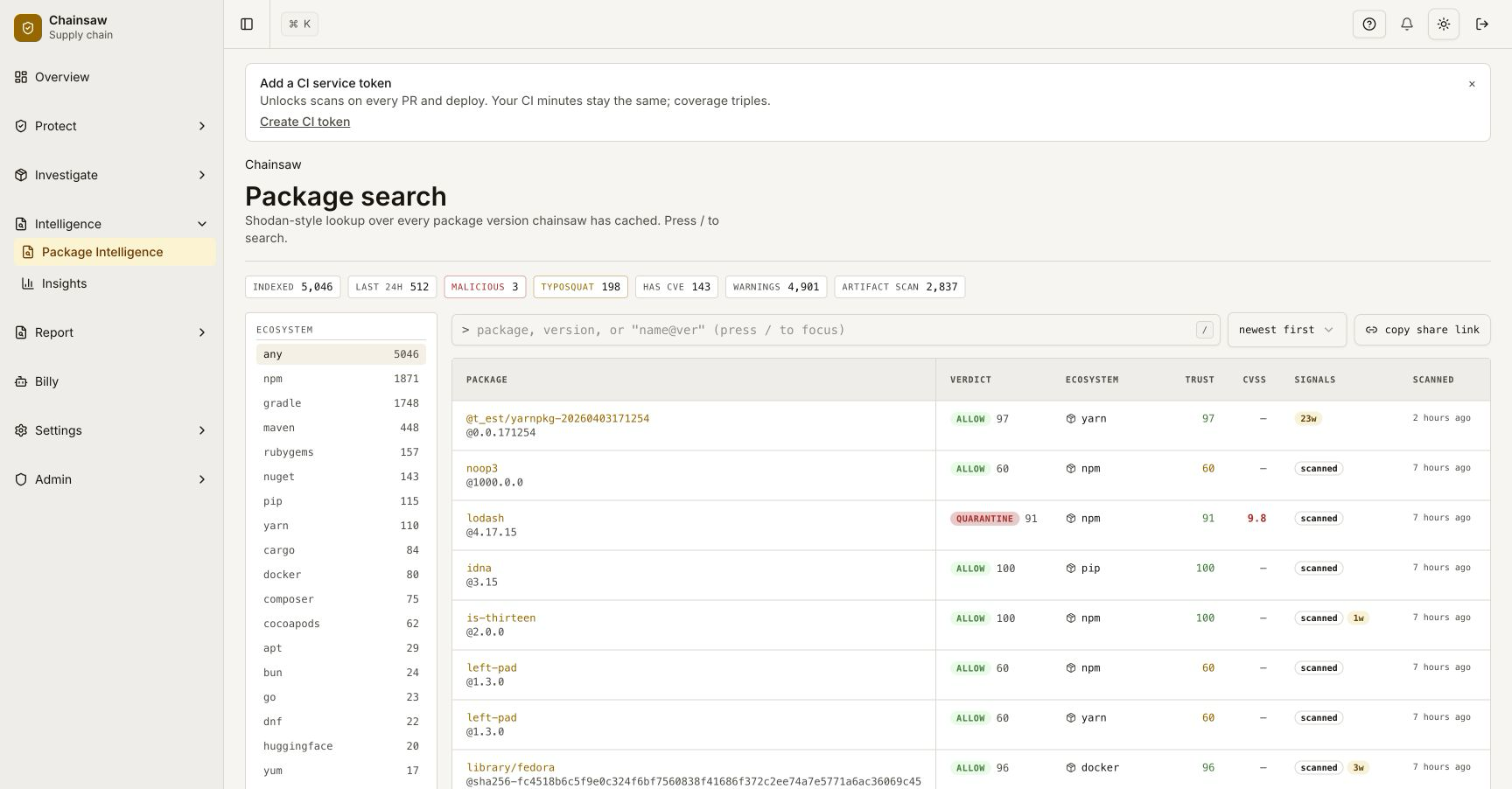
Navigate to Intelligence. The Trust Score column shows the composite score for each package.
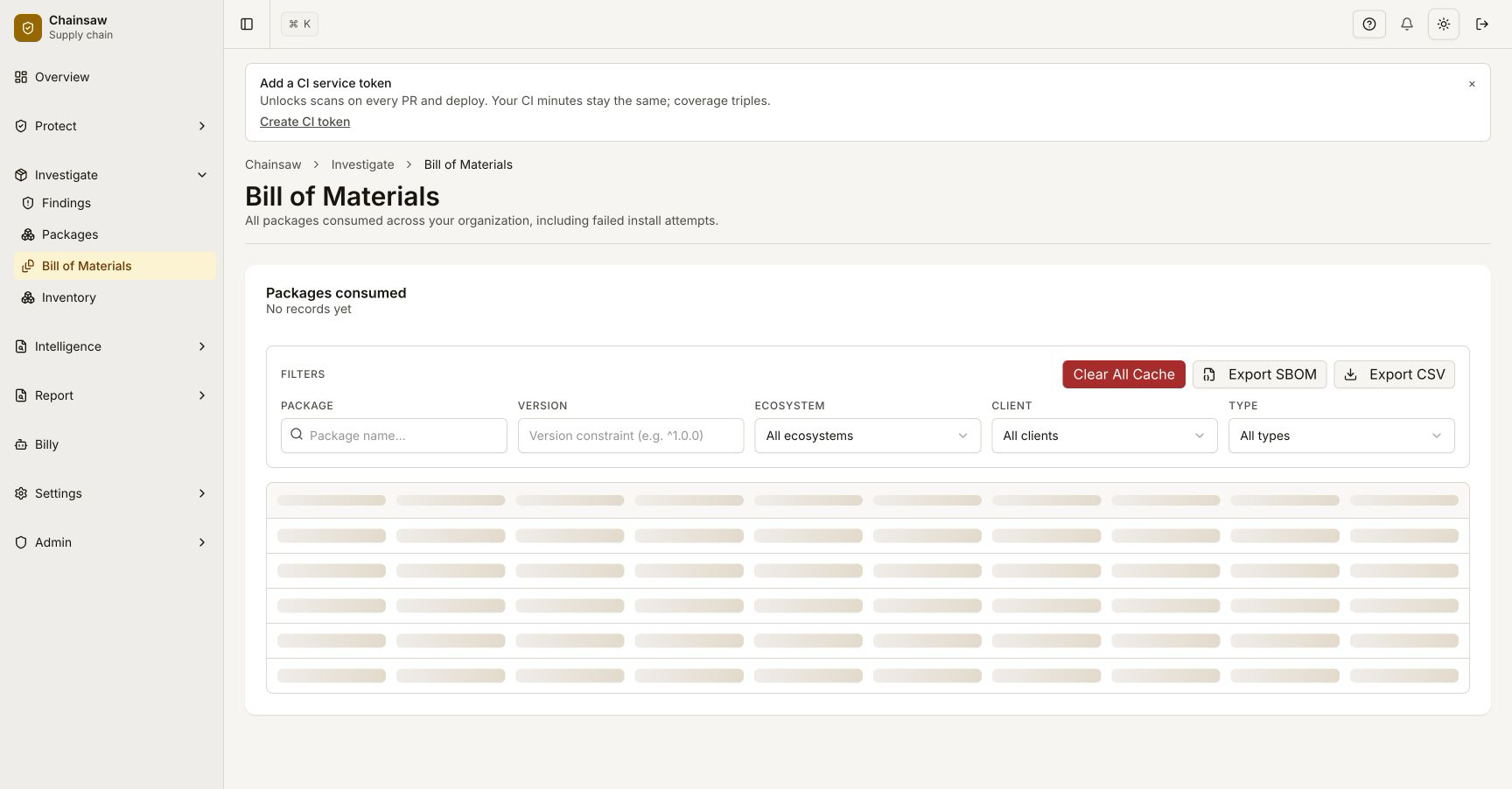
The Bill of Materials does not carry this column, and neither does the BOM CSV
export — sort those by malware_status and typosquat_status instead.
Interpreting Scores
| Score Range | Risk Level | Typical Action |
|---|---|---|
| 80-100 | Low risk | Allow freely |
| 60-79 | Moderate risk | Monitor, review periodically |
| 40-59 | Elevated risk | Investigate, consider quarantine |
| 1-39 | High risk | Block or require exception |
| -100 | Confirmed malware | Always block |
Step 3: Sort and Filter by Trust Score
In Intelligence, click the Trust Score column header to sort packages by risk level. This surfaces your most suspicious packages first.
Step 4: Create Trust Score Policies
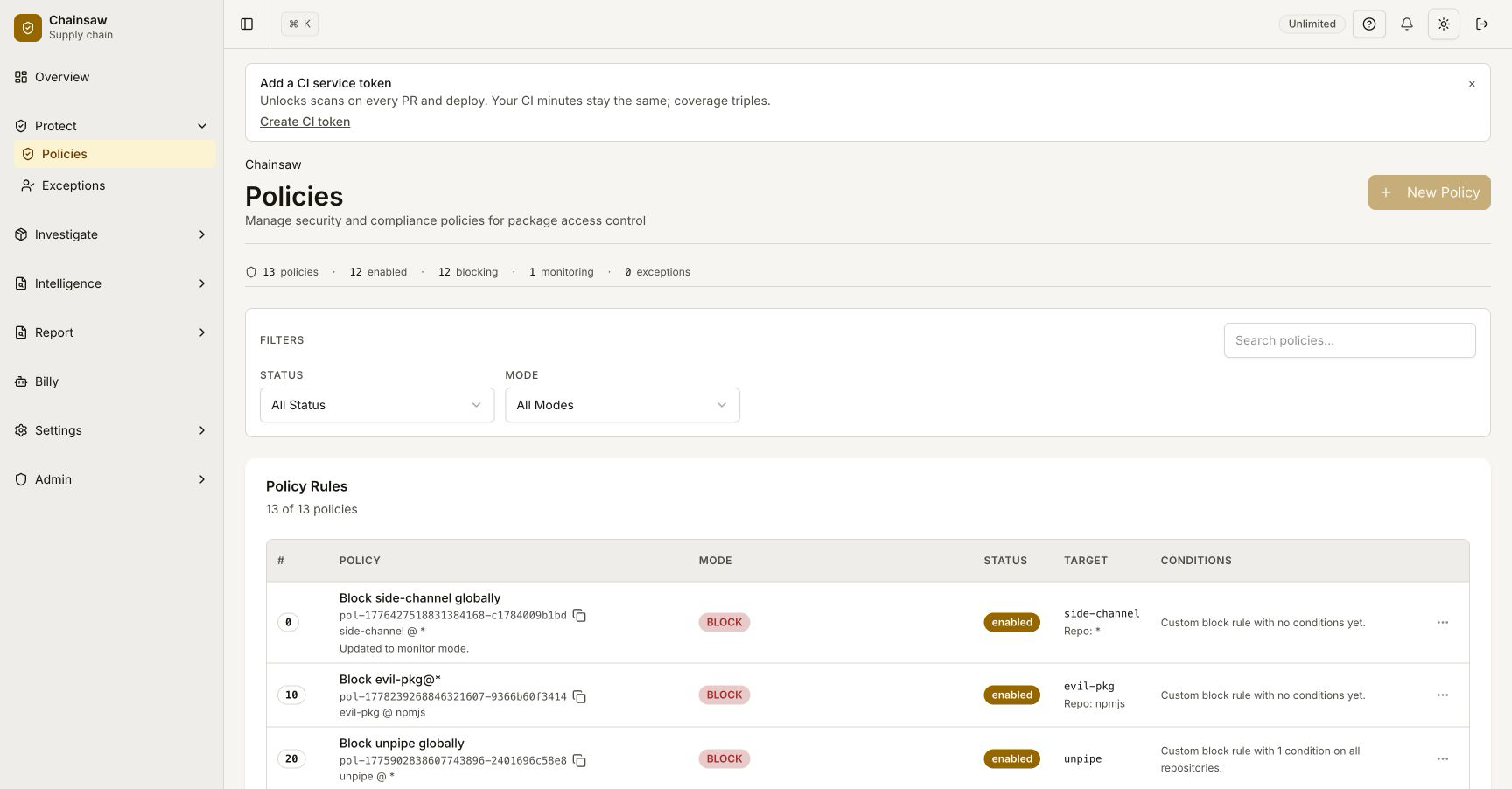
Navigate to Policies and create policies based on trust score thresholds.
Block Low-Trust Packages
- Name:
Block Low Trust Score - Action: Block
- Condition: Trust Score → less than 30
- Scope: All repositories
Quarantine Moderate-Risk Packages
- Name:
Quarantine Moderate Risk - Action: Quarantine
- Condition: Trust Score → less than 60
- Scope: Production service tokens only
Step 5: Drill Into Score Components
When a package has a low trust score, investigate which components are dragging it down. Click the package in Intelligence to see the full breakdown.
Common patterns:
| Low Score Cause | What to Do |
|---|---|
| Provenance missing | Check if ecosystem supports provenance. If not, adjust expectations |
| Typosquat suspected | Verify the package name is correct. Create an exception if legitimate |
| No license | Check upstream — some packages have licenses not in metadata |
| New package (< 30 days) | Wait, or create a time-bound exception if needed urgently |
| Vulnerabilities | Check CVEs and assess severity for your use case |
maintainerAge fired | Maintainer account is younger than the configured threshold (default 90 days). Treat as account-takeover-adjacent risk — dig into commit history before pinning |
firstTimeCollaborator fired | Author has never previously committed to this repo. Common in legitimate first-PR drops, but a known supply-chain attack staging pattern; cross-check with publisherChanged |
nonexistentAuthor fired | Declared package author resolves to a deleted or unreachable account. Almost always reason to block until upstream is corrected |
suspiciousRepoStars fired | Composite of <5 stars, <30 days old, >90 days dormant — typical of a hastily-staged squatter. Investigate before allowing |
publisherChanged fired | Maintainer set diff vs. previous version — the canonical signature of an account takeover. Pair with an exception only if you can verify the change with the upstream project |
publishVelocityAnomaly fired | The publishing account has spiked its 24-hour rolling publish count — worm-burst signal. Treat similar to publisherChanged |
hasHiddenUnicode fired | Source includes zero-width / bidi-override / tag characters. Almost never legitimate; quarantine while reviewing |
rttAnomaly / artifactRisk fired | Round-trip-time between commit and publish is anomalous, or per-artifact heuristics (file count, entropy, suspicious paths) tripped. Use as a tiebreaker, not a sole verdict |
Step 6: Track Trust Score Trends
Use the Overview dashboard to monitor aggregate trust score health over time. Filter by repository or client to identify teams consuming riskier packages.
Step 7: Use Billy for Risk Analysis
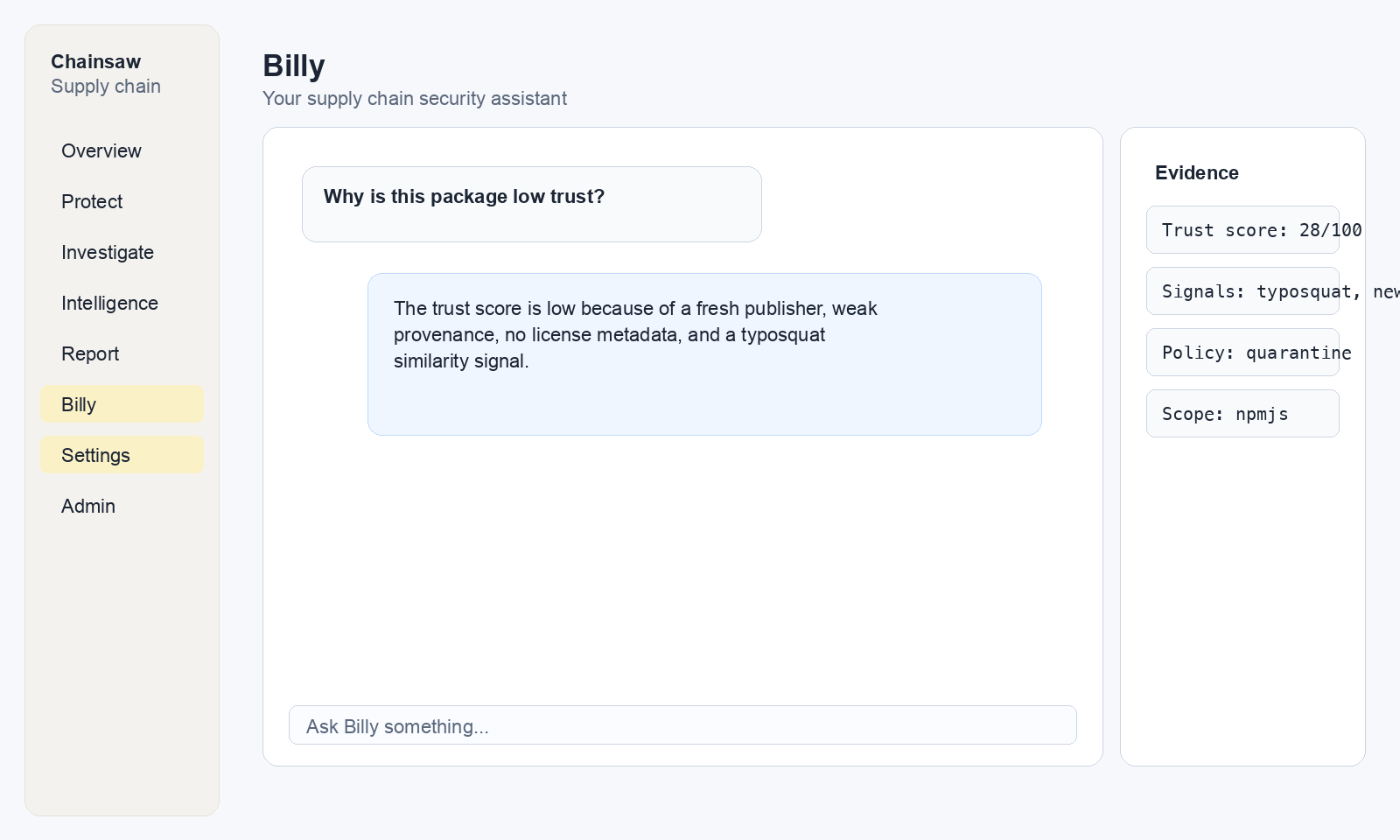
Ask Billy to identify trust score patterns:
"What are the 10 lowest trust score packages we're using?"
"Show me packages with trust score below 50 installed by production service tokens"
"Which ecosystem has the lowest average trust score?"
Next Steps
- How to Block Vulnerable Packages Using CVSS and EPSS — Dig deeper into the vulnerability component
- How to Verify Package Provenance — Improve provenance scores
- How to Monitor Violations and Respond to Blocked Packages — Handle packages blocked by trust score policies