How to Detect and Prevent Typosquatting Attacks
Understand Chainsaw's BK-tree typosquat detection, review flagged packages, and create policies that block suspected typosquats.
Overview
Typosquatting is a supply chain attack where malicious actors publish packages with names similar to popular ones (e.g., lodsah instead of lodash). Chainsaw detects these attacks in real-time using a BK-tree algorithm that compares every incoming package name against a database of popular packages per ecosystem.
Detection runs inline in under 5ms and catches:
- Edit-distance attacks — transposed, added, or removed characters
- Homoglyph attacks — visually similar characters (e.g.,
rnvsm) - Combosquat attacks — appending common suffixes (e.g.,
lodash-utils) - Word-reorder attacks — rearranging the same tokens (e.g.,
http-auth-nodevsnode-http-auth)
Prerequisites
- Admin or Manager role in Chainsaw
- Packages flowing through the proxy (typosquat detection is automatic)
Step 1: Understand How Detection Works
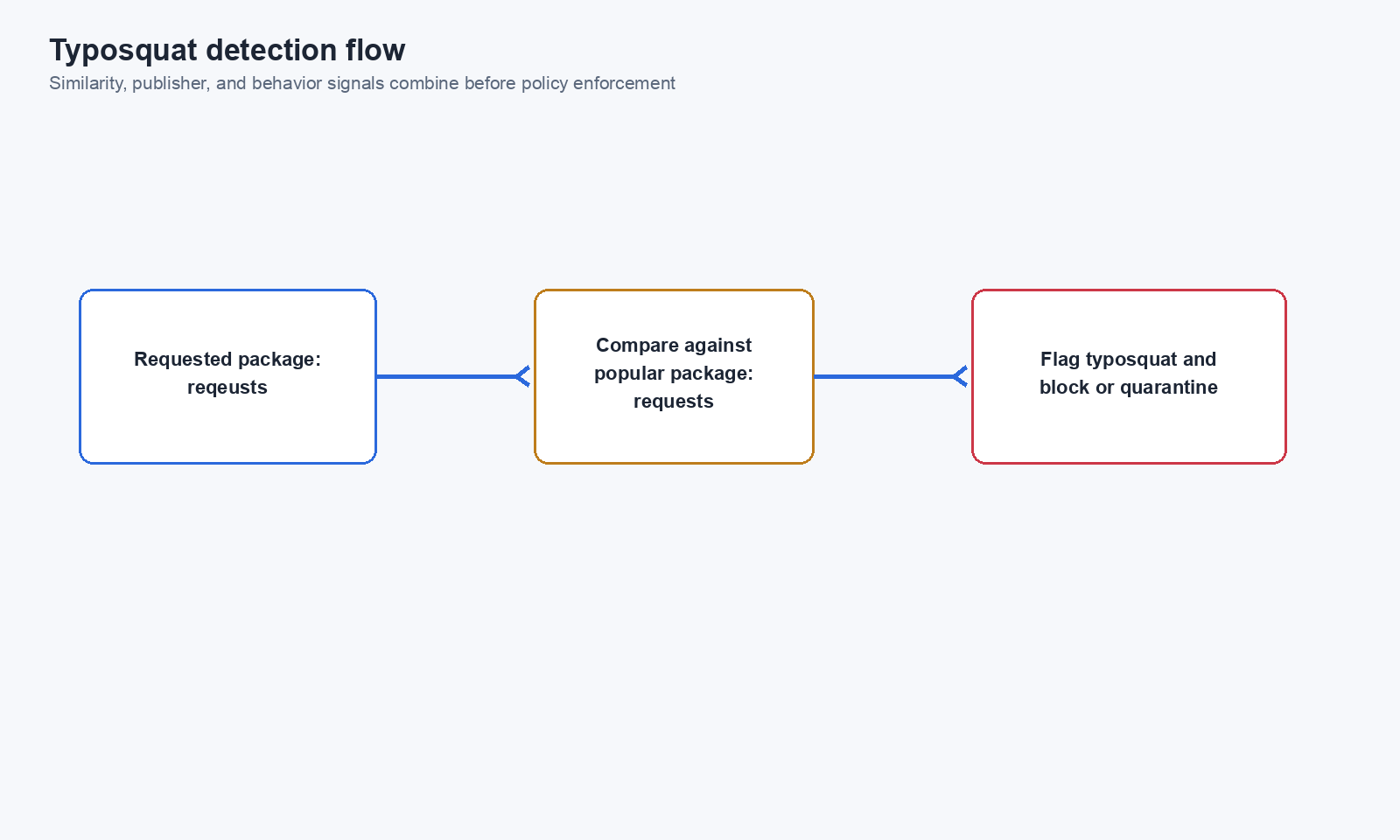
When a package is requested through Chainsaw, the supply chain orchestrator runs typosquat detection as a synchronous check:
- The package name is compared against popular packages in the same ecosystem
- The BK-tree returns matches within a configurable edit distance
- Results include a confidence level (high, medium, low) and the similar package it matched against
Step 2: Review Flagged Packages
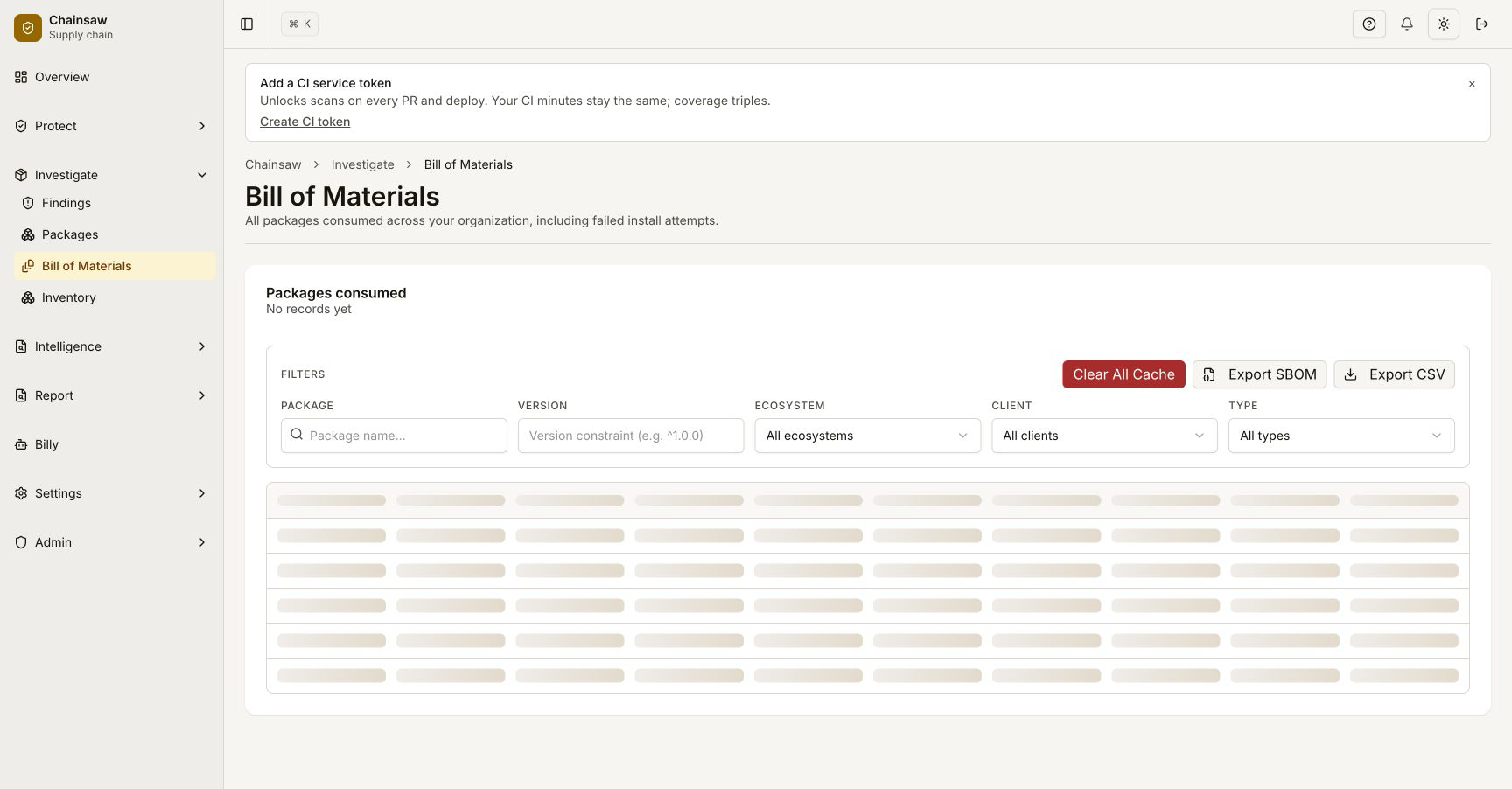
Navigate to the Bill of Materials page. Packages flagged as suspected typosquats show a warning indicator in the Typosquat Status column.
| Status | Meaning |
|---|---|
| Clean | No similarity to popular packages detected |
| Suspected | Package name is suspiciously similar to a popular package |
| Confirmed Safe | Manually reviewed and marked as safe |
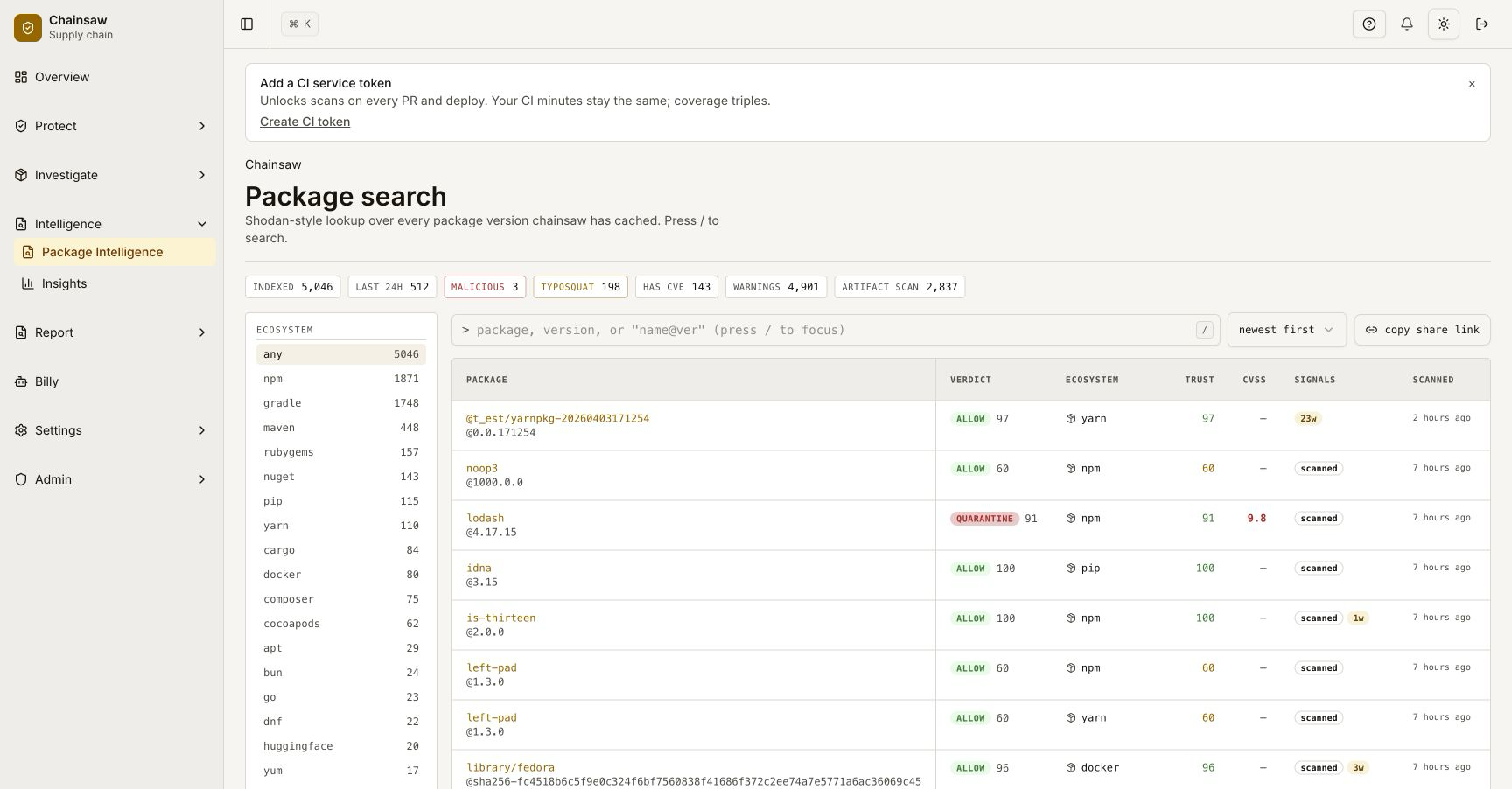
Click on a flagged package to see details:
- Which popular package it’s similar to
- The confidence level of the match
- The edit distance and detection method
Step 3: Create a Policy to Block Typosquats
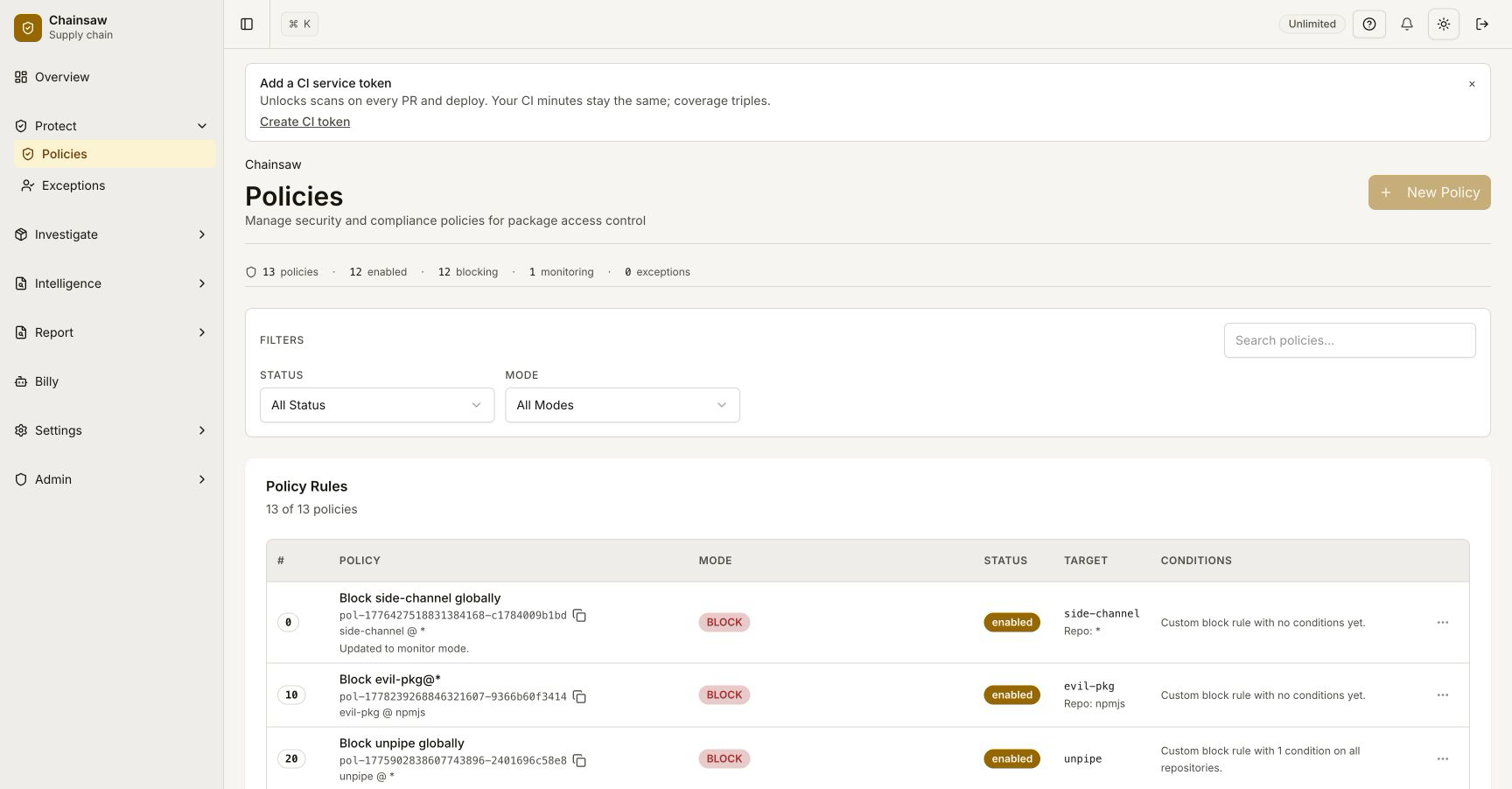
Navigate to Policies and click Create Policy.
Configure the Policy
- Name:
Block Suspected Typosquats - Action: Block
- Condition: Typosquat Detection →
suspected
Choose Your Enforcement Level
You have several options:
| Approach | Policy Action | When to Use |
|---|---|---|
| Block all suspected | Block | High-security environments |
| Quarantine for review | Quarantine | Teams that need flexibility |
| Block high-confidence only | Block with confidence filter | Balanced approach |
Step 4: Monitor the Trust Score Impact
Typosquat detection affects the composite Trust Score for each package:
| Detection Result | Trust Score Impact |
|---|---|
| Clean | +10 points |
| Suspected (high confidence) | -30 points |
| Suspected (medium confidence) | -20 points |
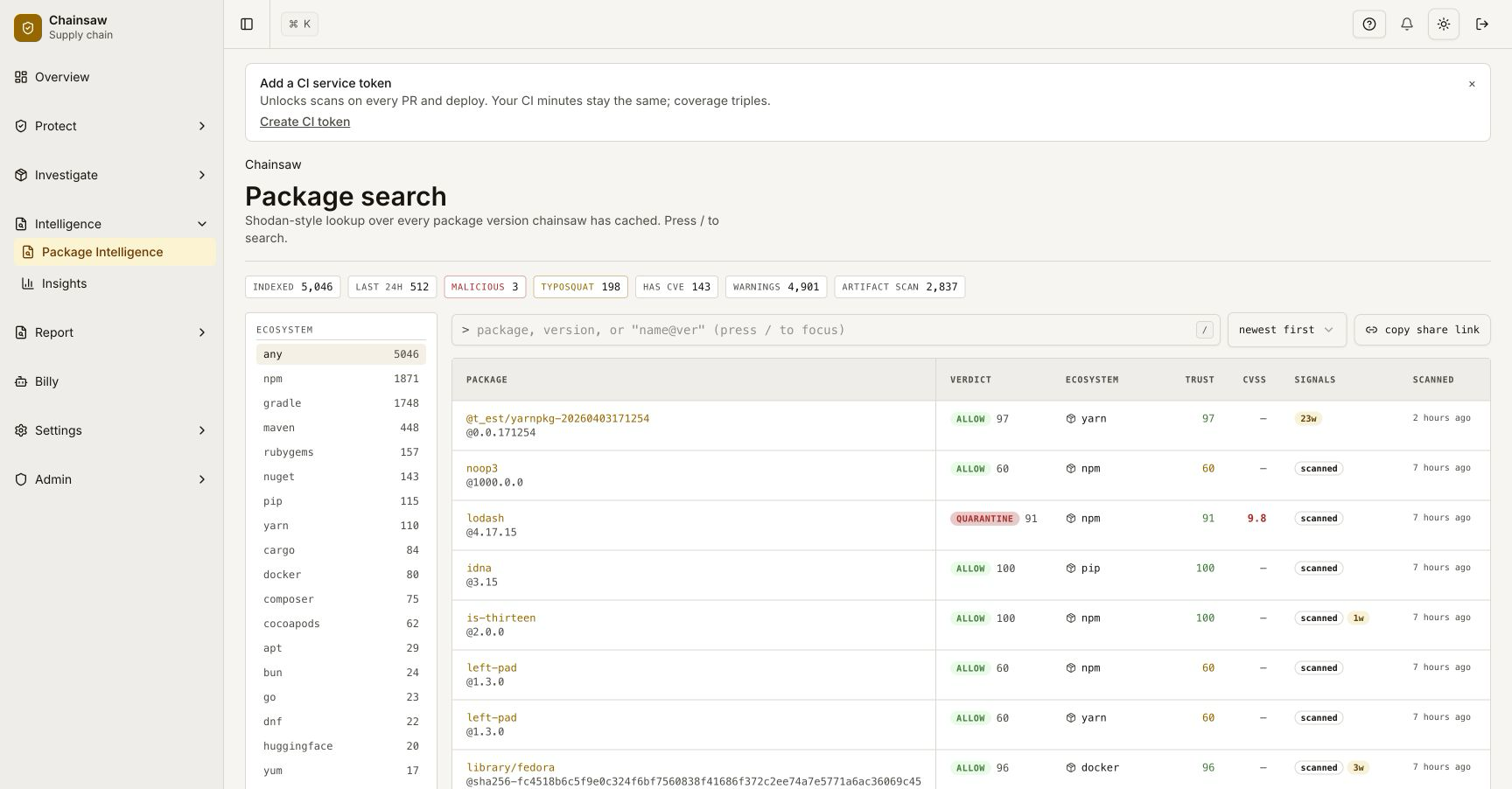
Navigate to the BOM page and sort by Trust Score to identify the highest-risk packages.
Step 5: Handle False Positives
If a legitimate package is flagged as a typosquat:
- Review the package details in the BOM
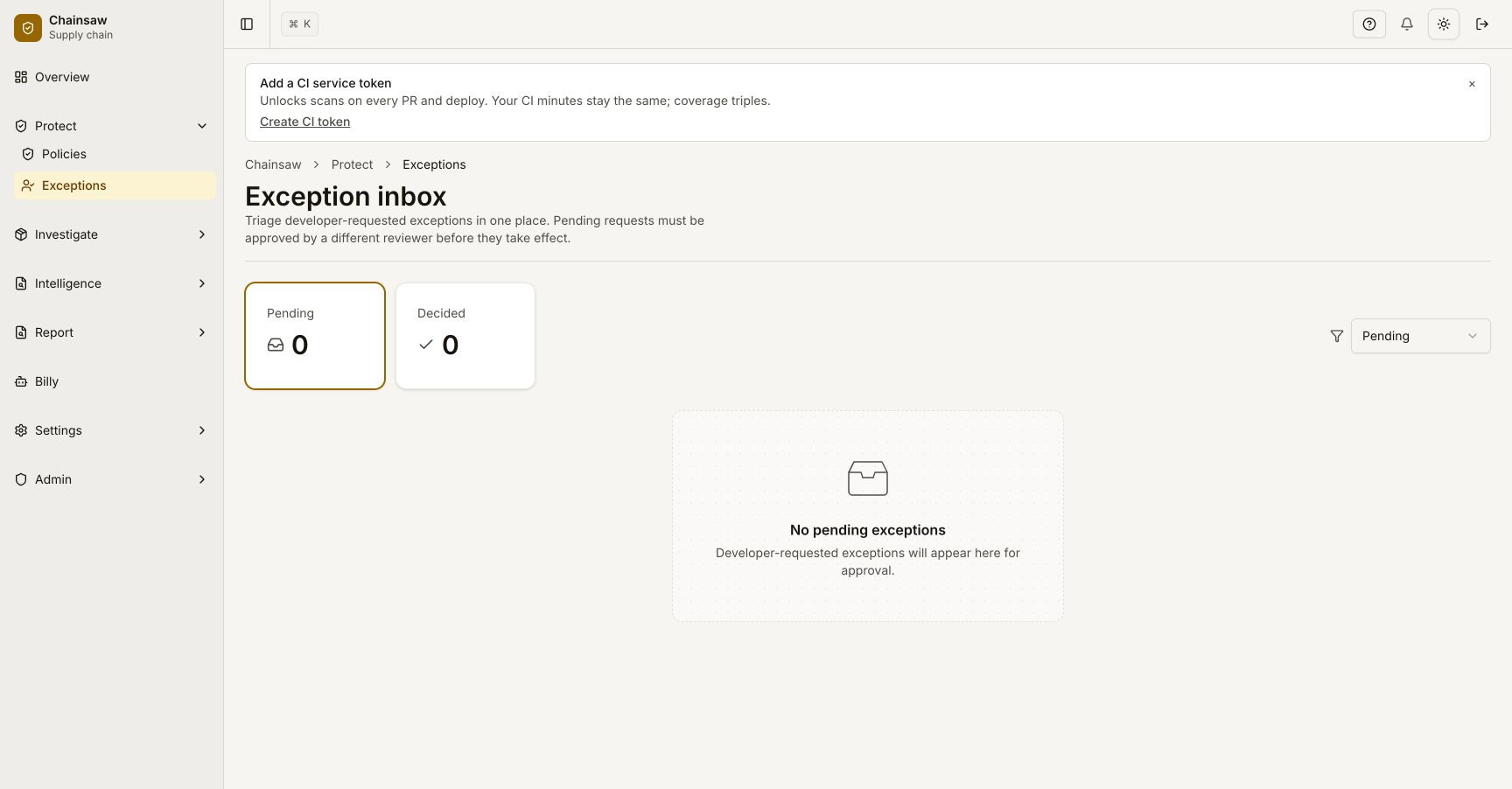
- Create an exception for that specific package
- Navigate to Policies and create an Allow policy with higher precedence, scoped to that package
Step 6: Use Billy to Investigate
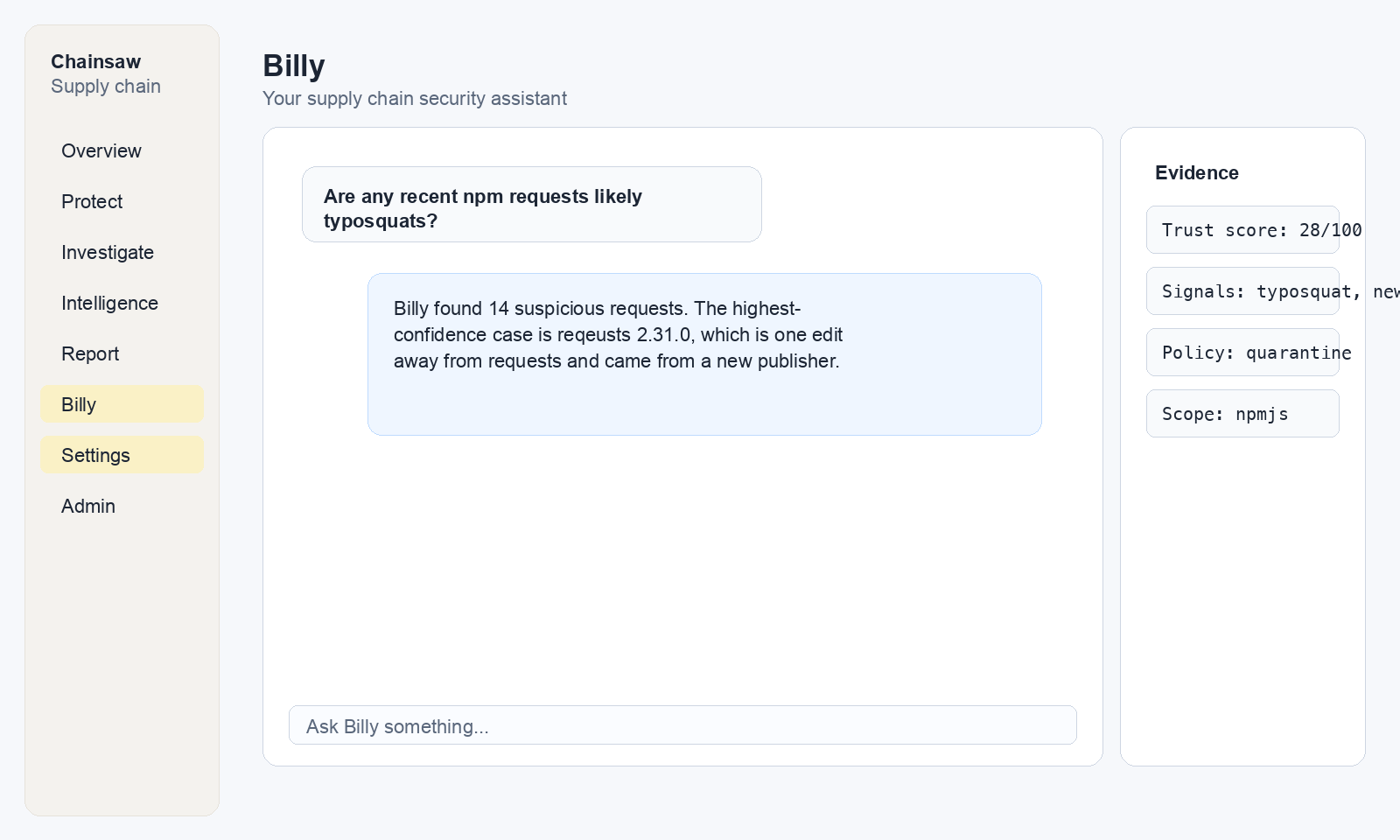
Ask Billy to help identify typosquat patterns in your organization:
"Show me all packages flagged as suspected typosquats in the last 30 days"
"Which clients are installing packages with low trust scores?"
Real-World Example
A developer accidentally types npm install axois instead of npm install axios. Without Chainsaw:
- npm fetches the typosquatted package from the public registry
- The malicious package executes post-install scripts
- Credentials are exfiltrated
With Chainsaw:
- The request hits the proxy
- Typosquat detection flags
axoisas similar toaxios(edit distance: 1, high confidence) - The blocking policy rejects the install
- The developer sees an error explaining the suspected typosquat
Next Steps
- How to Enforce License Compliance — Add license checks to your policy stack
- How to Use Trust Scores to Assess Package Risk — Understand the full trust score system
- How to Monitor Violations and Respond to Blocked Packages — Handle blocked packages