How to Answer "Are We Affected by CVE-X?" Using the Inventory Dashboard
When a new CVE drops, you have minutes to answer "are we exposed?". Walks through the /inventory dashboard, the chainsaw_query_inventory MCP tool, and the dependsOn-graph search that finds transitive exposure.
The Question
It is 9 AM. A new GHSA dropped at 8:55. Your CTO is in your DMs: “are we exposed?”. You have one hour before stand-up.
The wrong answer is “we will run a scan and let you know by EOD”. The right answer is “yes, six packages, two of them in the prod build, here’s the cleanest patch”.
The /inventory dashboard plus the chainsaw_query_inventory MCP tool give you the right answer in under a minute.
Prerequisites
- Inventory populated — i.e., packages have flowed through the proxy.
- Manager role or above.
Step 1: Open the Inventory Dashboard
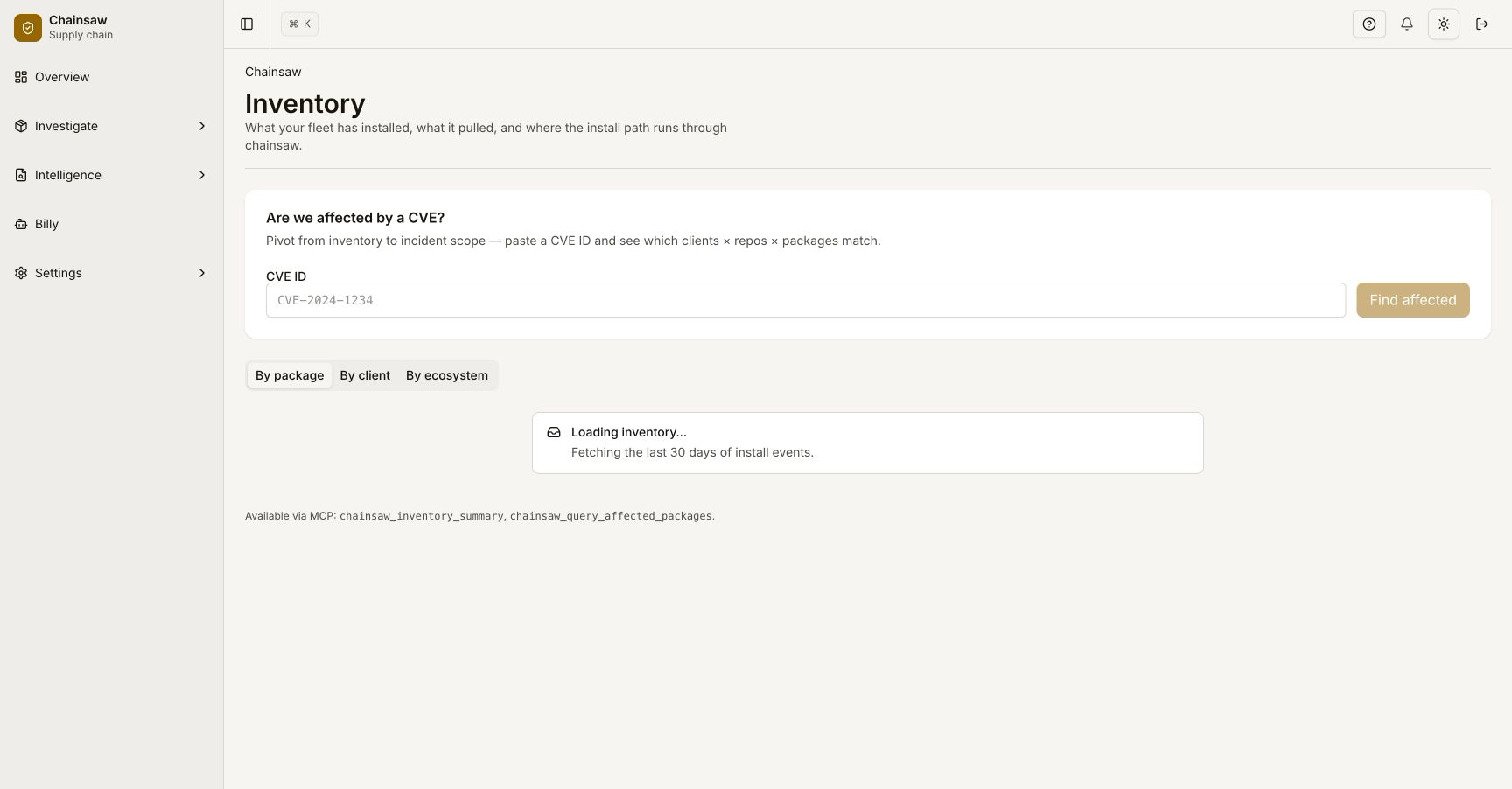
Click Inventory in the sidebar (or navigate to /inventory directly). The page has three pivots:
| Pivot | What it groups by | Best for |
|---|---|---|
| By package | Each unique (ecosystem, name, version) is a row, with the clients that pull it | “How many of our packages are still on lodash@4.17.20?” |
| By client | Each client is a row, with its installed package count | “Which team’s pipeline is the most exposed?” |
| By ecosystem | Each ecosystem is a row | Quick scan of the spread |
Default view is By package, which is what you want for CVE triage.
Step 2: Search for the Affected Coordinate
The CVE record (GHSA, NVD, OSV) tells you which package and version range is affected. Type the package name into the search:
@vue/runtime-core
The list filters to every version of @vue/runtime-core in the inventory, with each row showing:
- Version
- First seen / last seen
- Installing clients (count + list)
- Trust score
- Vulnerability badges (CVE count, KEV count, EPSS max)
If the affected version range includes any installed version, you have direct exposure.
Step 3: Walk the dependsOn Graph
Direct exposure is half the picture. Most CVE blast radii are transitive — you don’t install the affected package directly, but a dozen of your dependencies do.
The Affected by input at the top of the page accepts a CVE / GHSA ID:
GHSA-jr5f-v2jv-69x6
Behind the scenes this calls the dependsOn-graph endpoint:
curl -H "Authorization: Bearer $CHAINSAW_TOKEN" \
     "https://chain305.com/chainproxy/api/inventory/affected?cve=GHSA-jr5f-v2jv-69x6" \
     | jq '.affected[] | {package, version, paths, depth}'
Response: every package in your inventory that pulls in the affected coordinate, transitively. Each entry has:
| Field | Meaning |
|---|---|
package | The package you actually have installed (might be a top-level dep, might be intermediate) |
version | Its installed version |
paths | The dependency paths through which the affected coordinate is reached |
depth | How deep in the tree the affected coordinate sits |
The paths array is the highest-information field. It tells you exactly what to upgrade. If every path goes through the same intermediate package, that intermediate is the single PR that clears the exposure.
Step 4: Pivot to “Which Clients?”
Once you have the affected packages, switch the inventory pivot to By client and filter to the affected packages. The list collapses to: which clients pull at least one of these packages.
This is the team distribution — the people who need to know. From here:
- For each client, click into the client detail to see the manifest paths.
- Pivot the manifest paths to CODEOWNERS to identify the owning team.
- Use
route_violation_to_ownerto dispatch the notification, or send manually if your org is too small for automated routing.
Step 5: Use the MCP Tool
The same lookup is exposed to AI agents as chainsaw_query_inventory. From a Billy chat or any MCP-connected agent:
You: Are we using anything affected by GHSA-jr5f-v2jv-69x6?

Billy: [calls chainsaw_query_inventory with cve filter]
       Yes — 6 direct packages and 12 transitives, across 4 client credentials.
       The biggest exposure is in the frontend-build pipeline (8 packages).
       Recommended action: bump @vue/runtime-core from 3.4.10 to 3.4.15;
       see chainsaw_simulate_patch for the exact impact.
This is the fastest way to answer the CTO. See tutorial 51 for the full triage workflow.
Step 6: Snapshot for the Incident Timeline
Before you start patching, capture an SBOM snapshot. This freezes “what we had at the moment the CVE was disclosed” — you’ll want it for the post-incident write-up.
curl -X POST -H "Authorization: Bearer $CHAINSAW_TOKEN" \
     https://chain305.com/chainproxy/api/sbom/snapshots \
     -H "Content-Type: application/json" \
     -d '{"trigger": "manual", "tag": "ghsa-jr5f-v2jv-69x6-disclosure"}'
The snapshot appears in the /sbom dashboard. You can diff future snapshots against it to confirm “this CVE is fully cleared from our inventory now” — see tutorial 10.
Step 7: Common Variants
“Are we affected by any KEV-pinned CVE?”
curl -H "Authorization: Bearer $CHAINSAW_TOKEN" \
     "https://chain305.com/chainproxy/api/inventory/affected?kev_only=true" \
     | jq '.affected | length'
This is a useful continuous monitoring number. A healthy organization keeps this at 0 most of the time.
“Which packages are unique to a single client?”
curl -H "Authorization: Bearer $CHAINSAW_TOKEN" \
     "https://chain305.com/chainproxy/api/inventory?installer_count=1" \
     | jq '.packages[] | .name'
Useful for finding shadow IT — a package that only one team uses is a candidate for either a shared adoption discussion or a deletion.
“What new packages did we add this week?”
curl -H "Authorization: Bearer $CHAINSAW_TOKEN" \
     "https://chain305.com/chainproxy/api/inventory?first_seen=7d" \
     | jq '.packages | length'
Pair with trust-score filtering for “what new things did we add that are sketchy?”.
Verification
/inventorylists at least one package with at least one installer.- Searching for a CVE that you know is in the inventory returns the affected packages.
- The MCP tool
chainsaw_query_inventoryreturns the same set when called from an agent. - Switching pivots updates the row groupings without re-querying.
Related Topics
- How to Run the Patch Simulator — once you know what’s affected, simulate the patch.
- How to Use Billy MCP Tools — chat-based front end to this same data.
- How to Investigate a Violation in the BOM Inspector — the per-package timeline view.