How to Verify Package Provenance with SLSA Attestations
Understand provenance statuses, create policies that require verified provenance, and interpret provenance data in the BOM.
Overview
SLSA (Supply-chain Levels for Software Artifacts) provenance attestations prove that a package was built from a specific source repository using a specific build process. Chainsaw automatically checks for Sigstore-based SLSA attestations on supported ecosystems and records the provenance status for every package.
Provenance verification answers: “Was this package actually built from the source code it claims?”
Prerequisites
- Admin or Manager role in Chainsaw
- Understanding of SLSA framework concepts
- Packages from supported ecosystems flowing through the proxy
Step 1: Understand Provenance Statuses
Chainsaw assigns one of five provenance statuses to each package:
| Status | Meaning |
|---|---|
| Verified | Valid SLSA attestation found and signature verified via Sigstore |
| Unverified | Attestation found but signature verification failed |
| Unavailable | Ecosystem doesn’t support provenance attestations |
| Missing | Ecosystem supports provenance but this package has none |
| Failed | Error during provenance check (timeout, network issue) |
Step 2: Check Ecosystem Support
Provenance verification is currently supported for:
| Ecosystem | Support | How It Works |
|---|---|---|
| npm | Full | Sigstore attestation verification |
| PyPI | Full | Sigstore attestations |
| Maven / Gradle | Full | Sigstore + PGP signature verification; Gradle reuses the Maven checker |
| NuGet | Full | In-file Sigstore detached signatures |
| RubyGems | Full | In-file detached PGP signatures |
| Go | Full | sum.golang.org transparency walk |
| Docker / OCI | Full | Sigstore cosign signatures |
| Hugging Face | Full | Sigstore where published |
| APT | Full (NEW) | Clearsigned InRelease + hash-chain to the requested .deb; trust root via CHAINSAW_APT_KEYRING — see How to Detect Mirror Tampering with APT / Yum / DNF Hash-Chain |
| Yum / DNF | Full (NEW) | Detached repomd.xml.asc + hash-chain to the requested .rpm; trust root via CHAINSAW_RPM_KEYRING |
| Swift | Configurable | Three-tier: unavailable → signature-presence probe → full SE-0391 CMS verification. Set WithSwiftRegistryURL and optionally WithSwiftFullVerify |
| Cargo / Composer / CocoaPods | Unavailable | No standard attestation mechanism yet — pair with trustScoreMin and checksum enforcement |
Step 3: Review Provenance in the Bill of Materials
Navigate to Bill of Materials. The Provenance Status column shows the verification result for each package.
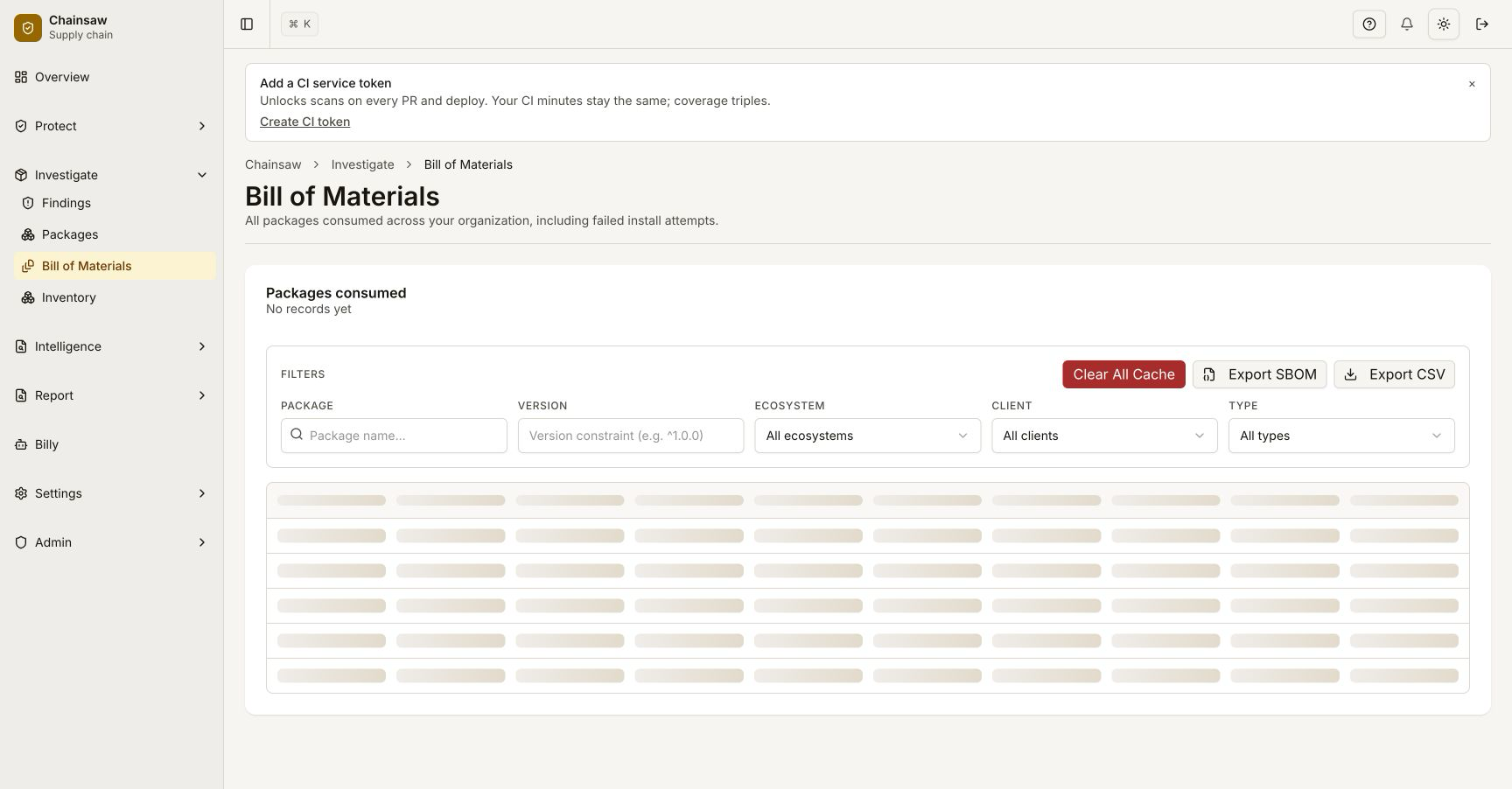
Click on a package with Verified status to see additional details:
- Builder ID (e.g.,
https://github.com/actions/runner) - Attestation type
- Source repository link
Step 4: Create a Provenance Requirement Policy
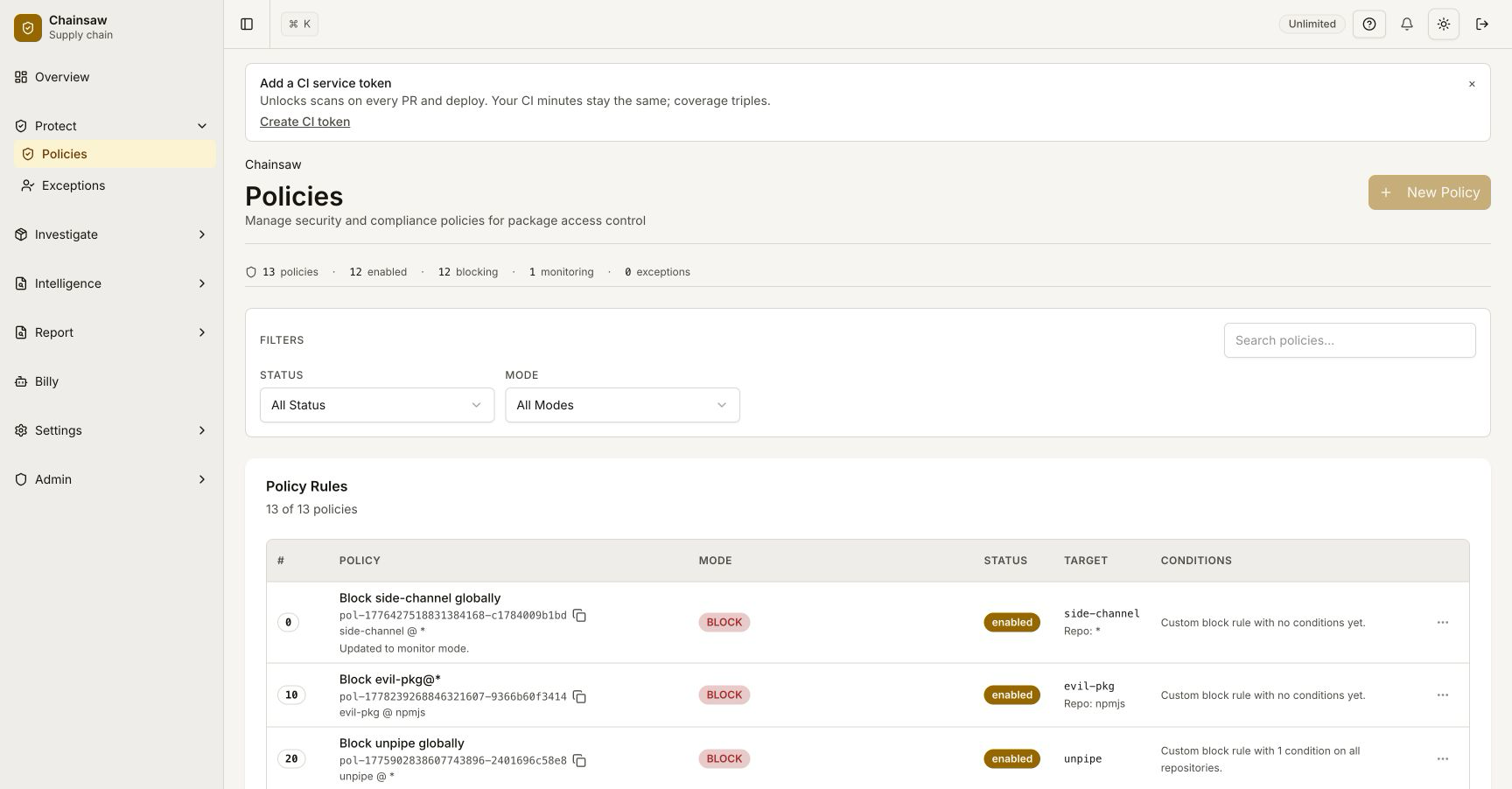
Navigate to Policies and click Create Policy.
Require Verified Provenance
- Name:
Require Verified Provenance - Action: Block
- Condition: Provenance Status → not
verified - Scope: npm and PyPI repositories only (where provenance is available)
Gradual Rollout Strategy
- Week 1: Create a Quarantine policy and monitor which packages lack provenance
- Week 2: Create exceptions for legitimate packages without provenance
- Week 3: Switch from Quarantine to Block
Step 5: Monitor Provenance Impact on Trust Scores
Provenance verification contributes significantly to the composite trust score:
| Provenance Status | Trust Score Impact |
|---|---|
| Verified | +25 points |
| Unverified | +0 points |
| Unavailable | +0 points (not penalized) |
| Missing | +0 points |
| Failed | +0 points |
A verified provenance is worth 25 points out of the possible 100, making it one of the most impactful trust score signals.
Step 6: Investigate with Billy
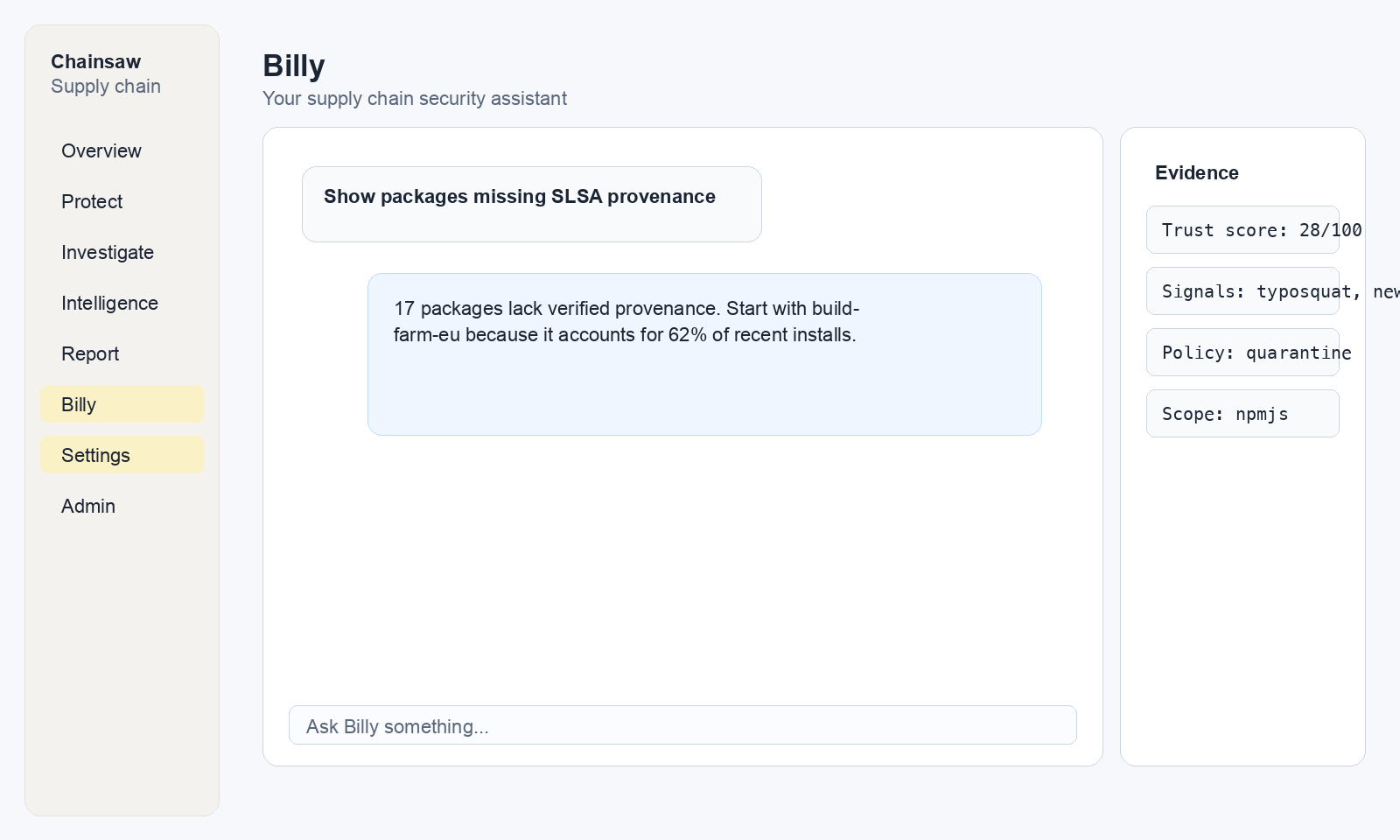
Ask Billy to find packages lacking provenance in supported ecosystems:
"Show me npm packages with missing provenance in the last 30 days"
"What percentage of our PyPI packages have verified provenance?"
Understanding the Provenance Check Flow
- Package request arrives at Chainsaw
- Sync checks run first (malware, typosquat, sync trust score)
- Package is served to the client
- Async enrichment kicks in (bounded worker pool, 20 concurrent workers)
- Provenance check queries the registry’s attestation endpoint (30s timeout)
- Result is stored in the metadata store
- Trust score is recomputed with the provenance signal
Next Steps
- How to Use Trust Scores to Assess Package Risk — See how provenance fits into the overall risk picture
- How to Enforce License Compliance — Combine provenance with license policies
- How to Export Your SBOM in CycloneDX Format — Include provenance data in your SBOM exports