How to Tune Risk Signal Weights via /settings/risk-weights
Override the default weights of every supply-chain signal that feeds the trust score. When the defaults don't match your org's risk model, tune them in the settings UI without writing custom policy.
Why You’d Override the Defaults
The default trust-score weights (tutorial 08) are tuned for the median Chainsaw deployment. They’re correct for most organizations most of the time. But:
- A regulated org might want to weight license compliance much higher than the default 10 points.
- A research-heavy org might want to weight package age < 30 days lower because they pull cutting-edge pre-releases regularly.
- An ML-focused org might want to crank up
aiml.*signal weights because their installed packages are unusually weighted toward HuggingFace artifacts. - An air-gapped org might want to weight attestation availability down because Sigstore lookups are unreliable in their environment.
/settings/risk-weights lets you override these without writing custom policy code. The change is per-org, persisted, and applied to every newly-computed trust score.
Prerequisites
- Owner role. The Risk Weights leaf is gated
minRole: "owner"innav-config.ts; managers and admins will not see it. - Familiarity with the trust score components from tutorial 08.
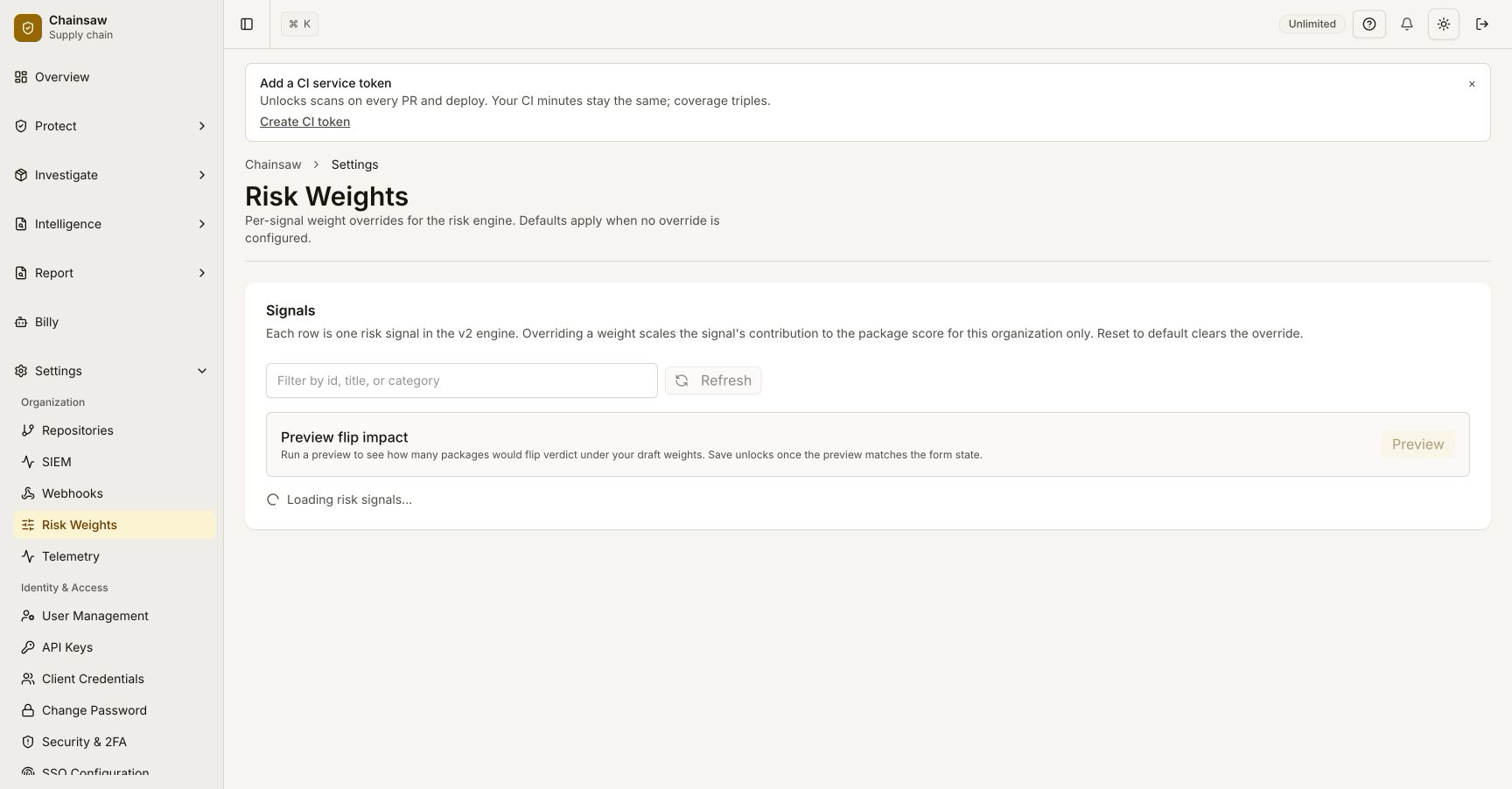
Step 1: Open the Risk Weights Page
Navigate to Settings → Risk Weights (/settings/risk-weights). The page shows a table with one row per signal:
| Signal | Default weight | Current weight | Direction | Description |
|---|---|---|---|---|
vulnerability.cvss>=9 | -20 | -20 | penalty | A reachable critical vulnerability |
vulnerability.kev_pinned | -30 | -30 | penalty | KEV-pinned CVE in the closure |
vulnerability.epss>=0.5 | -15 | -15 | penalty | High exploit prediction score |
provenance.verified | +25 | +25 | reward | Verified SLSA attestation |
license.compliant | +10 | +10 | reward | SPDX-licensed |
package.age>=30d | +10 | +10 | reward | Mature package |
attack.publisherChanged | -25 | -25 | penalty | Maintainer set diff |
attack.has_hidden_unicode | -20 | -20 | penalty | Source contains zero-width / bidi marks |
aiml.pickle_unsafe | -30 | -30 | penalty | Pickle artifact references unsafe symbols |
| …etc… |
The full list reflects every signal that contributes to the score, including all Wave-4 attack detectors and Wave-6 AI/ML signals.
Step 2: Edit a Weight
Click any cell in the Current weight column and type a new number. The new weight is applied immediately to new score computations — packages that are scored after the change reflect the new weight. Packages that were scored before remain at their old score until they’re re-computed.
Trigger an immediate recompute via the API:
curl -X POST -H "Authorization: Bearer $CHAINSAW_TOKEN" \
     https://chain305.com/chainproxy/api/admin/risk-tuning/recompute \
     -d '{"scope": "all"}'
This walks the inventory and recomputes every package’s trust score with the new weights. Expect this to take a few minutes for large inventories.
Step 3: The Math
Trust score is a bounded sum:
score = clamp(
  base_score
  + sum(reward_signals_fired * their_weights)
  + sum(penalty_signals_fired * their_weights),
  -100, 100
)
base_score is 0 by default. The kill-switch case (confirmed malware) bypasses this and clamps to -100 directly.
A signal’s weight is the amount it adjusts the score by. Doubling a weight doubles its impact on the final score. Setting a weight to 0 removes the signal from the score entirely (it still appears as a finding but doesn’t move the number).
Step 4: Set a Custom Risk Profile
The page lets you save a named profile. For example: a regulated-finance profile that weights license compliance and provenance heavily, and a research-eng profile that’s more permissive about new packages.
- Set the weights you want.
- Click Save profile → name it.
- Apply via the dropdown at the top of the page.
You can apply different profiles via API per scope (per repository, per client) for environments where one org runs multiple risk regimes:
curl -X POST -H "Authorization: Bearer $CHAINSAW_TOKEN" \
     https://chain305.com/chainproxy/api/admin/risk-tuning/scope \
     -d '{
       "client_id": "ci-prod",
       "profile": "regulated-finance"
     }'
The proxy picks the profile based on the client making the request.
Step 5: Common Tuning Patterns
“We can’t tolerate KEV”
Crank vulnerability.kev_pinned from -30 to -100 (i.e., a single KEV match drops the score to 0). Pair with a Block trust_score < 1 policy and you have effectively a hard KEV gate without writing a custom policy.
“Pre-release packages are part of our workflow”
Drop package.age>=30d from +10 to +0 — i.e., remove the maturity reward. New packages now don’t get docked relative to old ones. (You probably still want a freshness guard for unrelated reasons — see the freshness-guards tutorial.)
“ML team operates with different signals”
Save a profile that boosts every aiml.* weight by 50% and apply it to the ML team’s client credentials. Their packages get scored more strictly on AI/ML signals; the rest of the org isn’t affected.
“Air-gapped, no Sigstore”
Drop provenance.verified from +25 to +5. In an air-gapped deployment without Sigstore, attestation availability is unreliable and giving it 25 points distorts the score. The change reflects what’s actually verifiable in your environment.
Step 6: Auditing Tuning Changes
Every weight change is recorded in the audit log:
curl -H "Authorization: Bearer $CHAINSAW_TOKEN" \
     "https://chain305.com/chainproxy/api/audit?event=risk-tuning.weight_changed&since=30d" \
     | jq '.events[] | {time, actor, signal, old, new}'
For compliance audits, this is the trail that proves “we didn’t quietly disable a signal to hide a violation”. Walk the log; the auditor sees every tuning change in chronological order.
Step 7: Resetting
If a tuning experiment goes sideways, Reset to defaults at the top of the page restores every weight to its shipped value. The reset is itself an audit event.
For a single signal, just delete the value in the Current weight column to fall back to the default.
Step 8: When NOT to Tune
Risk-tuning is the right surface when:
- You’re fitting the score to a consistent risk philosophy (regulated vs. research, etc.).
- The signal already exists and you want to change its weight.
It’s the wrong surface when:
- You want to disable a signal globally — use a policy with
Action: Allowand the inverse condition, scoped narrowly. - You want a one-off exception for a single package — use the exception system (tutorial 19), not a weight change.
- You think the score is wrong for a single package because of a bug in the signal — file a bug, don’t paper over it with weight tuning.
Verification
- Edit a weight on the risk-tuning page.
- Trigger a recompute via the API.
- Confirm the trust score on a previously-scored package changes by the expected delta.
- The audit log shows the weight-change event with the old and new values.
- Reset to defaults restores the original score.
Related Topics
- How to Use Trust Scores — the score this surface tunes.
- How to Manage Policy Precedence and Exceptions — for one-off package-specific overrides.
- How to Configure Chainsaw with YAML — risk-tuning weights can also be bootstrapped from YAML at first install.