How to Set Up Release Freshness Guards to Block New Packages
Configure package age policies to block packages younger than N days, protecting against attacks that exploit freshly published malicious versions.
Overview
Many supply chain attacks involve publishing a malicious package version and getting it installed before the community detects it. By setting a release freshness guard, you can block packages that are younger than a configurable number of days, giving the ecosystem time to detect and report malicious content.
This is especially effective against:
- Newly published malicious packages
- Compromised maintainer accounts pushing backdoored releases
- Dependency confusion attacks using freshly created packages
Prerequisites
- Admin or Manager role in Chainsaw
- Understanding of your organization’s update cadence
Step 1: Understand Package Age Tracking
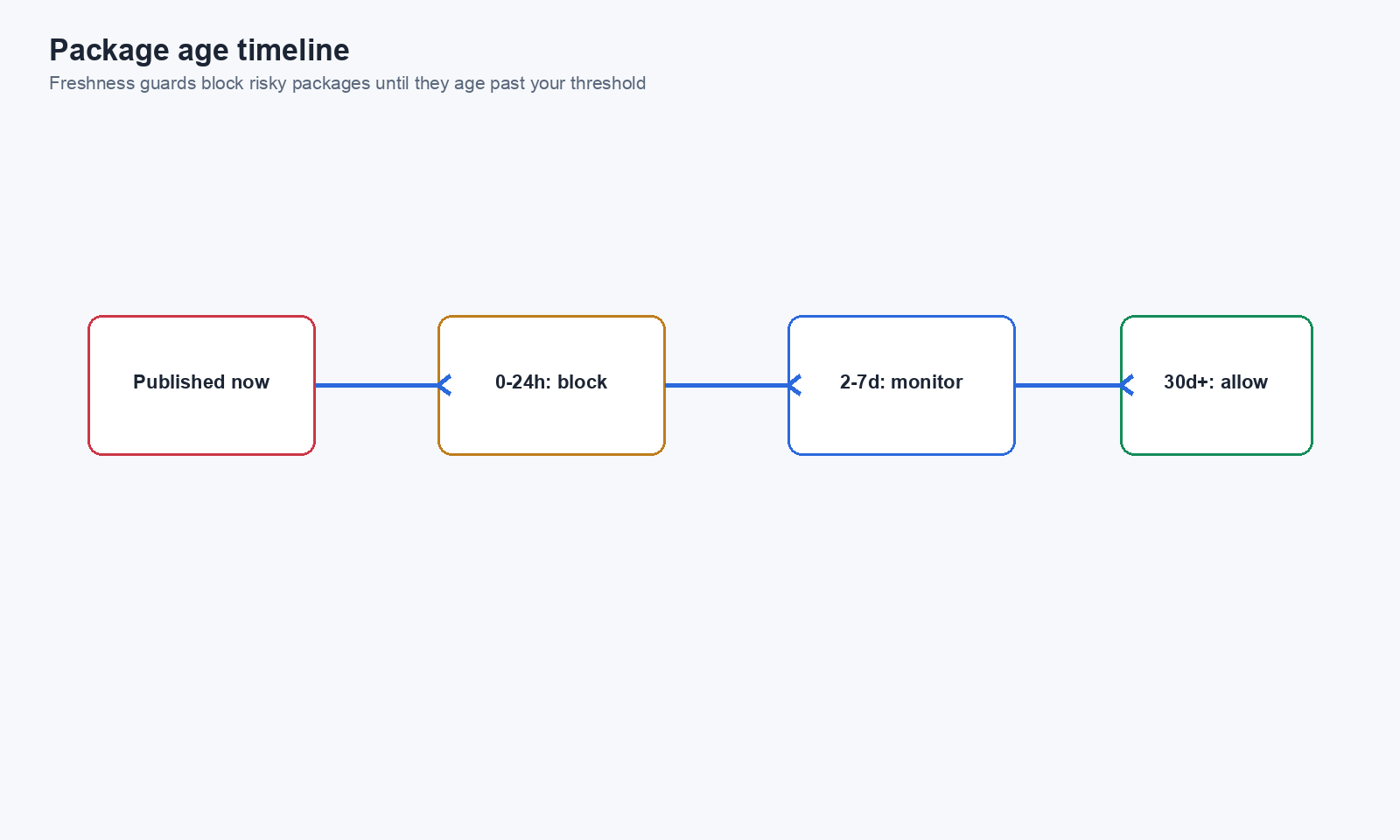
Chainsaw records the package_release_date and version_release_date for every package that flows through the proxy. These dates come from the upstream registry metadata.
The package age policy compares the current date against the release date to determine if a package is “too new.”
Step 2: Create a Release Age Policy
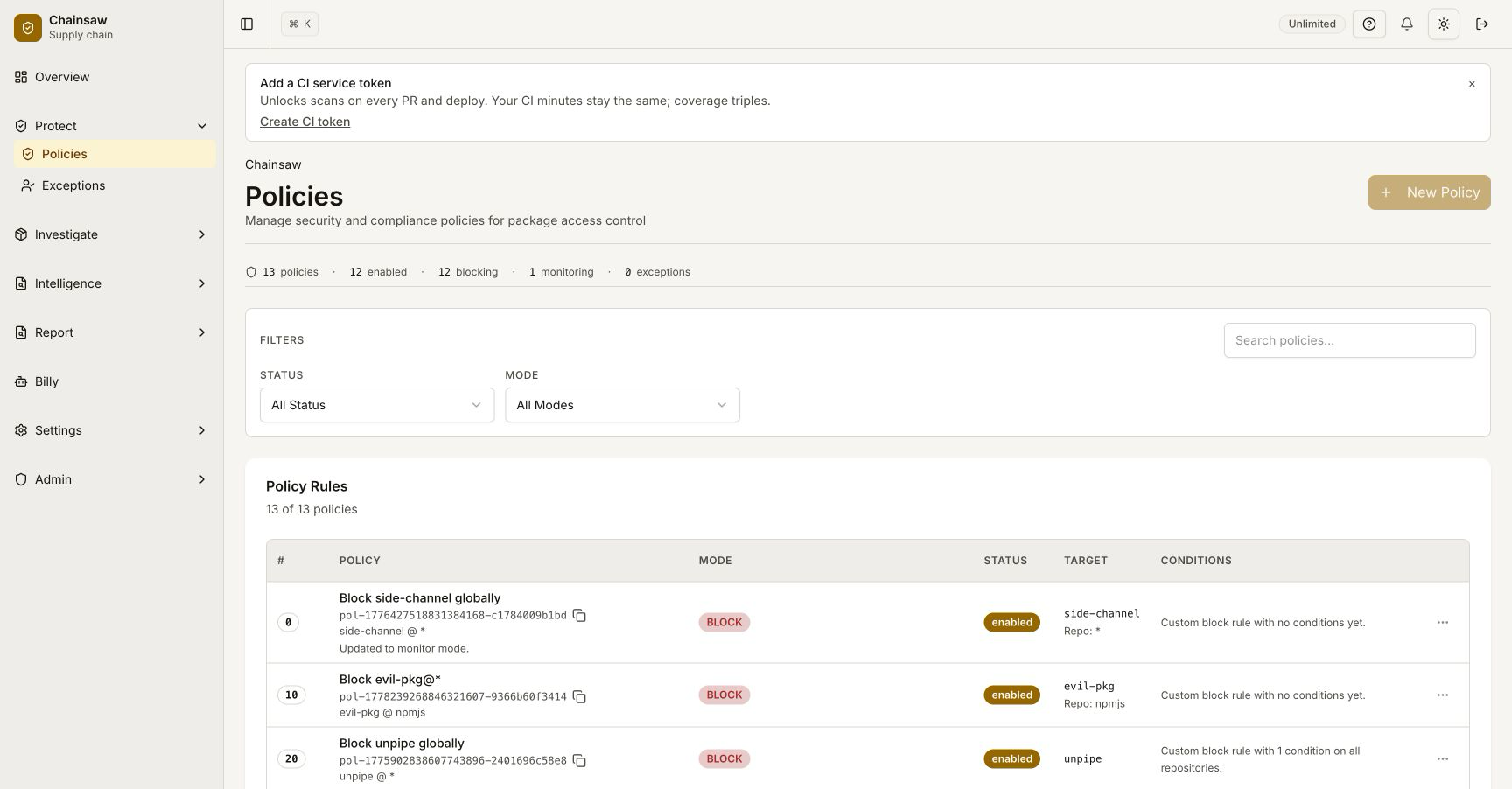
Navigate to Policies and click Create Policy.
Basic Configuration
- Name:
Block New Packages (< 30 days) - Action: Block (or Quarantine for a softer approach)
- Condition: Package Age → less than 30 days
Choose Your Quarantine Window
| Window | Protection Level | Impact on Development |
|---|---|---|
| 7 days | Minimal | Low — most releases are safe after a week |
| 14 days | Moderate | Medium — some new features delayed |
| 30 days | Strong | Higher — developers may need exceptions for new releases |
| 90 days | Maximum | High — only well-established versions allowed |
Step 3: Scope the Policy
Consider applying different age requirements to different contexts:
Production vs Development
Create two policies:
- Production: Block packages < 30 days (strict)
- Development: Quarantine packages < 7 days (permissive)
Scope each policy to the appropriate client type:
- Service tokens → production policy
- End user credentials → development policy
Per-Ecosystem Tuning
Some ecosystems release more frequently than others. You might want:
- npm: 14 days (high volume, frequent attacks)
- PyPI: 14 days (growing attack surface)
- Maven: 7 days (more stable ecosystem)
- Docker: 7 days (versioned tags are more deliberate)
Step 4: Handle Exceptions
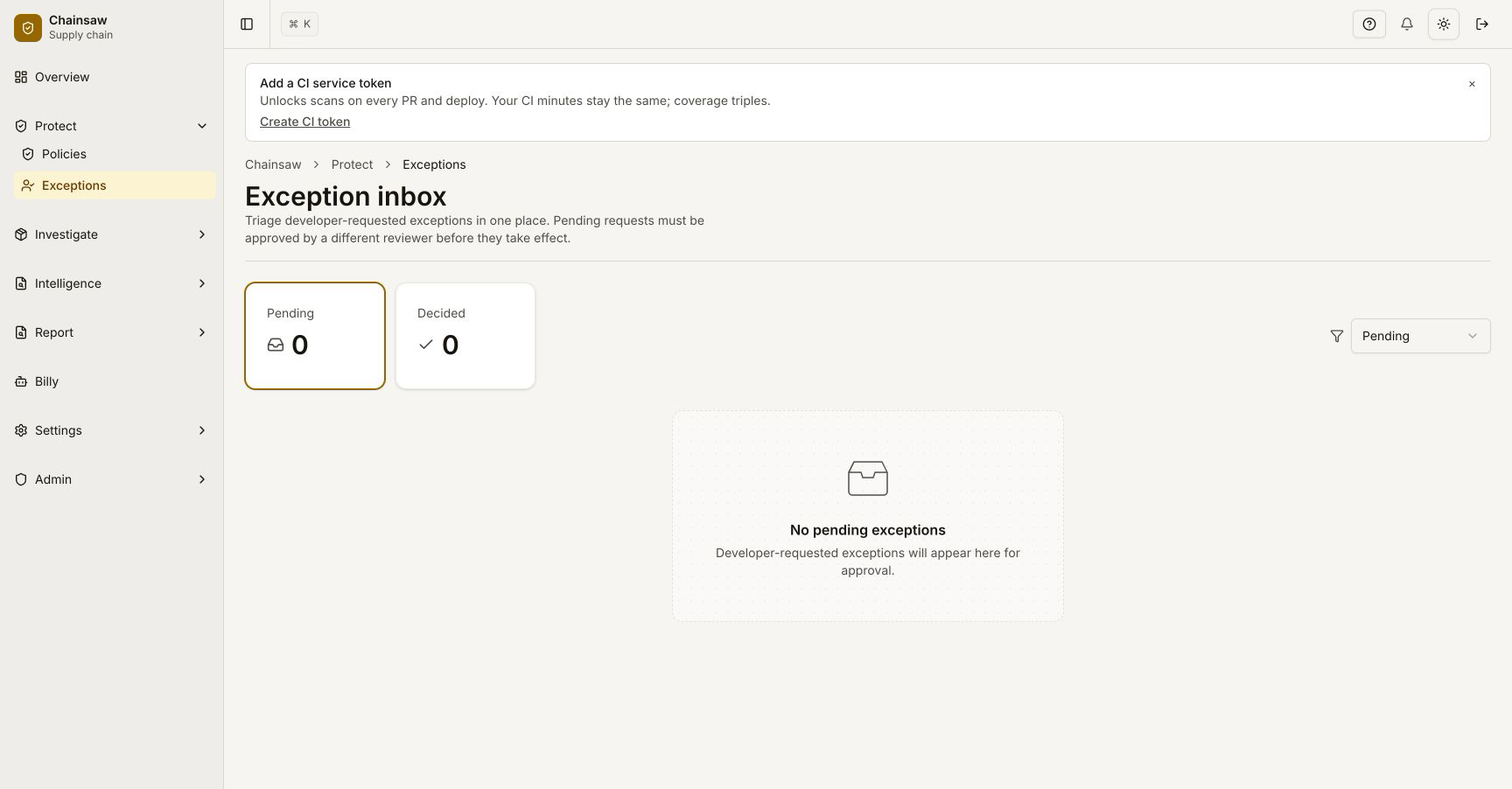
When developers need a new release urgently:
- Create a time-bound exception for the specific package and version
- Set the exception to expire (e.g., 30 days)
- Document the reason for the exception
Step 5: Monitor Impact
Navigate to the Overview dashboard to see how many packages are being blocked by the freshness guard.
If the violation count is very high, consider:
- Reducing the age threshold
- Scoping the policy more narrowly
- Adding exceptions for trusted publishers
Step 6: Trust Score Impact
Package age contributes to the composite trust score:
| Age | Trust Score Impact |
|---|---|
| > 30 days | +10 points |
| <= 30 days | +0 points |
This means newly published packages automatically start with a lower trust score, even without an explicit age policy.
Real-World Example
In 2024, a compromised npm maintainer account published a backdoored version of a popular package. The malicious version was live for 3 days before being detected. With a 7-day freshness guard:
- Day 0: Malicious version published
- Day 0-7: Chainsaw blocks the new version for all production installs
- Day 3: Community detects the malware, npm removes the package
- Day 7: Even without the takedown, Chainsaw would have continued blocking
The freshness guard provided a 3-day safety buffer that would have prevented exploitation.
Next Steps
- How to Use Trust Scores to Assess Package Risk — See how package age fits into the overall risk picture
- How to Block Vulnerable Packages Using CVSS and EPSS — Layer vulnerability policies with freshness guards
- How to Manage Policy Precedence and Exception Workflows — Advanced policy management