How to Enforce License Compliance Across Your Supply Chain
Set up SPDX license allowlists and blocklists in policies, monitor license coverage from the dashboard, and handle unknown licenses.
Overview
Open source licenses carry legal obligations. Some licenses (e.g., AGPL-3.0) may be incompatible with your organization’s commercial software. Chainsaw tracks SPDX license identifiers for every package and lets you create policies that block or quarantine packages with restricted licenses.
Prerequisites
- Admin or Manager role in Chainsaw
- An understanding of which licenses your organization permits (consult your legal team if unsure)
Step 1: Review Current License Coverage
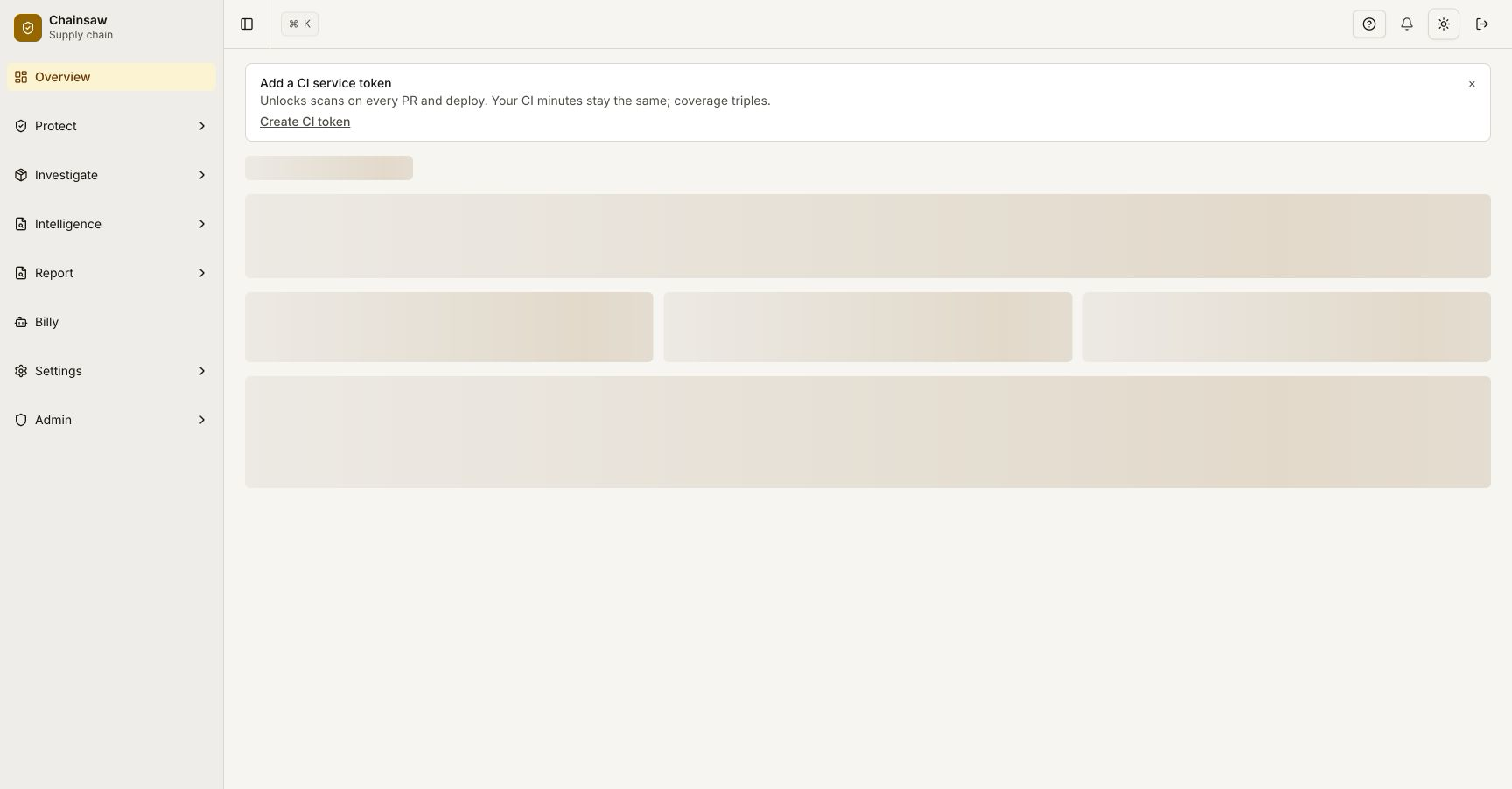
Navigate to the Overview page. The dashboard shows a License Coverage metric breaking down packages into:
- Known License — SPDX identifier detected
- Unknown License — No license metadata available
Step 2: Explore Licenses in the Bill of Materials
Navigate to Bill of Materials to see the license associated with each package version.
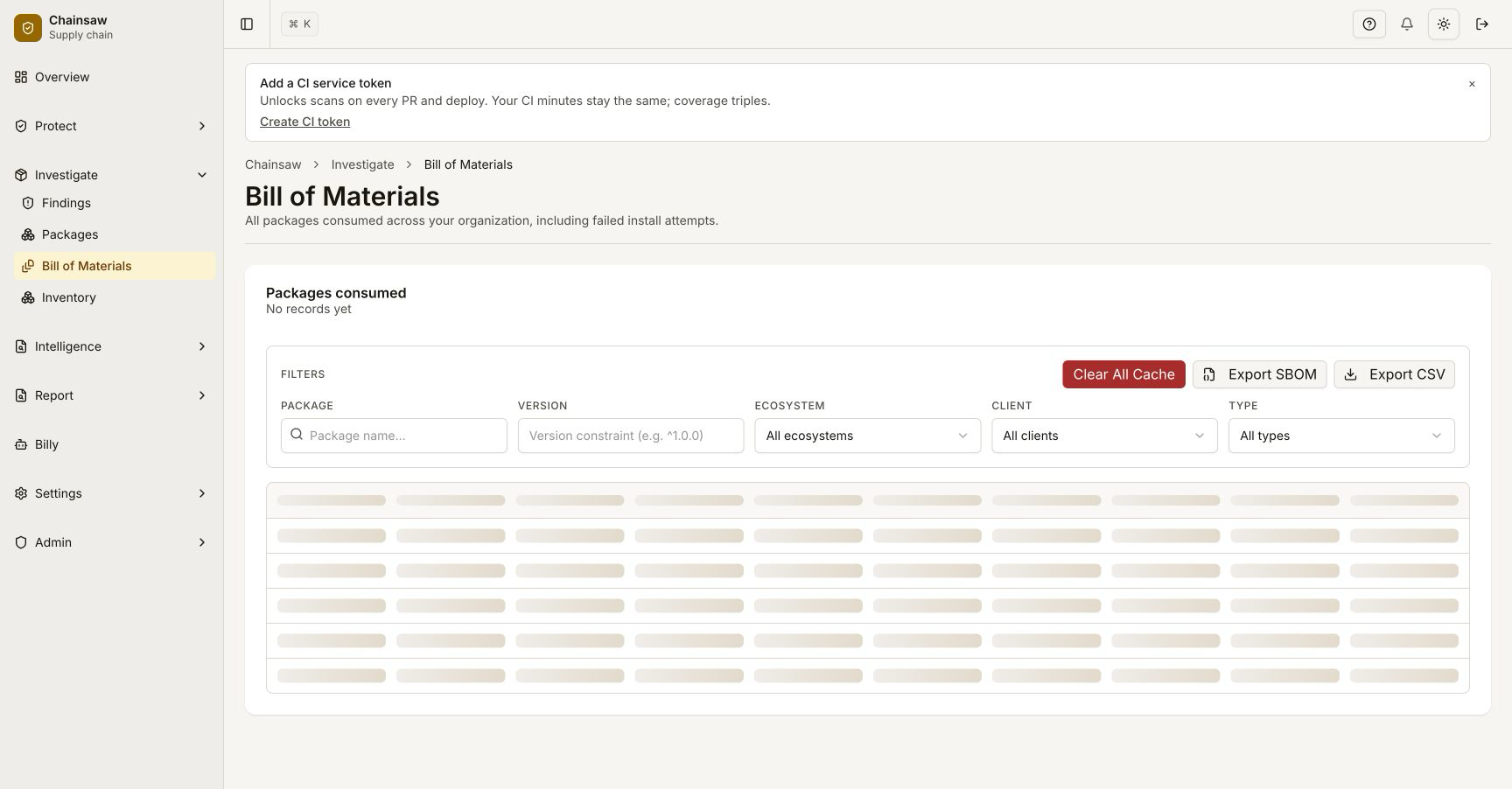
Common SPDX identifiers you’ll encounter:
| License | SPDX ID | Typical Concern |
|---|---|---|
| MIT | MIT | Permissive — generally safe |
| Apache 2.0 | Apache-2.0 | Permissive — generally safe |
| GPL 3.0 | GPL-3.0-only | Copyleft — requires source disclosure |
| AGPL 3.0 | AGPL-3.0-only | Strong copyleft — network use triggers disclosure |
| BSD 3-Clause | BSD-3-Clause | Permissive — generally safe |
| LGPL 2.1 | LGPL-2.1-only | Weak copyleft — linking restrictions |
Step 3: Create a License Blocklist Policy
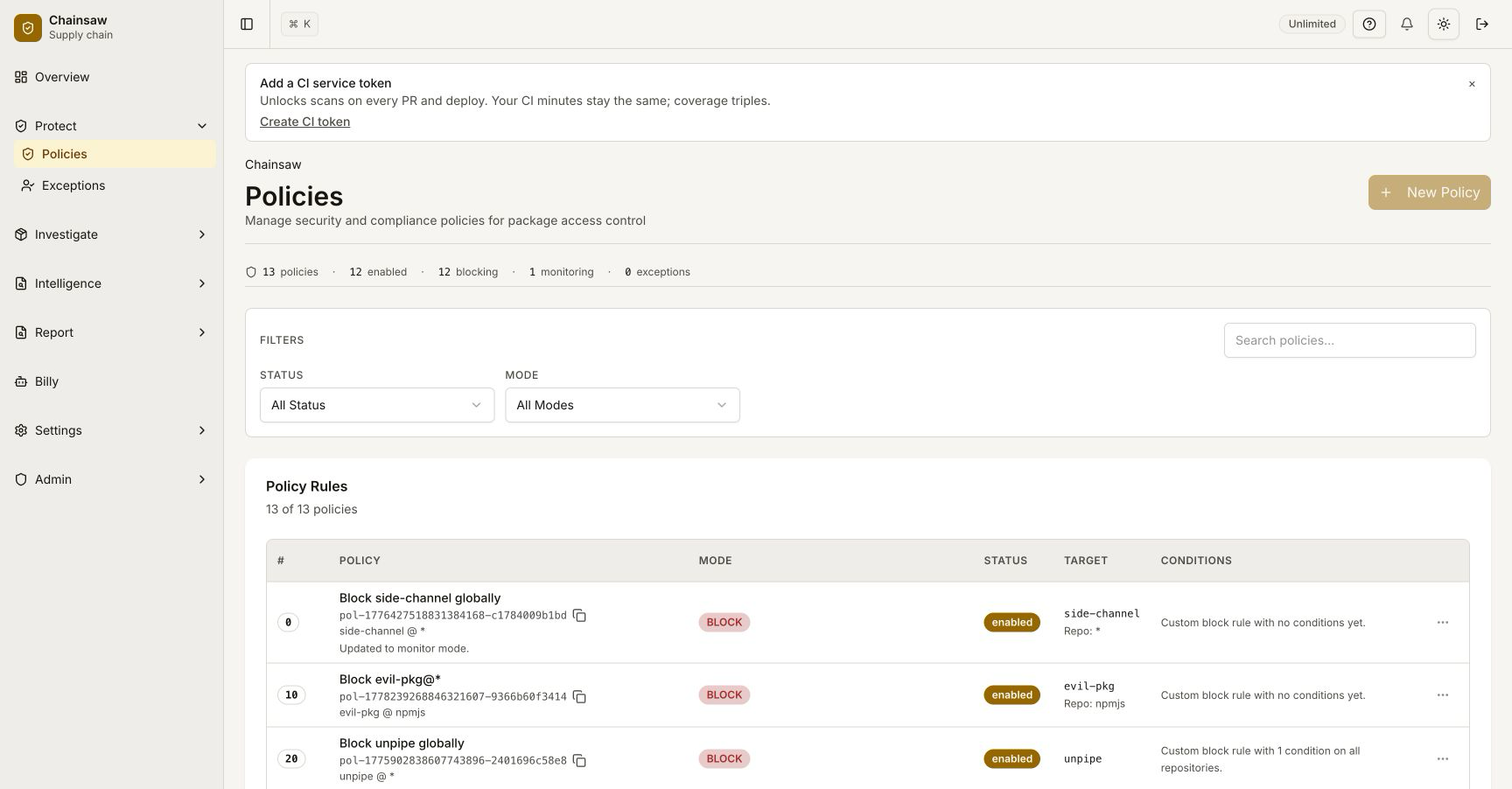
Navigate to Policies and click Create Policy.
Block Copyleft Licenses
- Name:
Block Copyleft Licenses - Action: Block
- Condition: License → matches list
- License List:
AGPL-3.0-only,AGPL-3.0-or-later,GPL-3.0-only,GPL-3.0-or-later
Alternatively: Create a License Allowlist
For stricter environments, only allow specific licenses:
- Name:
Allow Approved Licenses Only - Action: Allow
- Condition: License → matches list
- License List:
MIT,Apache-2.0,BSD-2-Clause,BSD-3-Clause,ISC,0BSD
Then create a catch-all Block policy at lower precedence to deny everything else.
Step 4: Handle Unknown Licenses
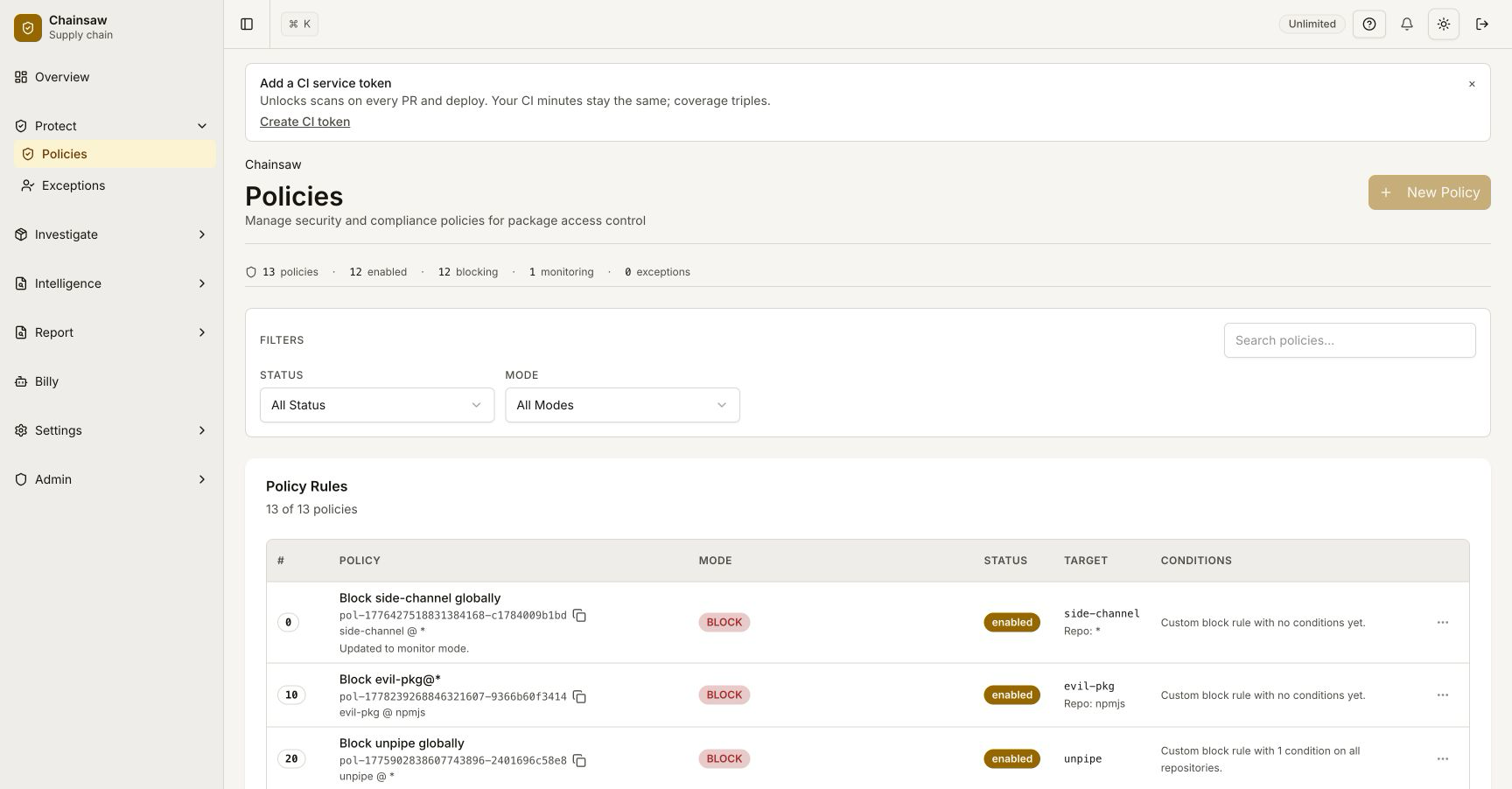
Packages without license metadata are a compliance blind spot. Create a policy for them:
- Name:
Quarantine Unknown Licenses - Action: Quarantine
- Condition: License → is empty/unknown
Step 5: Monitor License Violations
After enabling license policies, check the Overview dashboard for violations. License violations appear alongside vulnerability violations in the metrics.
Step 6: Create Exceptions for Approved Packages
If a legitimate package is blocked by a license policy (e.g., an internally approved GPL library):
- Navigate to Policies
- Create an Allow policy with higher precedence
- Scope it to the specific package name and version
License Compliance Impact on Trust Score
License presence contributes to the composite trust score:
| Condition | Trust Score Impact |
|---|---|
| Valid SPDX license present | +10 points |
| No license detected | +0 points |
Packages with known licenses are considered more trustworthy than those without.
Next Steps
- How to Verify Package Provenance with SLSA Attestations — Add provenance verification to your compliance stack
- How to Use Trust Scores to Assess Package Risk — Understand how licenses factor into the overall trust score
- How to Export Your SBOM in CycloneDX Format — Include license data in compliance reports