How to Review and Manage Quarantined Packages
Understand the quarantine workflow, review flagged packages, approve or reject quarantined items, and transition from quarantine to blocking policies.
Overview
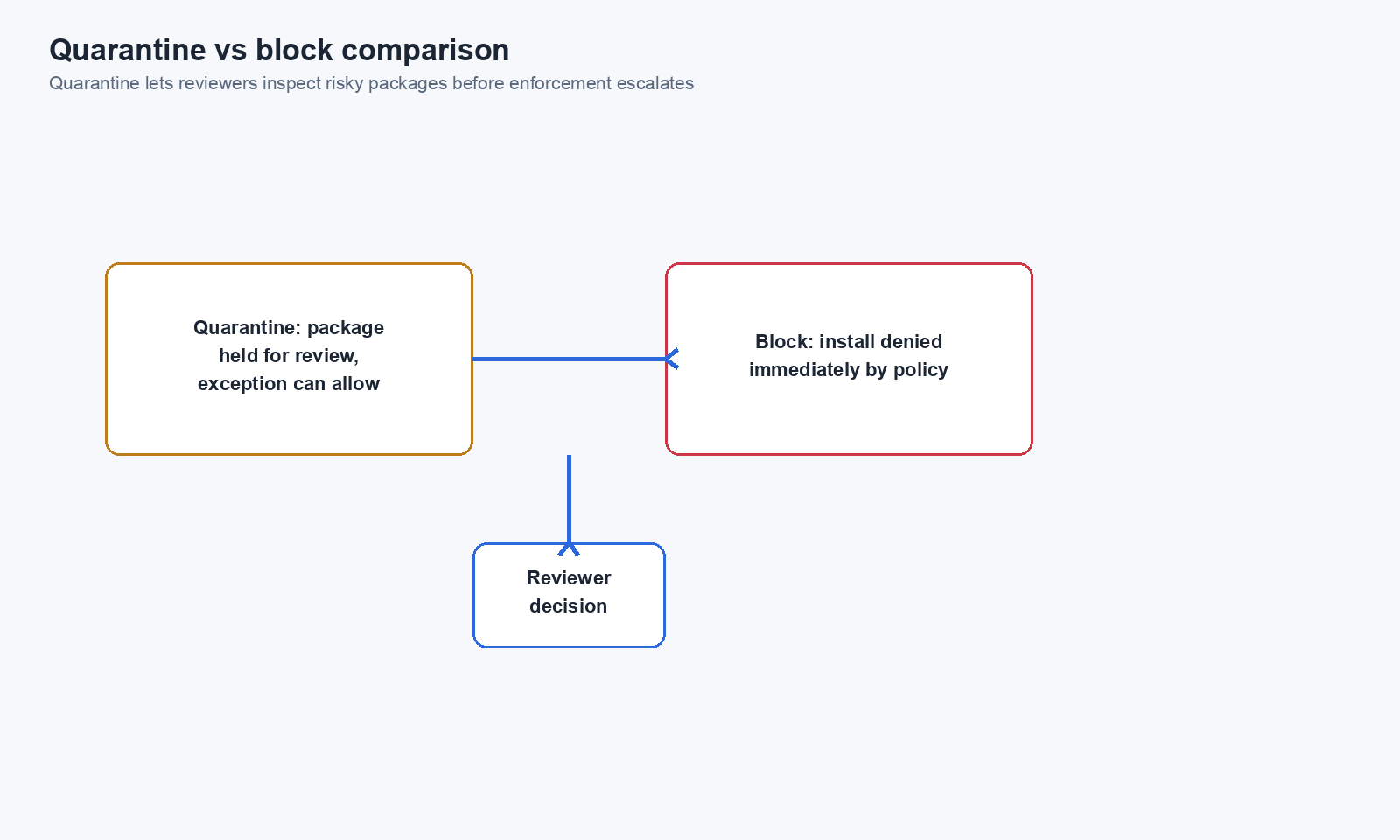
Quarantine is Chainsaw’s middle ground between allowing and blocking. When a policy uses the Quarantine action, the package is still served to the client but flagged for review. This lets security teams evaluate potentially risky packages without disrupting developer workflows — then make an informed decision to allow or block.
Prerequisites
- At least one policy with Quarantine action configured
- Manager role or above
Step 1: Understand Quarantine vs Block vs Allow
| Action | Package Served? | Developer Impact | Security Team Action |
|---|---|---|---|
| Allow | Yes | None | No review needed |
| Quarantine | Yes (flagged) | None (transparent) | Review required |
| Block | No | Install fails | Exception needed to override |
Step 2: Create a Quarantine Policy
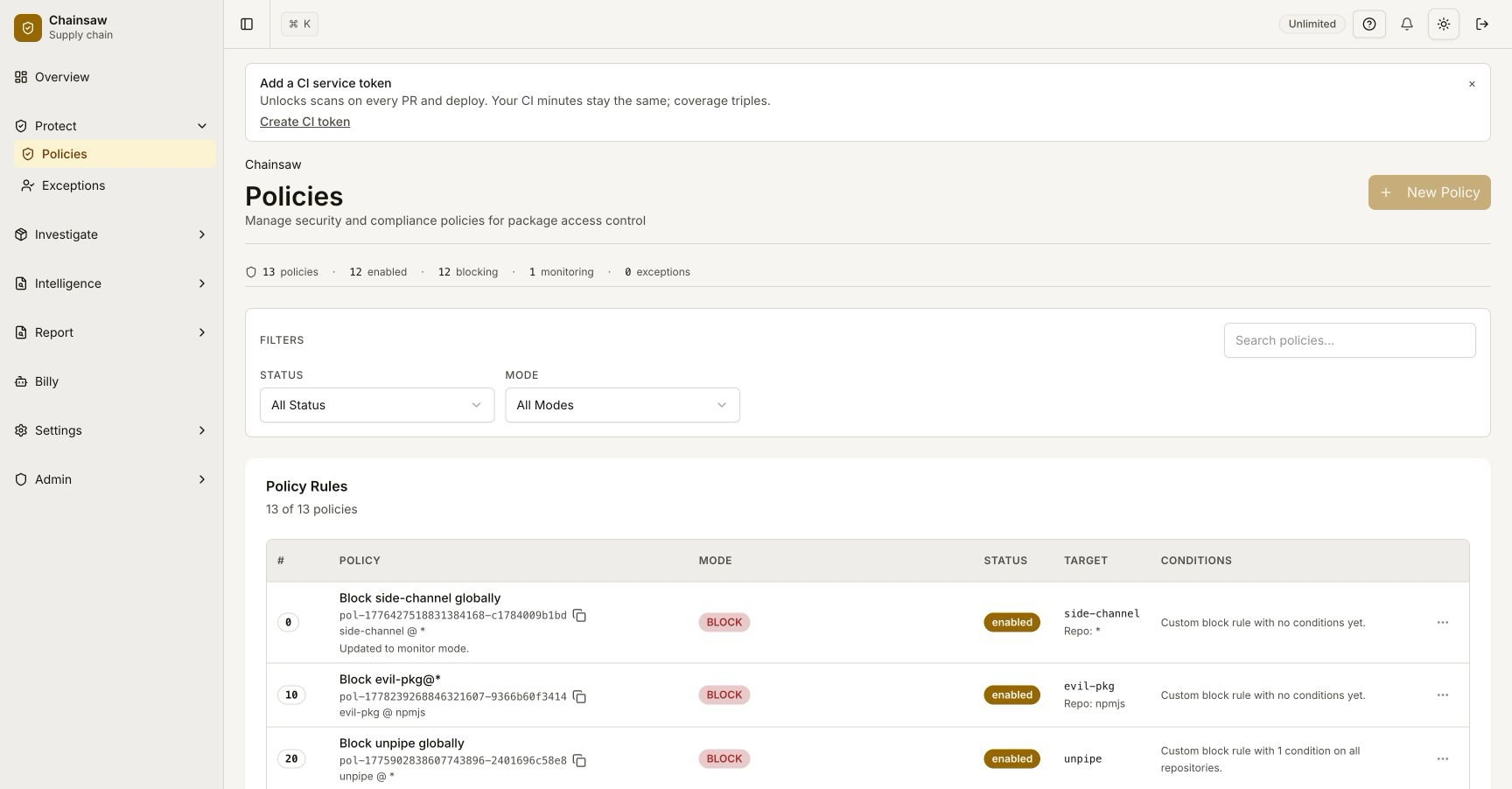
Navigate to Policies and create a policy with the Quarantine action:
- Name:
Quarantine Medium-Risk Packages - Action: Quarantine
- Condition: Trust Score between 30 and 60
- Scope: All repositories
Common Quarantine Scenarios
| Policy | Condition | Rationale |
|---|---|---|
| New packages | Age < 14 days | Review before broad adoption |
| Unknown licenses | License = empty | Legal review needed |
| Moderate trust score | Score 30-60 | Risk assessment needed |
| Missing provenance | Provenance = missing (npm/PyPI) | Verify package source |
| Suspected typosquats | Typosquat = suspected | Name verification needed |
Step 3: Identify Quarantined Packages
From the Dashboard
Quarantined requests appear in the violation metrics with a flagged outcome (distinct from blocked).
From the Traffic Page
Filter the Traffic page by outcome = flagged to see all quarantined requests:
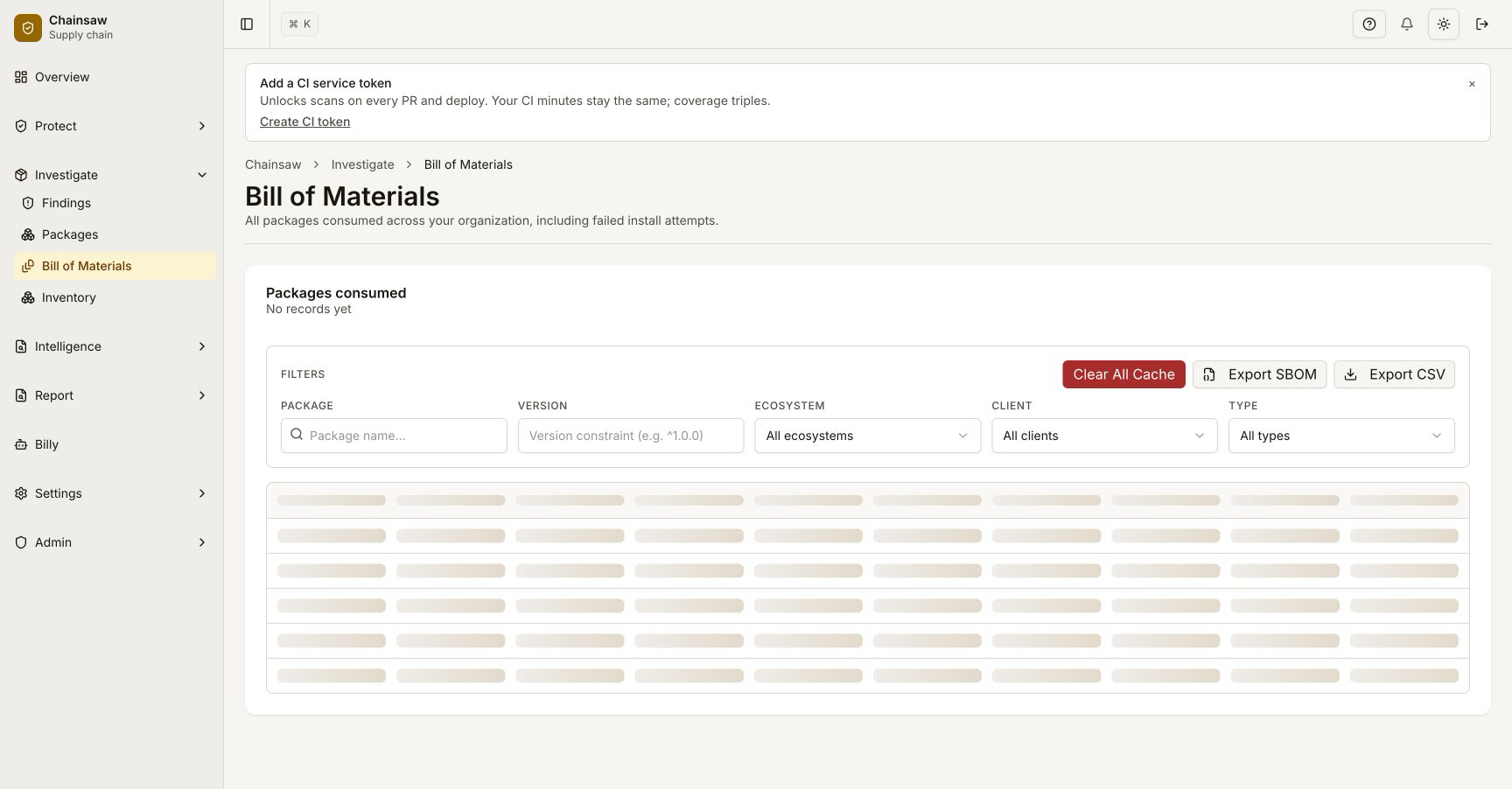
From the Bill of Materials
In the BOM, check the Last Outcome column for flagged entries.
Step 4: Review a Quarantined Package
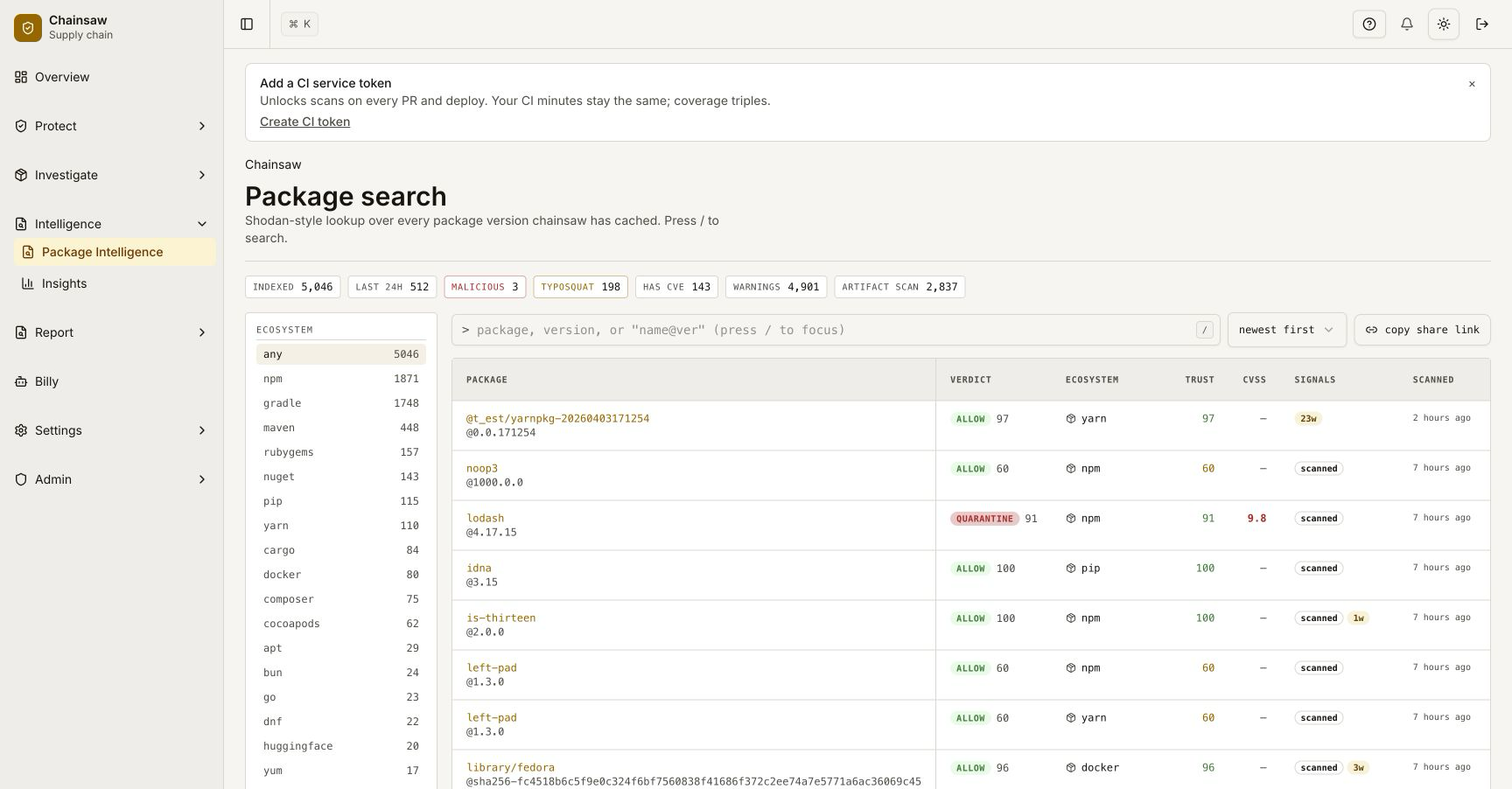
For each quarantined package, review:
- Why it was quarantined — Check which policy condition triggered
- Trust score breakdown — What signals are concerning?
- Package details — License, provenance, age, vulnerability status
- Usage context — Who requested it and from which pipeline?
Decision Matrix
| Finding | Action |
|---|---|
| Legitimate package, false positive | Create an Allow exception |
| Suspicious but no evidence of malice | Keep quarantined, monitor |
| Confirmed risk | Upgrade to Block policy |
| Malicious | Block immediately, purge from cache |
Step 5: Approve a Quarantined Package
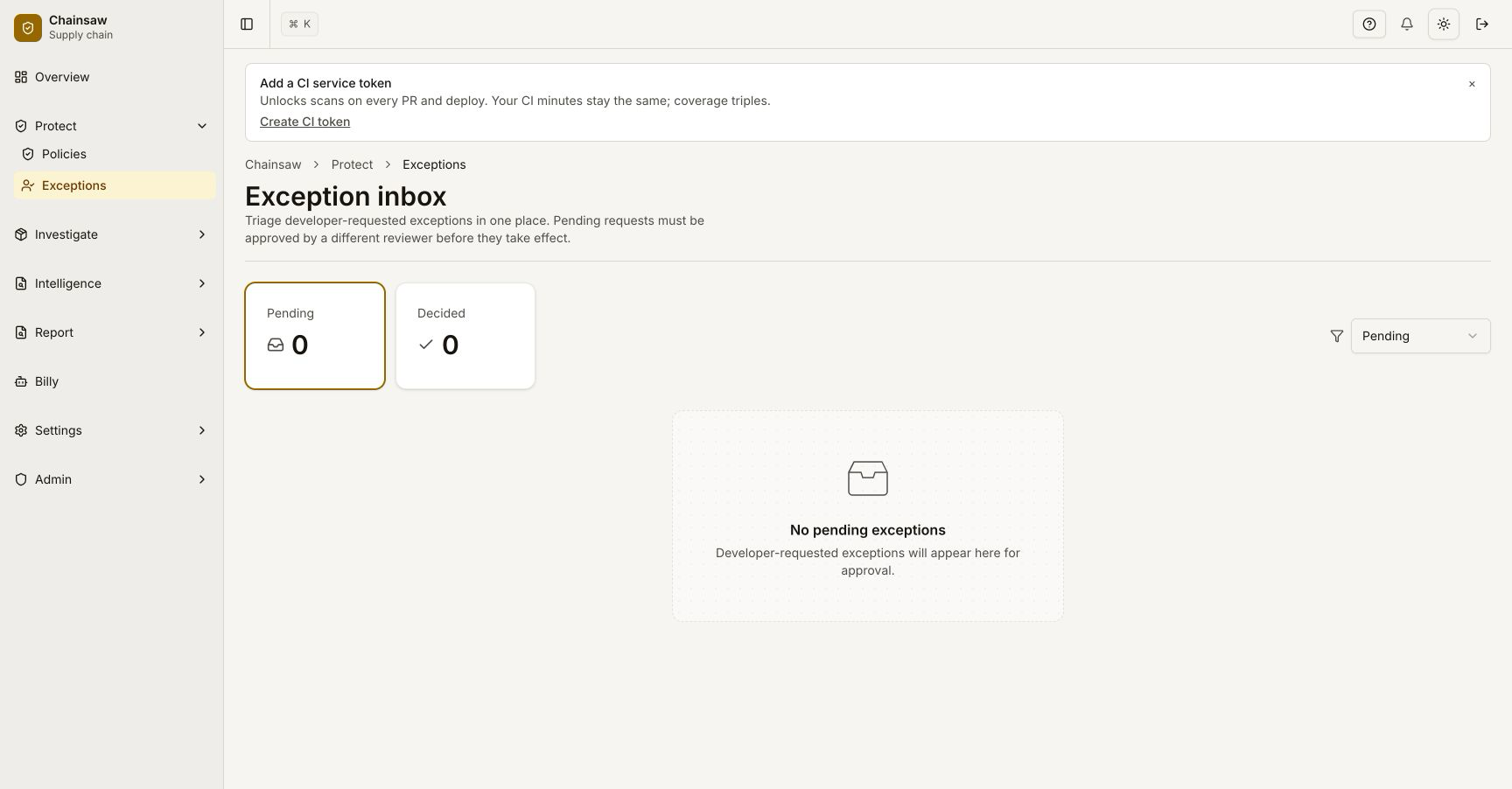
If the package passes review, create an exception to clear it:
- Navigate to Policies
- Create an Allow policy for the specific package
- Set appropriate precedence (above the quarantine policy)
- Optionally set an expiry for periodic re-review
Step 6: Reject a Quarantined Package
If the package fails review, escalate from quarantine to block:
- Create a Block policy for the specific package (or version range)
- Set high precedence to override the quarantine
- Notify teams that the package is now blocked
- Purge the package from cache if already downloaded
Step 7: Transition from Quarantine to Block
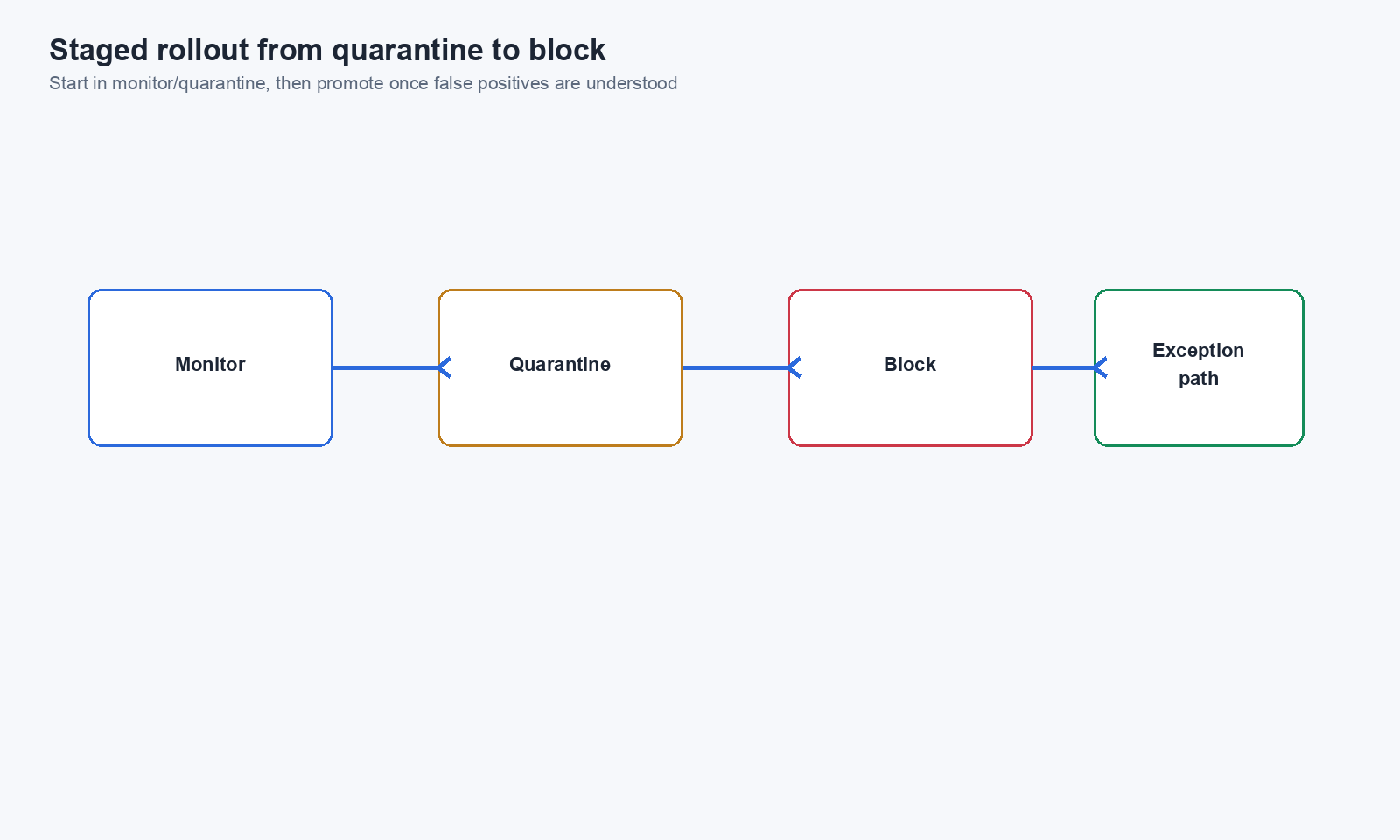
As you build confidence in a policy, transition from Quarantine to Block:
Staged Rollout
- Week 1-2: Deploy policy with Quarantine action
- Week 2-3: Review all quarantined packages, create exceptions for false positives
- Week 3-4: Switch to Block action
- Ongoing: Monitor violations, adjust exceptions as needed
Step 8: Use Billy to Manage Quarantine Review
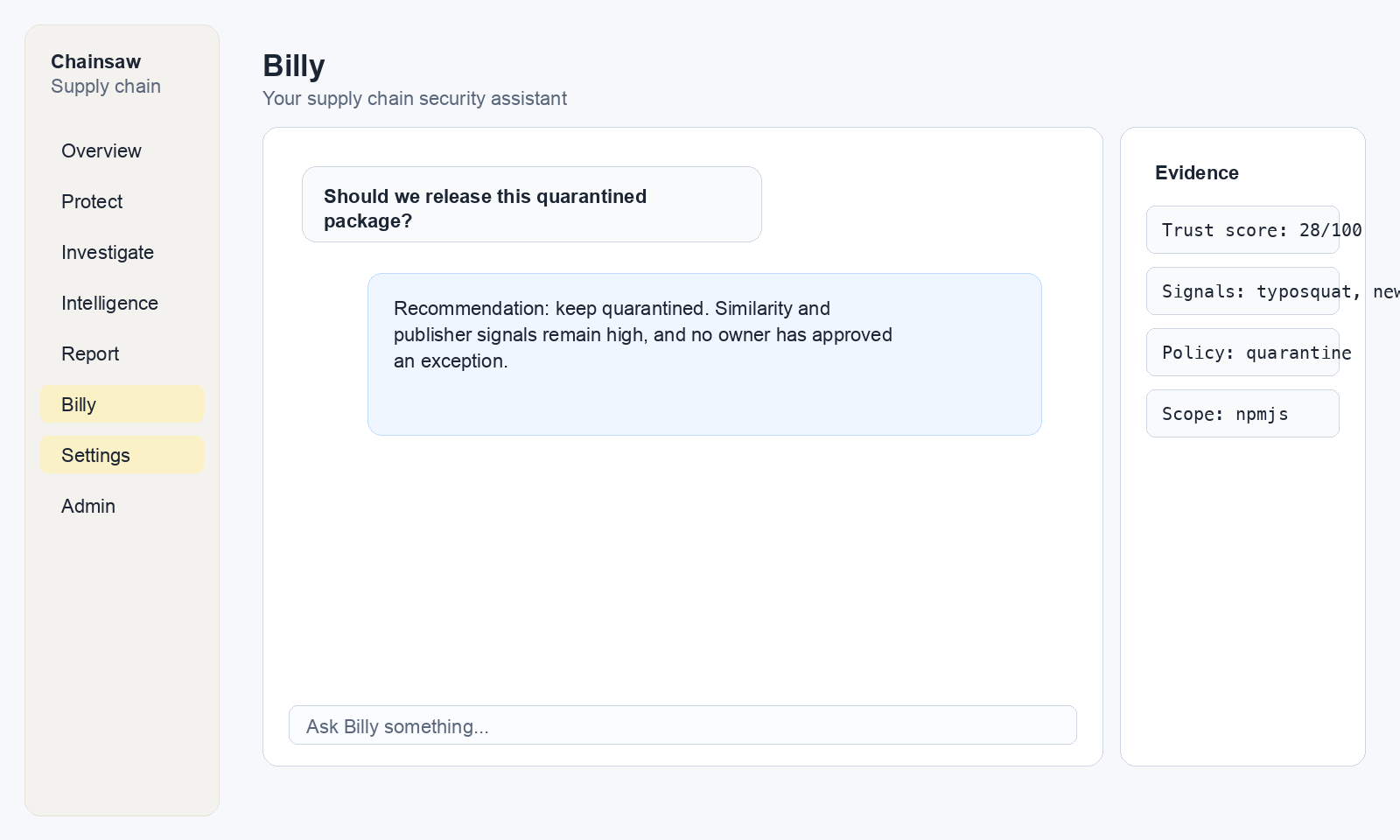
Ask Billy to help triage quarantined packages:
"Show me all packages flagged by quarantine policies this week"
"What's the trust score breakdown for packages with flagged outcomes?"
"Which quarantined packages have been requested by more than 3 clients?"
Best Practices
| Practice | Reason |
|---|---|
| Start new policies in Quarantine | Measure impact before blocking |
| Set a review cadence | Don’t let quarantined items pile up |
| Track false positive rate | Tune policies based on data |
| Document review decisions | Audit trail for compliance |
| Automate where possible | Use trust score thresholds to auto-approve high-trust packages |
Next Steps
- How to Manage Policy Precedence and Exception Workflows — Position quarantine policies in your stack
- How to Monitor Violations and Respond to Blocked Packages — Handle packages that graduate from quarantine to block
- How to Use Trust Scores to Assess Package Risk — Use trust scores to inform review decisions