How to Configure Chainsaw with YAML Configuration Files
Define repositories, policies, credentials, and settings as code using YAML configuration files for reproducible, version-controlled Chainsaw deployments.
Overview
While Chainsaw’s dashboard provides a GUI for managing configuration, production deployments benefit from configuration as code. Chainsaw supports YAML configuration files that define repositories, policies, credentials, and settings. These files can be version-controlled, reviewed in pull requests, and applied consistently across environments.
Prerequisites
- Admin access to Chainsaw
- Access to the Chainsaw server filesystem or Docker volume
- Familiarity with YAML syntax
Step 1: Understand Configuration Loading
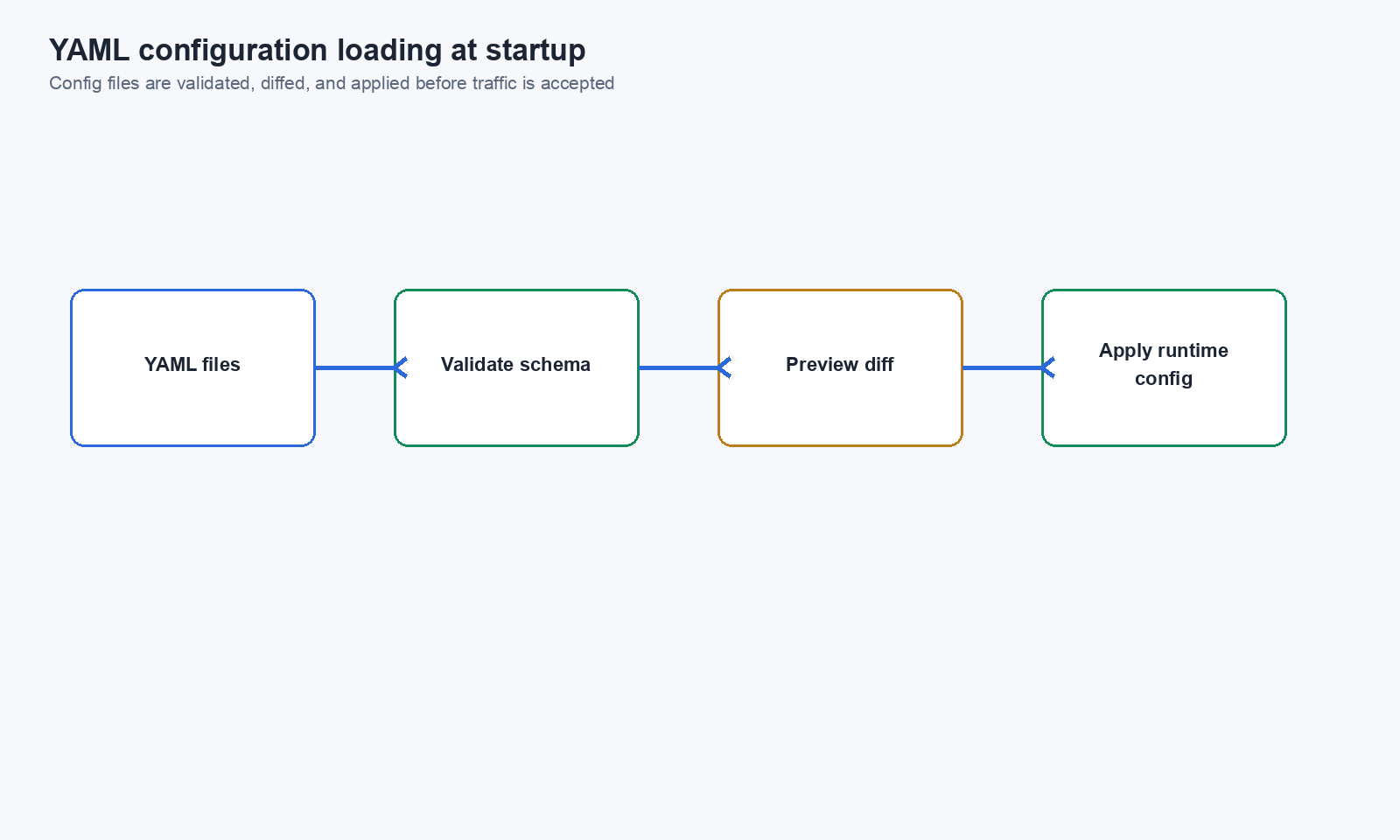
Chainsaw loads YAML configuration files at startup. The configuration defines the initial state of the system:
- Chainsaw starts
- Reads YAML configuration files from the configured path
- Creates/updates entities (repositories, policies, etc.) to match the YAML
- Begins serving requests
Step 2: Repository Configuration
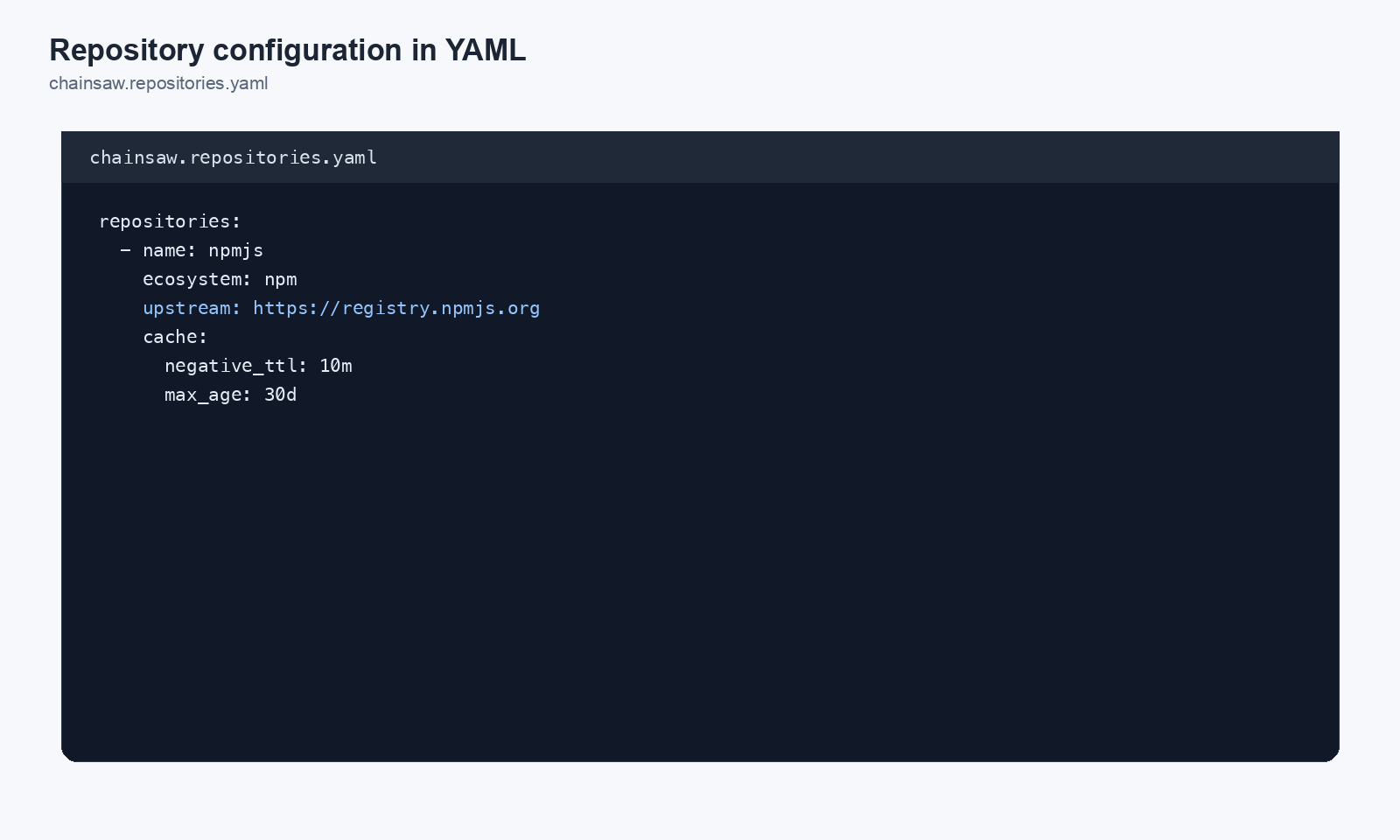
Define your upstream mirrors in YAML:
repositories:
  - name: npmjs
    format: npm
    upstream: https://registry.npmjs.org
    enabled: true
    anonymous_access: false

  - name: pypi
    format: pip
    upstream: https://pypi.org
    enabled: true
    anonymous_access: false

  - name: maven-central
    format: maven
    upstream: https://repo1.maven.org/maven2
    enabled: true
    anonymous_access: false

  - name: nuget-official
    format: nuget
    upstream: https://api.nuget.org
    enabled: true
    anonymous_access: false

  - name: crates-io
    format: cargo
    upstream: https://crates.io
    enabled: false  # Not used by our organization
    anonymous_access: false

  - name: docker-hub
    format: docker
    upstream: https://registry-1.docker.io
    enabled: true
    anonymous_access: false
Step 3: Policy Configuration
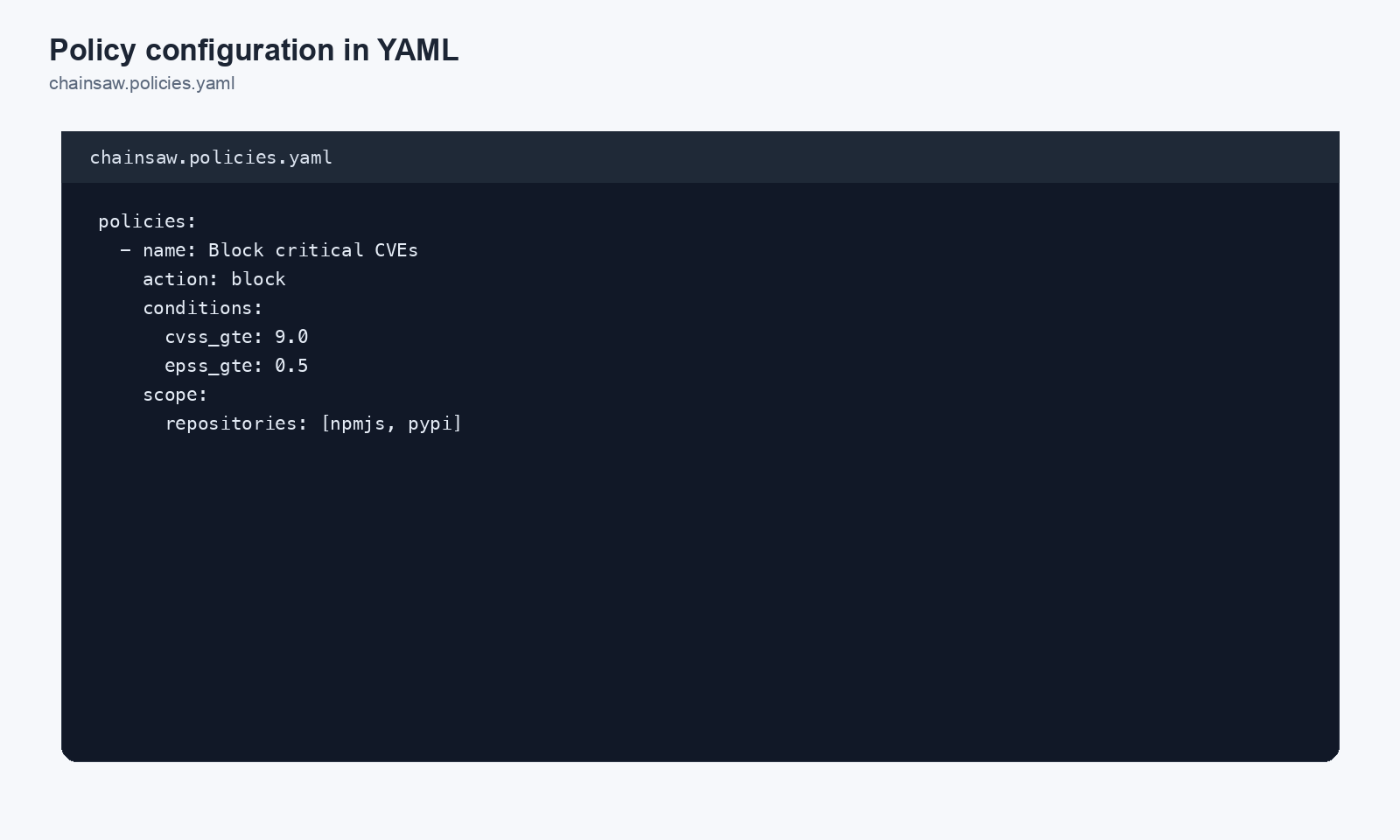
Define security policies as code:
policies:
  - name: Block Known Malware
    action: block
    enabled: true
    precedence: 100
    conditions:
      malware_status: malicious
    scope:
      repositories: all

  - name: Block Critical Vulnerabilities
    action: block
    enabled: true
    precedence: 90
    conditions:
      cvss_min: 9.0
    scope:
      repositories: all

  - name: Block Suspected Typosquats
    action: block
    enabled: true
    precedence: 80
    conditions:
      typosquat_status: suspected
    scope:
      repositories: all

  - name: Block Copyleft Licenses
    action: block
    enabled: true
    precedence: 70
    conditions:
      license_match:
        - AGPL-3.0-only
        - AGPL-3.0-or-later
        - GPL-3.0-only
        - GPL-3.0-or-later
    scope:
      repositories: all

  - name: Quarantine New Packages
    action: quarantine
    enabled: true
    precedence: 40
    conditions:
      package_age_max_days: 14
    scope:
      repositories:
        - npmjs
        - pypi

  - name: Block Low Trust Scores (Production)
    action: block
    enabled: true
    precedence: 50
    conditions:
      trust_score_max: 30
    scope:
      client_types:
        - service-token
Step 4: Settings Configuration
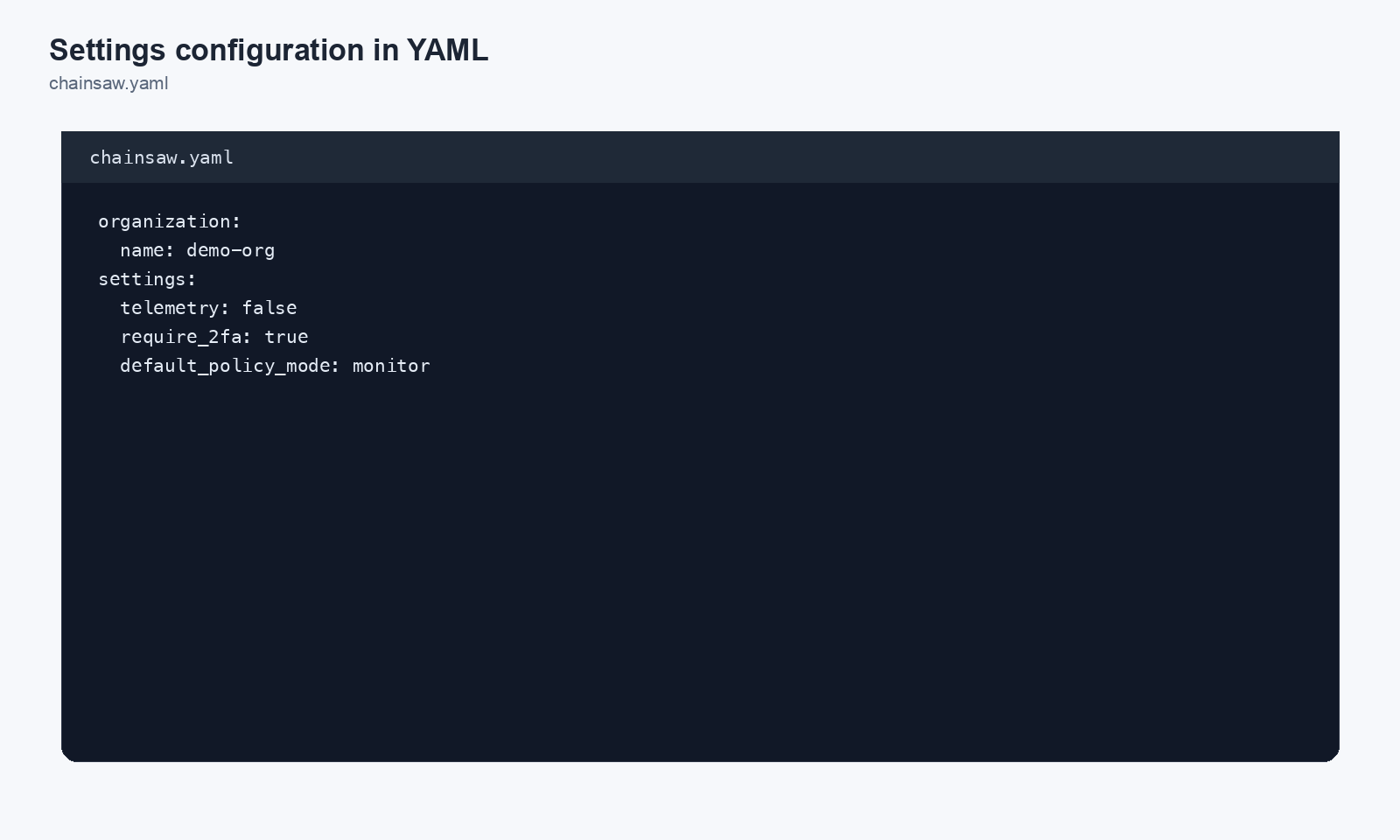
Define global settings:
settings:
  blocking_mode: enforce  # enforce | monitor
  release_age_days: 30
  hook_script: /opt/chainsaw/hooks/validate.sh
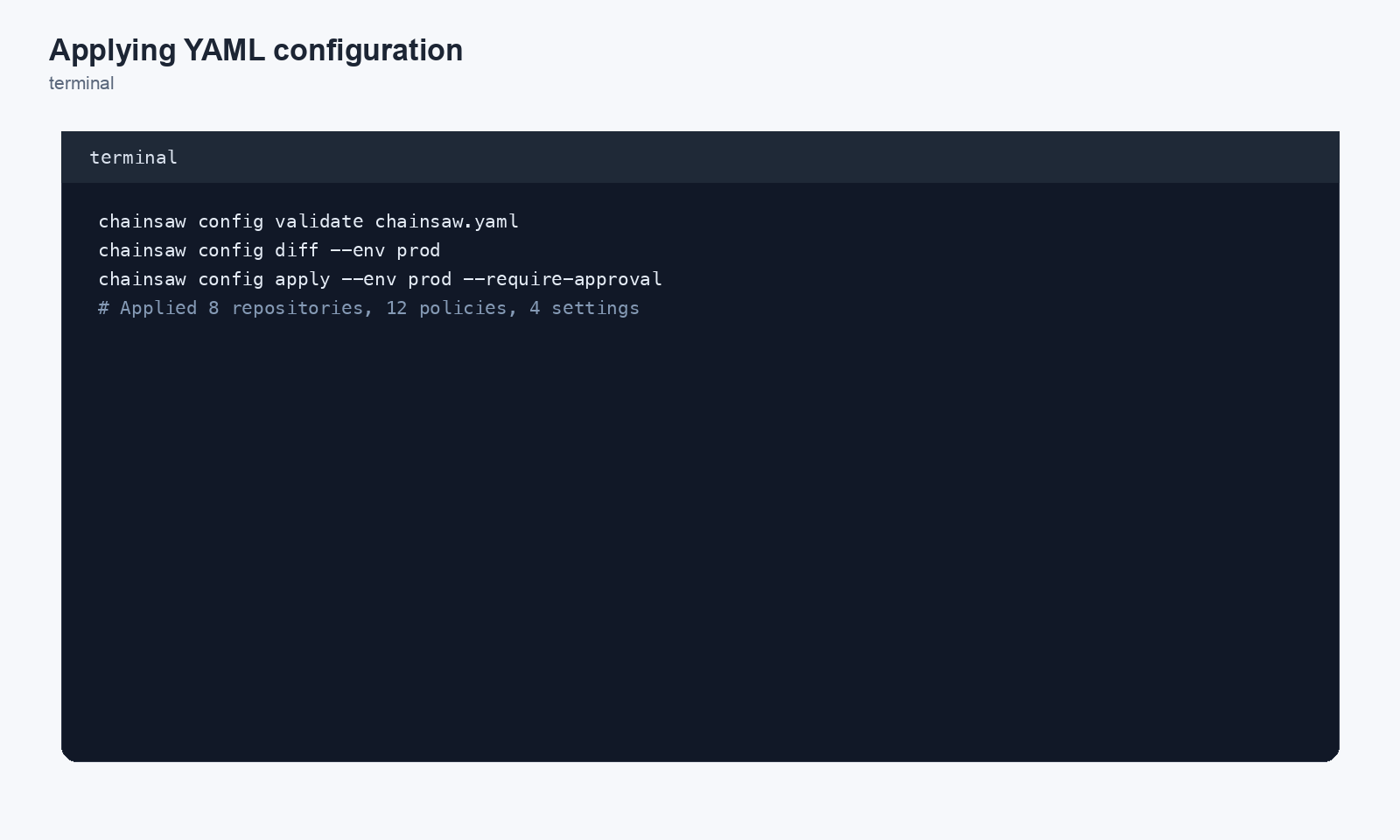
Step 5: Apply Configuration
Docker
Mount the configuration file as a volume:
docker run -d \
  --name chainsaw \
  -p 8080:8080 \
  -v chainsaw-data:/data \
  -v ./chainsaw-config.yaml:/etc/chainsaw/config.yaml \
  chainsaw:latest \
  --config /etc/chainsaw/config.yaml
Binary
./chainsaw serve \
  --config /etc/chainsaw/config.yaml \
  --listen :8080 \
  --data-dir /var/lib/chainsaw
Step 6: Version Control Your Configuration
Store your Chainsaw configuration alongside your infrastructure code:
infrastructure/
  ├── chainsaw/
  │   ├── config.yaml          # Main configuration
  │   ├── policies/
  │   │   ├── security.yaml    # Security policies
  │   │   └── compliance.yaml  # Compliance policies
  │   └── hooks/
  │       ├── blocklist-check.sh
  │       └── blocklist.txt
  ├── terraform/
  └── kubernetes/
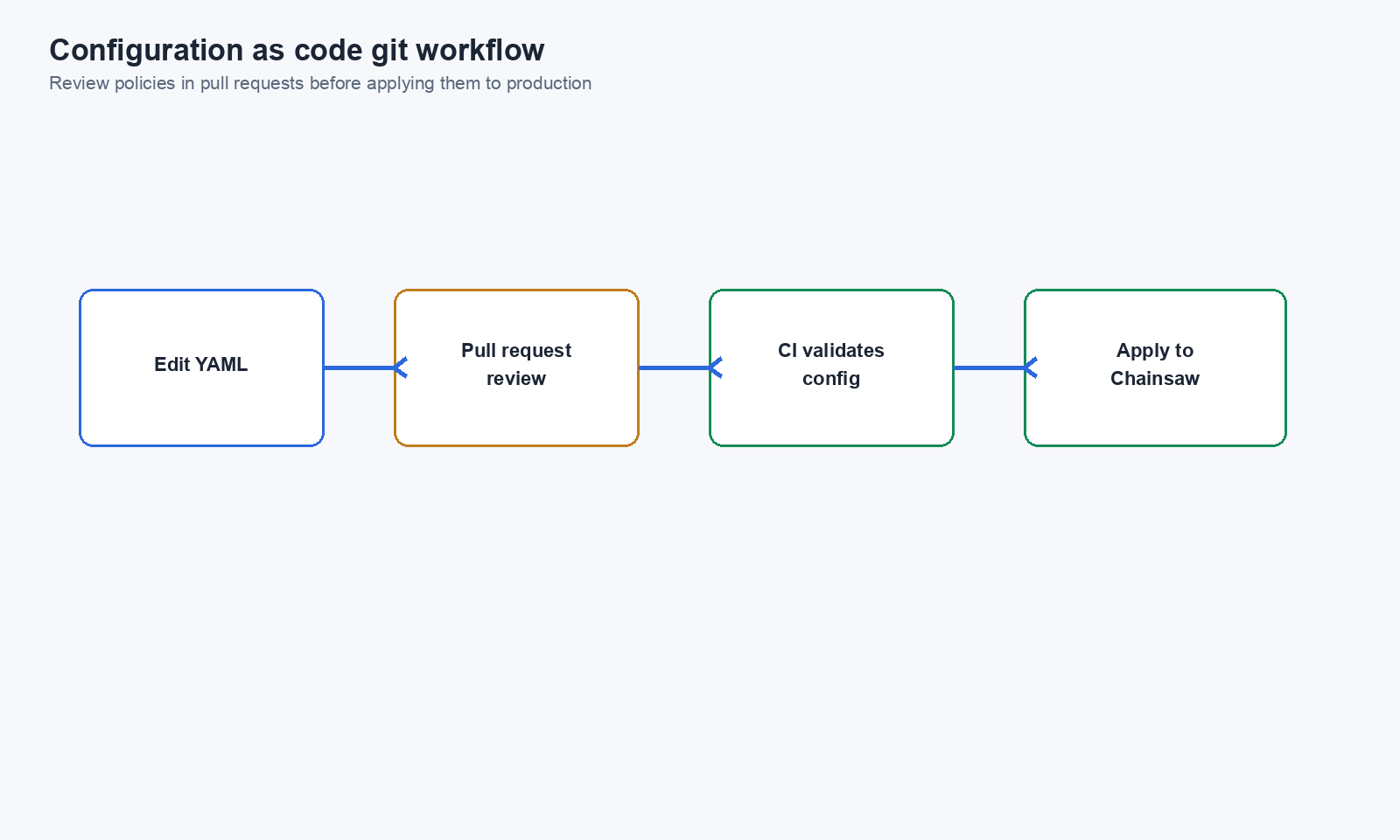
Git Workflow
- Engineer proposes a policy change in a branch
- Security team reviews the YAML diff in a pull request
- CI validates the YAML syntax
- After approval, merge to main
- Deployment pipeline applies the new configuration
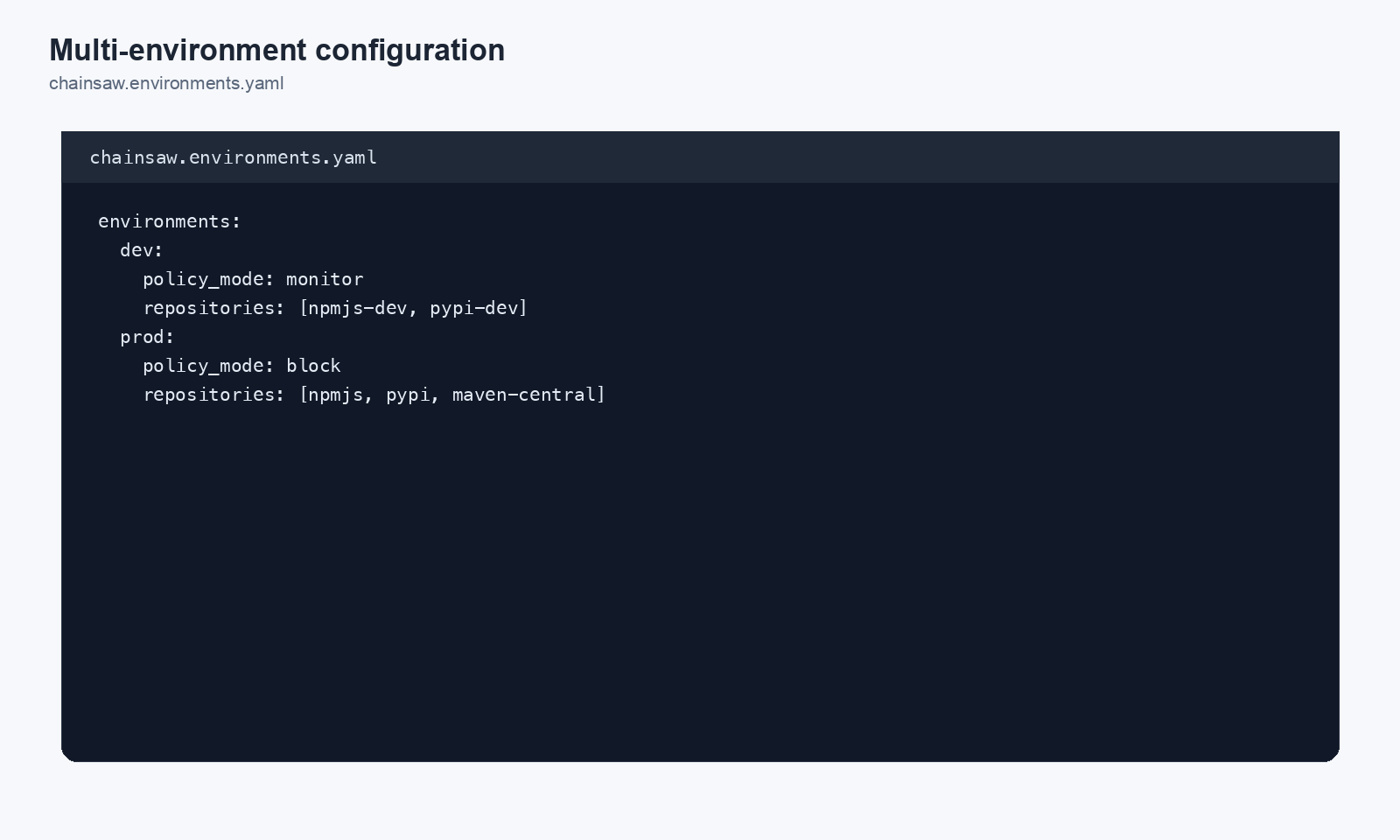
Step 7: Multi-Environment Configuration
Manage different configurations for different environments:
chainsaw/
  ├── base.yaml            # Shared configuration
  ├── staging.yaml         # Staging overrides (more permissive)
  └── production.yaml      # Production overrides (stricter)
Staging: More Permissive
# staging.yaml
policies:
  - name: Quarantine Low Trust (Staging)
    action: quarantine      # Quarantine instead of block
    conditions:
      trust_score_max: 30
Production: Stricter
# production.yaml
policies:
  - name: Block Low Trust (Production)
    action: block           # Block in production
    conditions:
      trust_score_max: 40   # Higher threshold
Step 8: Validate Configuration
Before applying, validate your YAML:
# Syntax check
python -c "import yaml; yaml.safe_load(open('config.yaml'))"

# Or with yq
yq eval '.' config.yaml > /dev/null && echo "Valid YAML"
For more thorough validation, Chainsaw may provide a --validate flag:
./chainsaw validate --config /etc/chainsaw/config.yaml
Best Practices
| Practice | Reason |
|---|---|
| Version control all configuration | Audit trail, rollback capability |
| Review policy changes in PRs | Security team oversight |
| Separate secrets from config | Prevent credential exposure |
| Use environment-specific overrides | Different strictness per environment |
| Validate YAML before applying | Catch syntax errors early |
| Document policy rationale in comments | Future maintainers understand intent |
| Tag configuration releases | Correlate config versions with deployments |
Next Steps
- How to Set Up Chainsaw as Your Package Proxy — Initial deployment
- How to Create Custom Hook Scripts — Custom validation scripts alongside YAML config
- How to Manage Policy Precedence and Exception Workflows — Design your policy stack