How to Create Custom Hook Scripts for Package Validation
Write hook scripts that receive package metadata via environment variables and integrate custom validation logic into the proxy pipeline.
Overview
Chainsaw supports hook scripts — custom executable scripts that run during the package request lifecycle. Hooks receive package metadata as environment variables and can approve, block, or flag requests based on your organization’s custom logic. This allows you to integrate Chainsaw with internal systems, custom blocklists, or proprietary scanning tools.
Prerequisites
- Admin role in Chainsaw
- Shell scripting experience (bash, Python, or any executable)
- Access to the Chainsaw server filesystem (or Docker volume)
Step 1: Understand the Hook Lifecycle
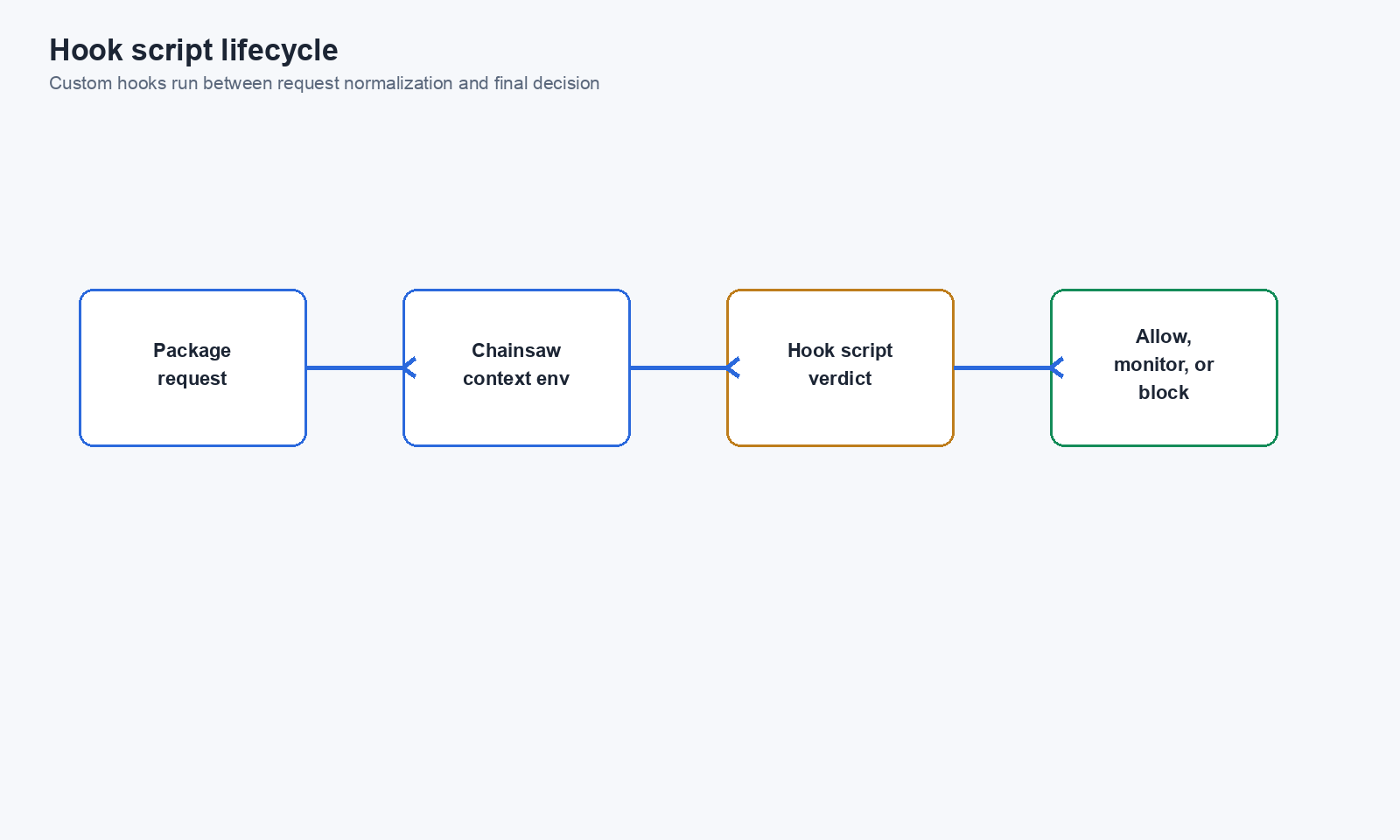
When a package request arrives, Chainsaw can invoke your hook script at the validation phase:
- Package request arrives
- Built-in checks run (malware, typosquat, policy evaluation)
- Hook script executes (if configured)
- Hook exit code determines the outcome
- Package is served or blocked
Exit Codes
| Exit Code | Meaning |
|---|---|
| 0 | Allow — package request proceeds |
| Non-zero | Block — package request is rejected |
Step 2: Available Environment Variables
Chainsaw passes rich context to your hook script via environment variables:
| Variable | Description | Example |
|---|---|---|
CHAINSAW_REPOSITORY | Repository name | npmjs |
CHAINSAW_PACKAGE | Package name | lodash |
CHAINSAW_VERSION | Package version | 4.17.21 |
CHAINSAW_FORMAT | Package ecosystem | npm |
CHAINSAW_CLIENT_ID | Requesting client ID | abc123 |
CHAINSAW_CLIENT_TYPE | Client type | end-user |
Step 3: Write a Hook Script
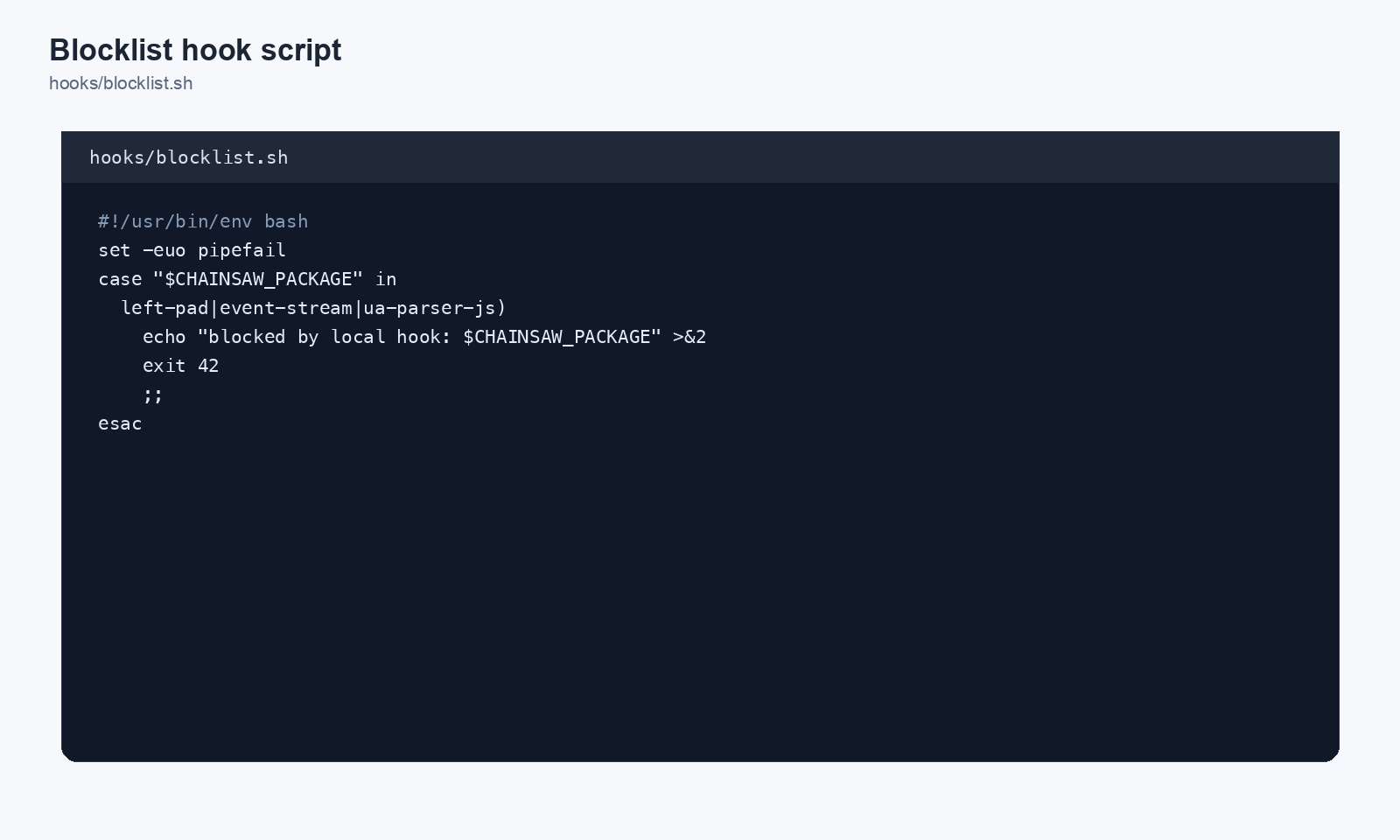
Example 1: Internal Blocklist
Check packages against a custom blocklist file:
#!/bin/bash
# /opt/chainsaw/hooks/blocklist-check.sh

BLOCKLIST="/opt/chainsaw/hooks/blocklist.txt"

# Check if the package is in the blocklist
if grep -q "^${CHAINSAW_FORMAT}/${CHAINSAW_PACKAGE}$" "$BLOCKLIST"; then
    echo "BLOCKED: ${CHAINSAW_PACKAGE} is on the internal blocklist"
    exit 1
fi

exit 0
Blocklist file format:
npm/malicious-package
pip/compromised-lib
maven/org.evil/backdoor
Example 2: External Scanning Integration
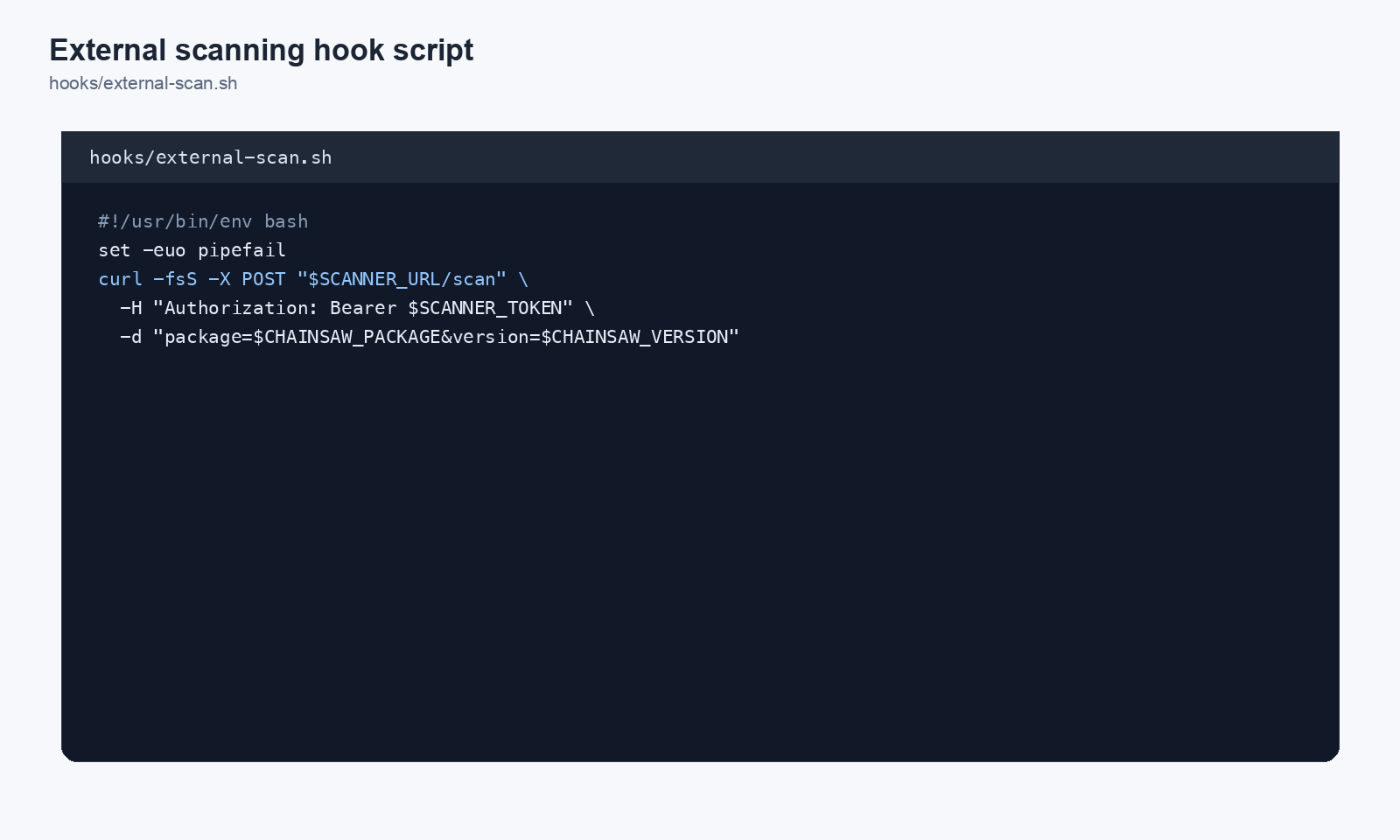
Call an external vulnerability scanner API:
#!/bin/bash
# /opt/chainsaw/hooks/external-scan.sh

SCAN_API="https://internal-scanner.example.com/api/check"

# Call external scanner
RESULT=$(curl -s -o /dev/null -w "%{http_code}" \
    "${SCAN_API}?ecosystem=${CHAINSAW_FORMAT}&package=${CHAINSAW_PACKAGE}&version=${CHAINSAW_VERSION}")

if [ "$RESULT" = "200" ]; then
    exit 0  # Scanner says OK
elif [ "$RESULT" = "403" ]; then
    echo "BLOCKED: External scanner flagged ${CHAINSAW_PACKAGE}@${CHAINSAW_VERSION}"
    exit 1
else
    echo "WARNING: Scanner unavailable (HTTP $RESULT), allowing package"
    exit 0  # Fail open — adjust to exit 1 if you prefer fail-closed
fi
Example 3: Restrict AI Agents to Approved Packages
#!/bin/bash
# /opt/chainsaw/hooks/ai-agent-guard.sh

# Only apply restrictions to AI agent clients
if [ "$CHAINSAW_CLIENT_TYPE" != "ai-agent" ]; then
    exit 0
fi

APPROVED_LIST="/opt/chainsaw/hooks/ai-approved-packages.txt"

if ! grep -q "^${CHAINSAW_FORMAT}/${CHAINSAW_PACKAGE}$" "$APPROVED_LIST"; then
    echo "BLOCKED: AI agents may only install pre-approved packages"
    exit 1
fi

exit 0
Step 4: Make the Script Executable
chmod +x /opt/chainsaw/hooks/blocklist-check.sh
Step 5: Configure the Hook in Chainsaw
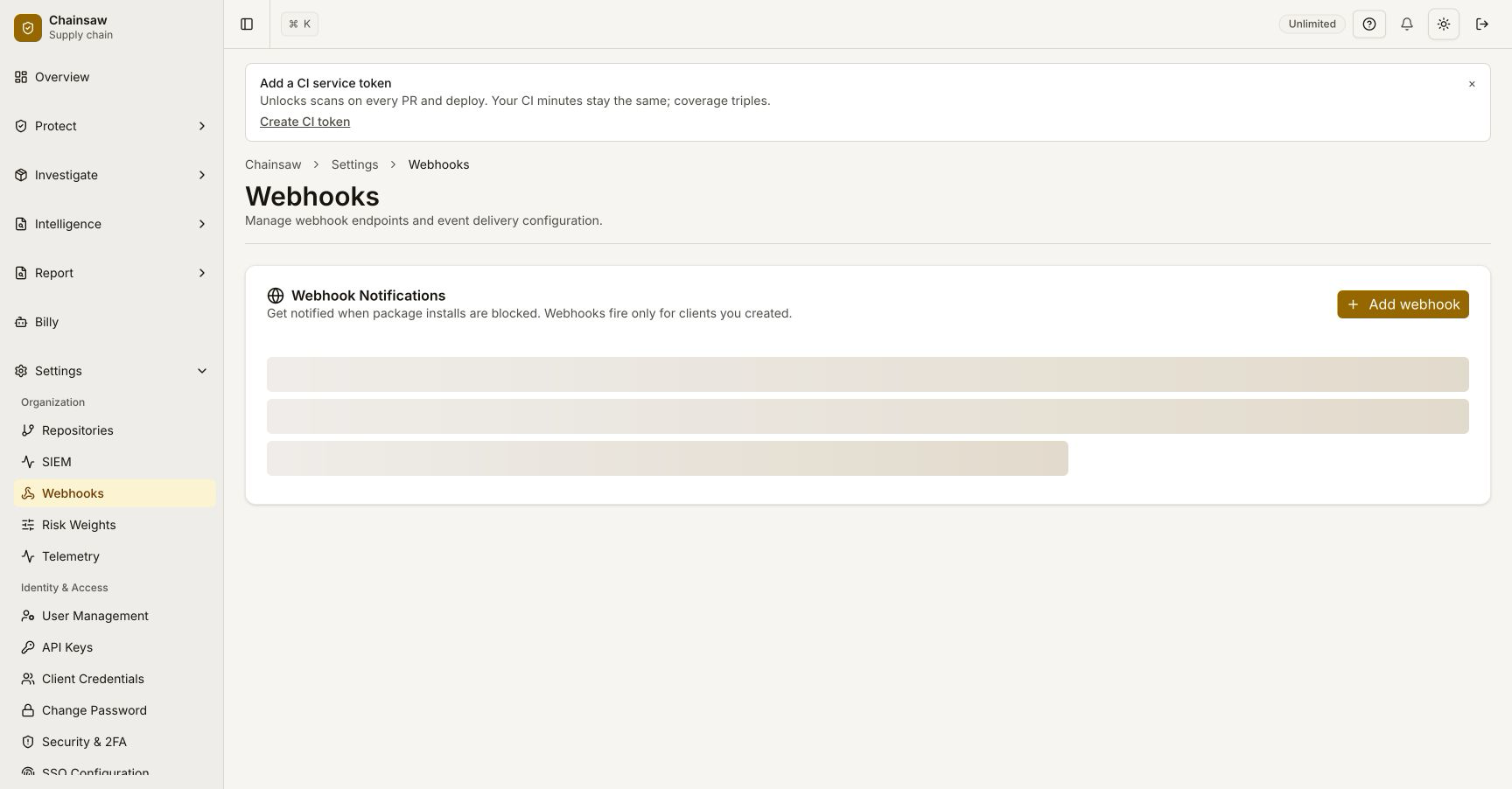
Navigate to Settings in the dashboard or configure via the settings API.
Via Dashboard
- Navigate to Settings
- Find the Hooks section
- Set the hook script path
- Save
Via API
curl -X PATCH "https://chain305.com/chainproxy/api/v1/settings" \
  -H "Authorization: Bearer YOUR_TOKEN" \
  -H "Content-Type: application/json" \
  -d '{
    "hook_script": "/opt/chainsaw/hooks/blocklist-check.sh"
  }'
Step 6: Test the Hook
Install a package that should be blocked by your hook:
# If "malicious-package" is on your blocklist
npm install malicious-package \
  --registry https://CLIENT_ID:CLIENT_SECRET@chain305.com/chainproxy/repository/@default/npmjs/
Check the Traffic page to verify the hook blocked the request.
Step 7: Monitor Hook Performance
Hooks run synchronously in the request path. Keep them fast to avoid latency:
- Target < 100ms execution time
- Use fail-open for external API calls (unless security requires fail-closed)
- Cache results when possible
- Monitor server logs for hook errors
Best Practices
- Keep hooks simple — Complex logic belongs in a policy, not a hook
- Use hooks for integrations — External blocklists, custom scanners, internal APIs
- Log decisions — Echo a reason before
exit 1for debugging - Test thoroughly — A broken hook blocks all package installs
- Version control hooks — Store hook scripts in a repo alongside your Chainsaw configuration
- Set timeouts — Prevent hung external calls from blocking the pipeline
Next Steps
- How to Manage Policy Precedence and Exception Workflows — Combine hooks with policy rules
- How to Block Vulnerable Packages Using CVSS and EPSS — Built-in vulnerability blocking (no hooks needed)