How to Configure Your Package Manager to Use Chainsaw
Per-ecosystem guides for pointing npm, pip, Maven, Gradle, CocoaPods, Swift Package Manager, NuGet, Cargo, Composer, Go, Docker, RubyGems, APT, and Yum at your Chainsaw instance.
Overview
Once Chainsaw is deployed, each developer and CI/CD pipeline needs to point their package manager at the proxy. This tutorial provides copy-paste configuration for all supported ecosystems, including mobile (Gradle for Android, CocoaPods for iOS).
chain305.com, the hosted service. If you self-host, replace the host in each snippet with your own, and swap
CLIENT_ID / CLIENT_SECRET for credentials issued from the
Access page in the Chainsaw dashboard. All examples below use chain305.com/chainproxy/repository/@<org-slug>/<ecosystem>/. New
single-tenant installs default to org slug default — confirm yours
under Settings → Organization → Slug in the dashboard, or copy it
from the @<slug> segment of any generated config snippet under
Settings → Client Credentials → New. Legacy non-org-scoped URLs
(/repository/<ecosystem>/) return HTTP 400 with error CHW-4314. If
you front Chainsaw with a reverse proxy that adds a base path (e.g.
/chainsaw), prepend that segment to every URL and keep it consistent
with NEXT_APP_BASEPATH in your .env.Prerequisites
- A running Chainsaw instance (see Tutorial 01)
- Client credentials (Client ID and Secret)
- The package manager installed for your target ecosystem
npm
Clear Local Caches (First-Time Setup)
rm -rf node_modules package-lock.json
npm cache clean --force
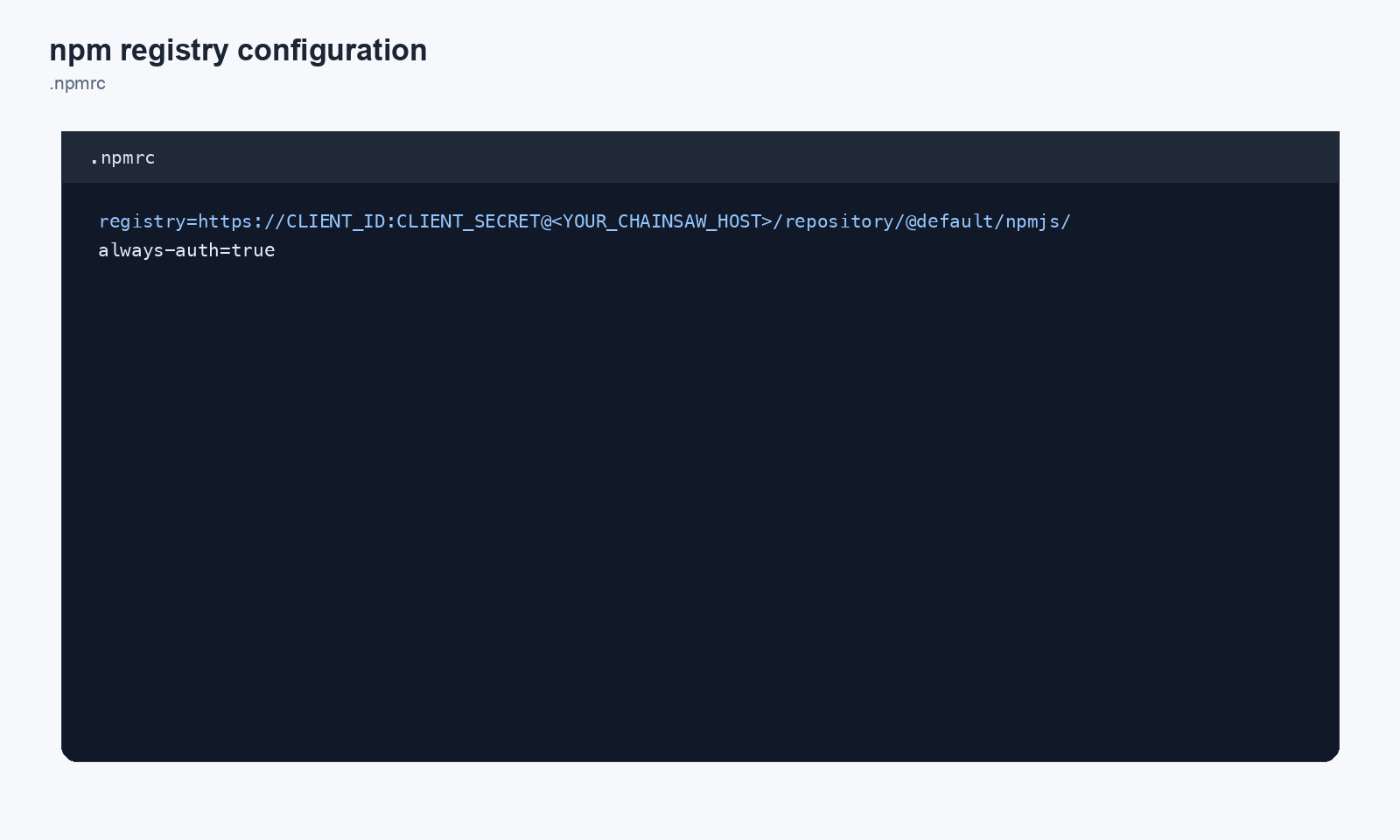
Project-Level (.npmrc)
registry=https://chain305.com/chainproxy/repository/@default/npmjs/
//chain305.com/chainproxy/repository/@default/npmjs/:_auth=<base64(CLIENT_ID:CLIENT_SECRET)>
//chain305.com/chainproxy/repository/@default/npmjs/:always-auth=true
Generate the base64 token with printf '%s' "$CLIENT_ID:$CLIENT_SECRET" | base64. The _auth field expects the encoded form per the .npmrc spec — passing the raw CLIENT_ID:CLIENT_SECRET literal makes npm ship installs with no Authorization header and the proxy returns HTTP 401. always-auth=true ensures the credential rides on tarball fetches too, not just metadata lookups.
Global Configuration
npm config set registry https://chain305.com/chainproxy/repository/@default/npmjs/
npm login --registry=https://chain305.com/chainproxy/repository/@default/npmjs/
Verify
npm install lodash
Python (pip)
Clear Local Caches (First-Time Setup)
pip cache purge
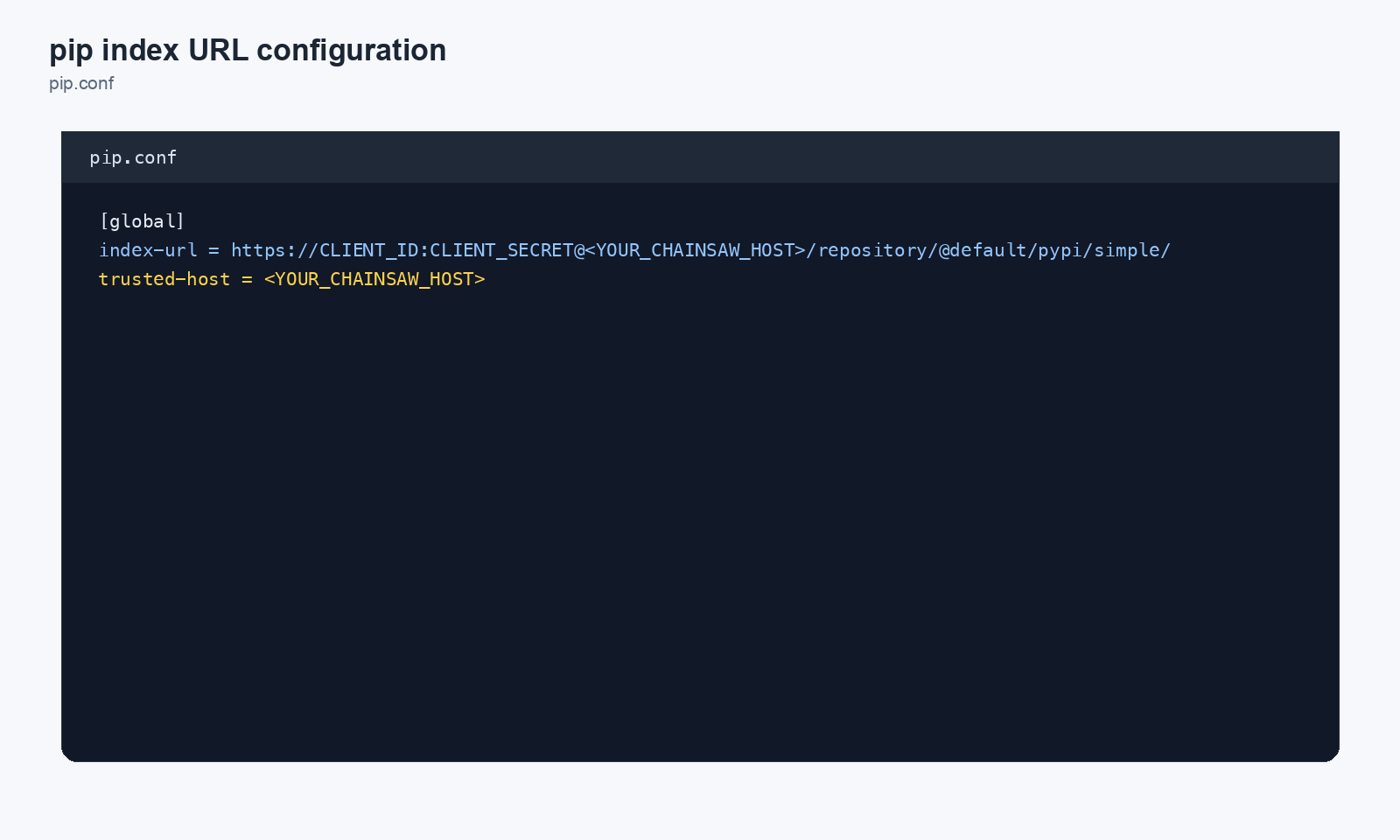
pip.conf / pip.ini
[global]
index-url = https://CLIENT_ID:CLIENT_SECRET@chain305.com/chainproxy/repository/@default/pypi/simple/
trusted-host = chain305.com
trusted-host takes a bare hostname (optionally host:port). Appending a
path (e.g. chain305.com/chainsaw) will cause pip to reject the
configuration. The path belongs in index-url only.Environment Variable
export PIP_INDEX_URL=https://CLIENT_ID:CLIENT_SECRET@chain305.com/chainproxy/repository/@default/pypi/simple/
Per-Command
pip install requests \
  --index-url https://CLIENT_ID:CLIENT_SECRET@chain305.com/chainproxy/repository/@default/pypi/simple/
Maven
Clear Local Caches (First-Time Setup)
rm -rf ~/.m2/repository
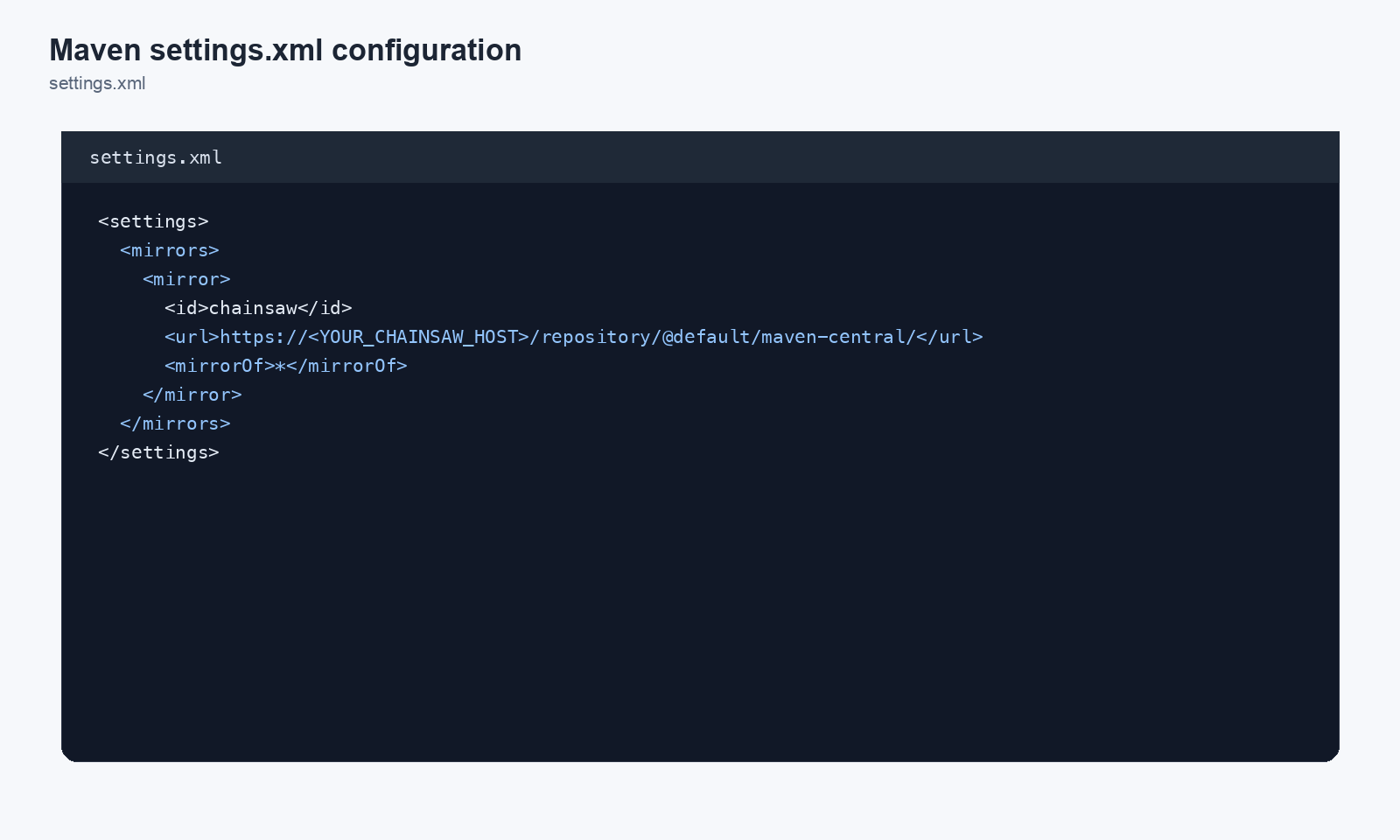
settings.xml
<settings>
  <mirrors>
    <mirror>
      <id>chainsaw-maven</id>
      <mirrorOf>central</mirrorOf>
      <url>https://chain305.com/chainproxy/repository/@default/maven-central/</url>
    </mirror>
  </mirrors>
  <servers>
    <server>
      <id>chainsaw-maven</id>
      <username>CLIENT_ID</username>
      <password>CLIENT_SECRET</password>
    </server>
  </servers>
</settings>
NuGet
Clear Local Caches (First-Time Setup)
dotnet nuget locals all --clear
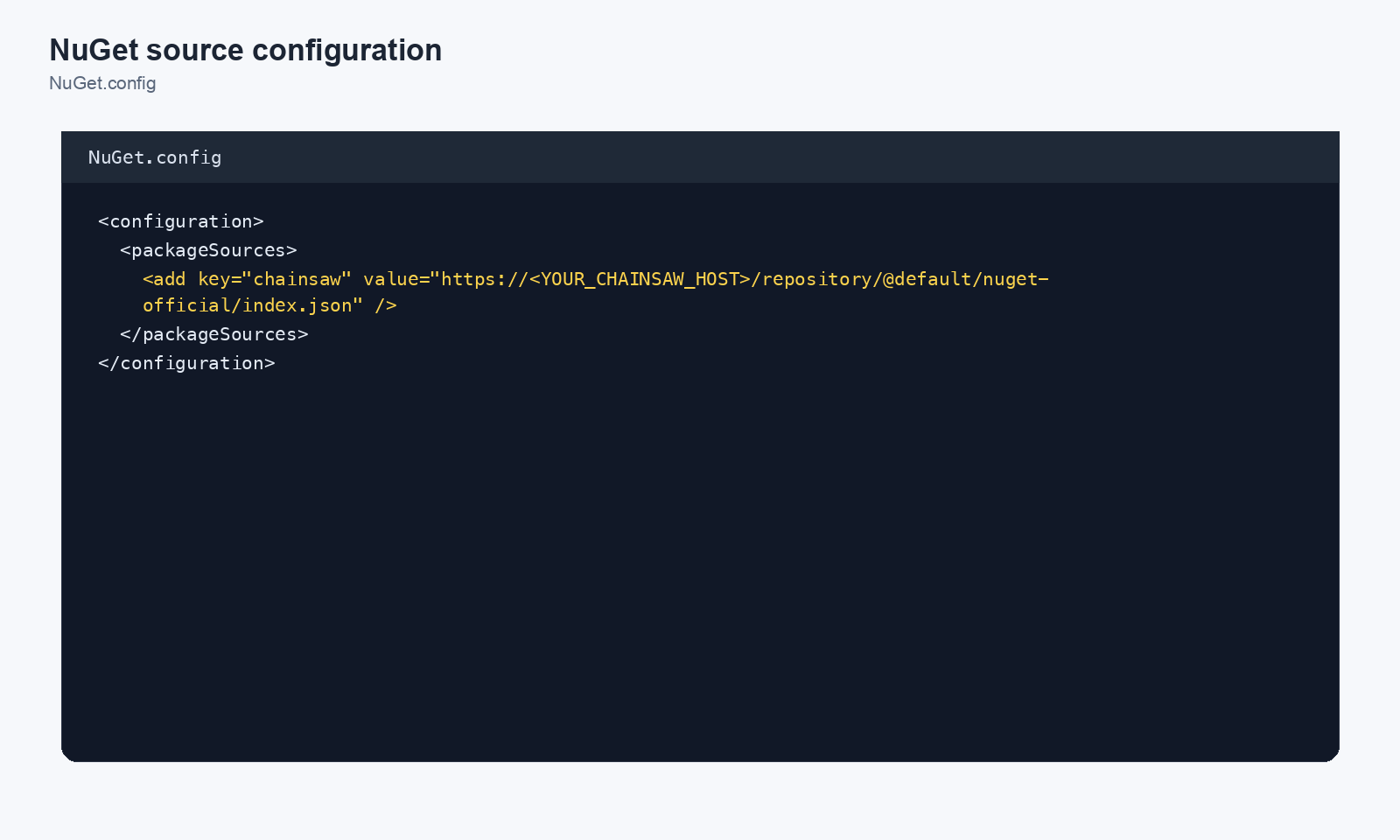
nuget.config
As of Wave U (2026-05-23) the NuGet v3 service index is served at the bare repo root (/nuget-official/index.json) — the legacy /nuget-official/v3/index.json path no longer resolves and dotnet add package fails at snippet-paste time.
<?xml version="1.0" encoding="utf-8"?>
<configuration>
  <packageSources>
    <clear />
    <add key="chainsaw" value="https://chain305.com/chainproxy/repository/@default/nuget-official/index.json" />
  </packageSources>
  <packageSourceCredentials>
    <chainsaw>
      <add key="Username" value="CLIENT_ID" />
      <add key="ClearTextPassword" value="CLIENT_SECRET" />
    </chainsaw>
  </packageSourceCredentials>
</configuration>
CLI
dotnet nuget add source https://chain305.com/chainproxy/repository/@default/nuget-official/index.json \
  --name chainsaw \
  --username CLIENT_ID \
  --password CLIENT_SECRET
Cargo (Rust)
Clear Local Caches (First-Time Setup)
rm -rf target
rm -rf ~/.cargo/registry/cache ~/.cargo/registry/src
.cargo/config.toml
[registries.chainsaw]
index = "sparse+https://chain305.com/chainproxy/repository/@default/crates-io/"
token = "CLIENT_ID:CLIENT_SECRET"

[source.crates-io]
replace-with = "chainsaw"
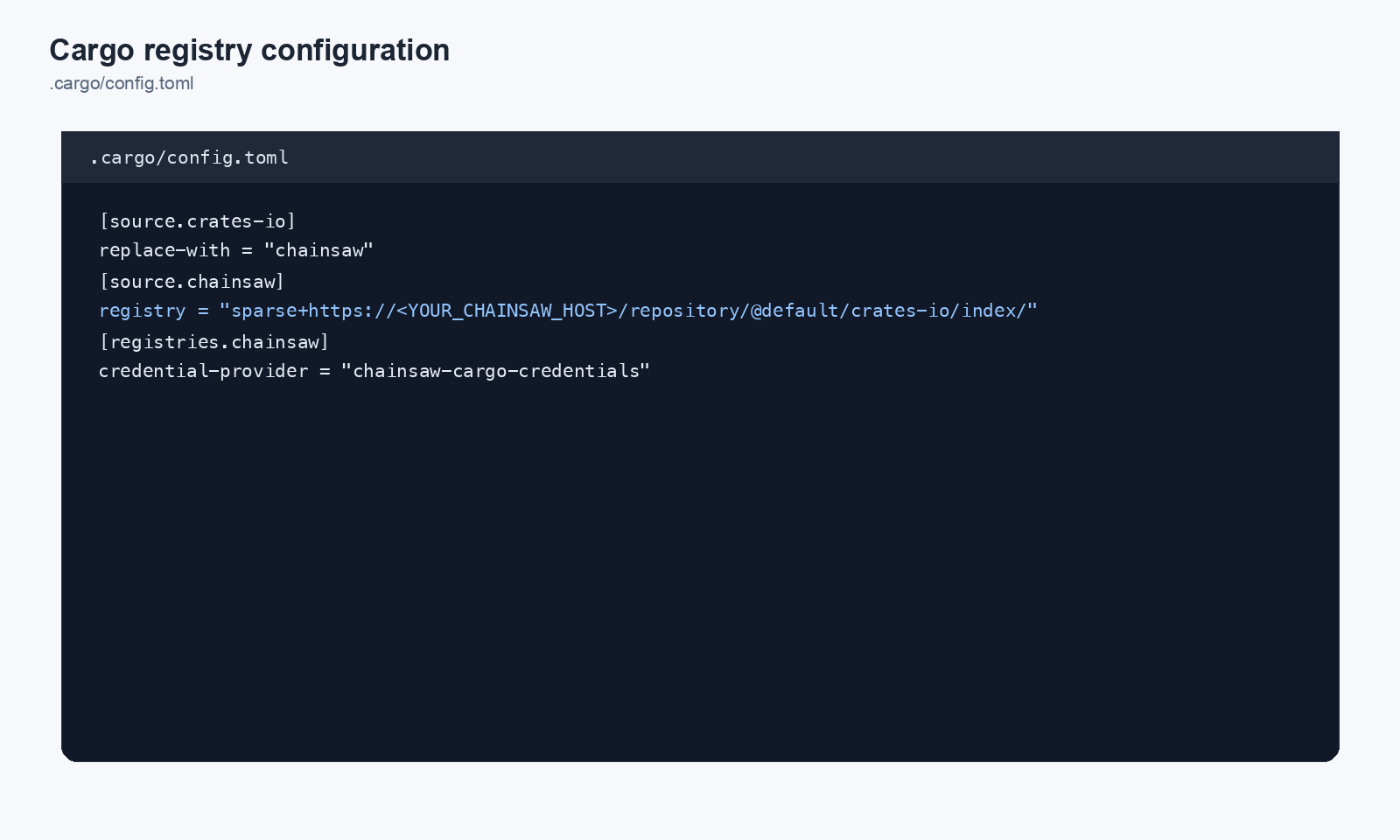
Recommended for cargo 1.74+: chainsaw cargo-credentials
Plaintext tokens in .cargo/config.toml are workable but not great — they end up in shell history, dotfile backups, and screenshots. For cargo 1.74 and newer, Chainsaw ships a native credential provider that sources credentials from the OS keyring instead.
# One-time: store credentials in the keyring
chainsaw cargo-credentials store

# Verify the provider is wired
chainsaw cargo-credentials status

# Remove if you switch hosts
chainsaw cargo-credentials clear
In .cargo/config.toml, drop the token = "..." line and add:
[registry]
global-credential-providers = ["chainsaw-cargo-credentials"]
Cargo will resolve credentials via the provider on every fetch — no plaintext in the config file.
Composer (PHP)
Clear Local Caches (First-Time Setup)
rm -rf vendor composer.lock
composer clear-cache
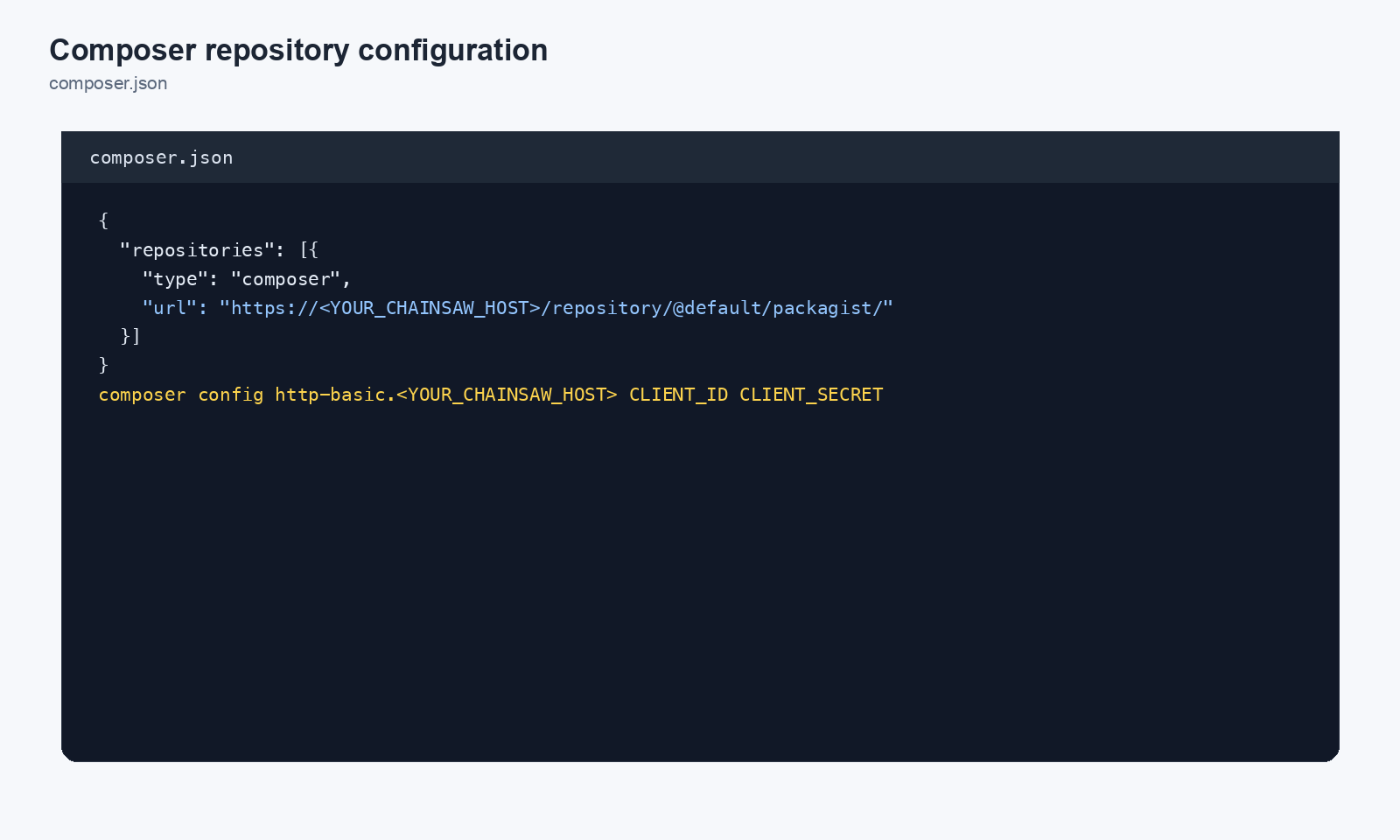
composer.json
{
  "repositories": [
    {
      "type": "composer",
      "url": "https://chain305.com/chainproxy/repository/@default/packagist/"
    }
  ],
  "config": {
    "http-basic": {
      "chain305.com": {
        "username": "CLIENT_ID",
        "password": "CLIENT_SECRET"
      }
    }
  }
}
Go Modules
Clear Local Caches (First-Time Setup)
go clean -modcache
Environment Variables
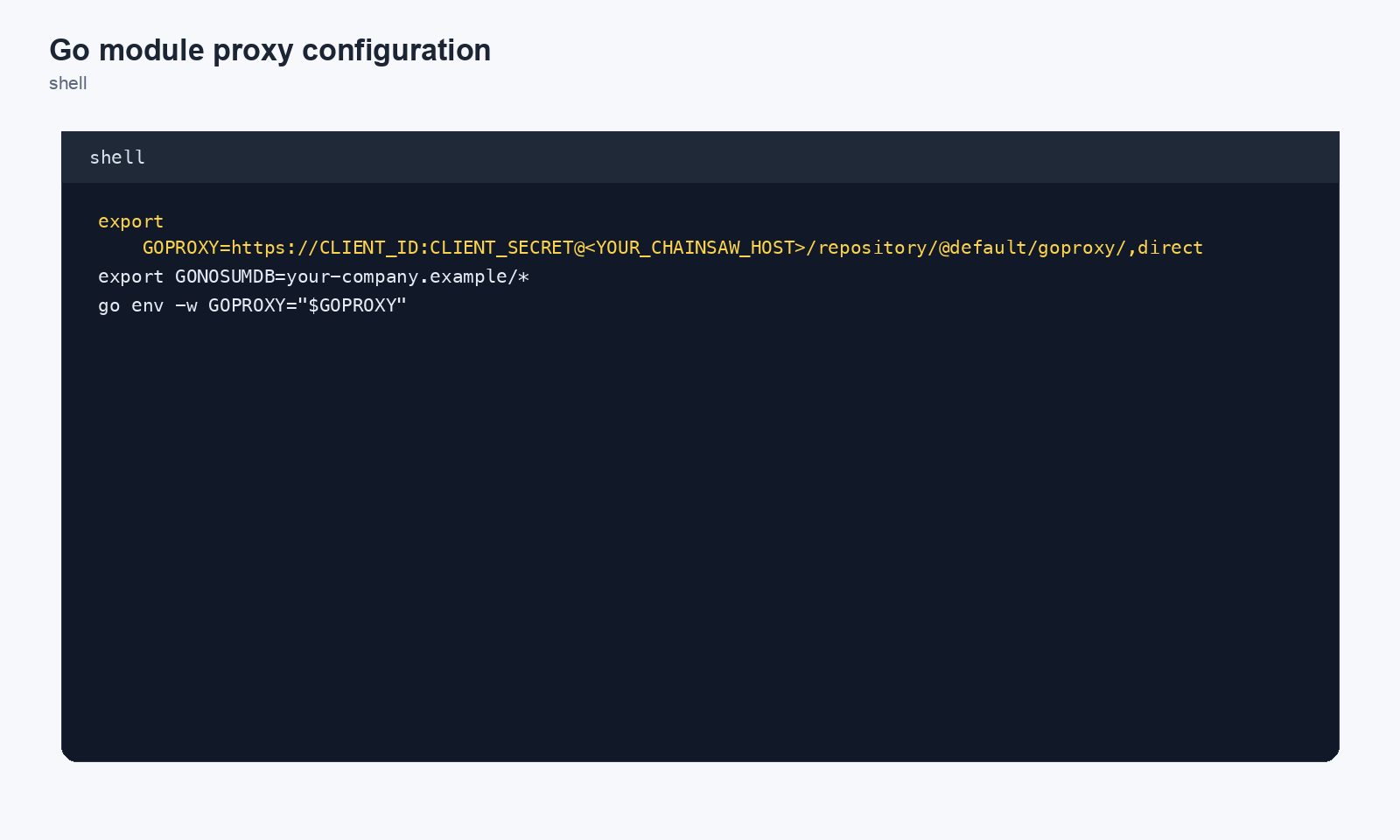
export GOPROXY=https://CLIENT_ID:CLIENT_SECRET@chain305.com/chainproxy/repository/@default/gomod
# Internal modules: fetched directly, skip the public checksum database
# export GOPRIVATE=github.com/yourorg/*
Leave GOSUMDB at its default (sum.golang.org) so Go checks every public module against the checksum database; Chainsaw does not do that check for you. Do not add ,direct to GOPROXY: Go would then fetch any module Chainsaw does not serve straight from its source, bypassing your policy.
Docker
Clear Local Caches (First-Time Setup)
Remove locally cached images so they are re-pulled through Chainsaw:
docker image prune -a
Or remove specific images you want re-scanned:
docker rmi <image>:<tag>
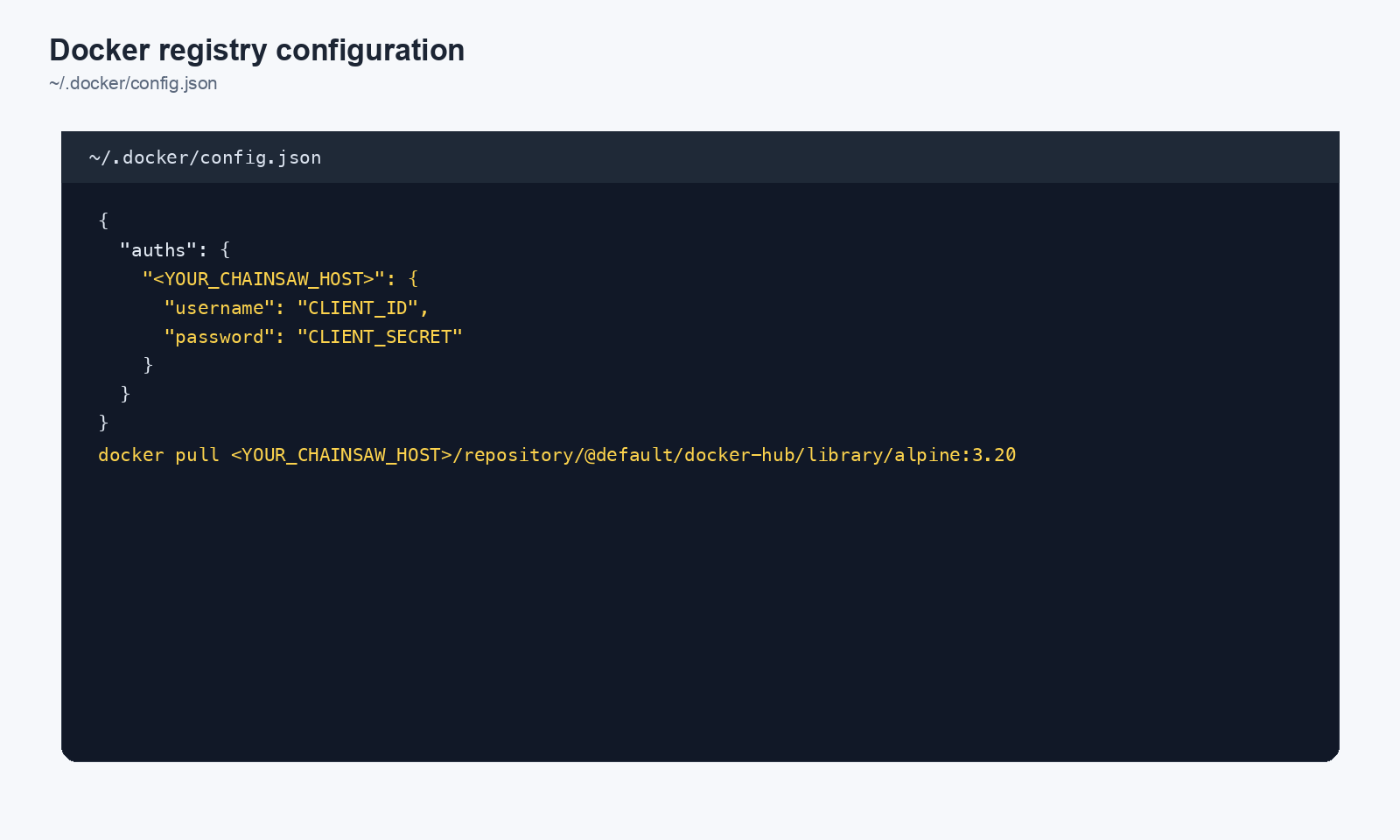
Docker clients connect to Chainsaw via the /v2/ API at the host root. Your reverse proxy must route /v2/* to the Chainsaw backend (see the nginx example in the deployment guide). The pull/push path itself MUST include /repository/@<org-slug>/docker/ — bare chain305.com/<image> will not route to the org-scoped repo.
Docker Login
docker login chain305.com \
  --username CLIENT_ID \
  --password CLIENT_SECRET
Pull Through Chainsaw
docker pull chain305.com/chainproxy/repository/@default/docker/library/nginx:latest
Push (Publish) an Image
docker tag my-app:latest chain305.com/chainproxy/repository/@default/docker/my-org/my-app:1.0.0
docker push chain305.com/chainproxy/repository/@default/docker/my-org/my-app:1.0.0
Note: Push requires a registered package slug and write permission for the client. Create these via the dashboard or the package management API before pushing.
RubyGems
Clear Local Caches (First-Time Setup)
rm -rf vendor/bundle Gemfile.lock
gem cleanup
bundle cache --no-cache
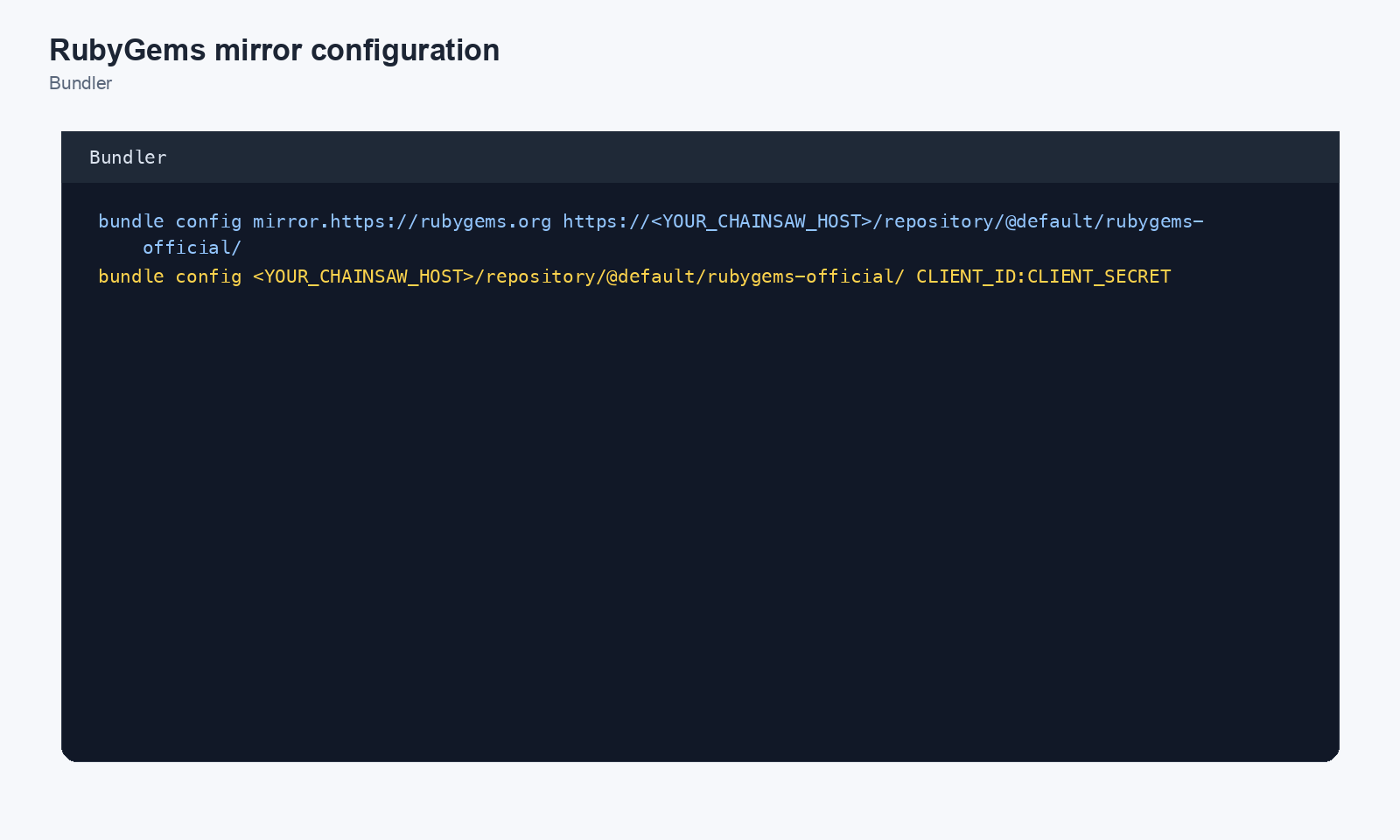
Bundler Configuration
bundle config mirror.https://rubygems.org https://chain305.com/chainproxy/repository/@default/rubygems-official/
bundle config chain305.com/chainproxy/repository/@default/rubygems-official/ CLIENT_ID:CLIENT_SECRET
Gemfile
source "https://chain305.com/chainproxy/repository/@default/rubygems-official/"
APT (Debian/Ubuntu)
sources.list
deb https://CLIENT_ID:CLIENT_SECRET@chain305.com/chainproxy/repository/@default/apt-main/ stable main
auth.conf
machine chain305.com
login CLIENT_ID
password CLIENT_SECRET
apt auth.conf(5) supports path-scoped machine tokens
(e.g. machine chain305.com/chainproxy/repository/apt-main) if you want
to restrict these credentials to Chainsaw repositories only and share
the same auth.conf with other APT mirrors on the same host. A bare
host is fine when Chainsaw is the only thing listening there.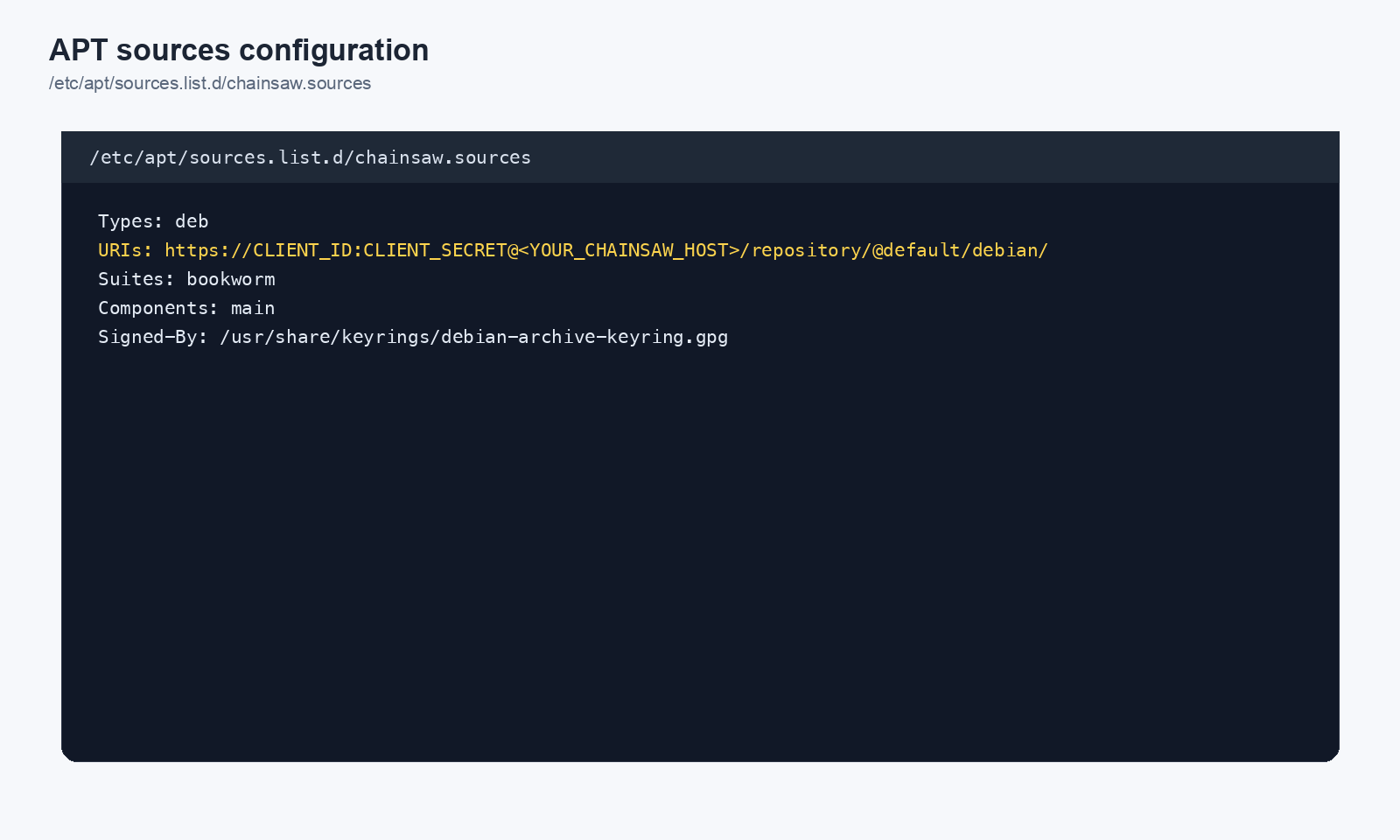
Yum / DNF (RHEL/CentOS/Fedora)
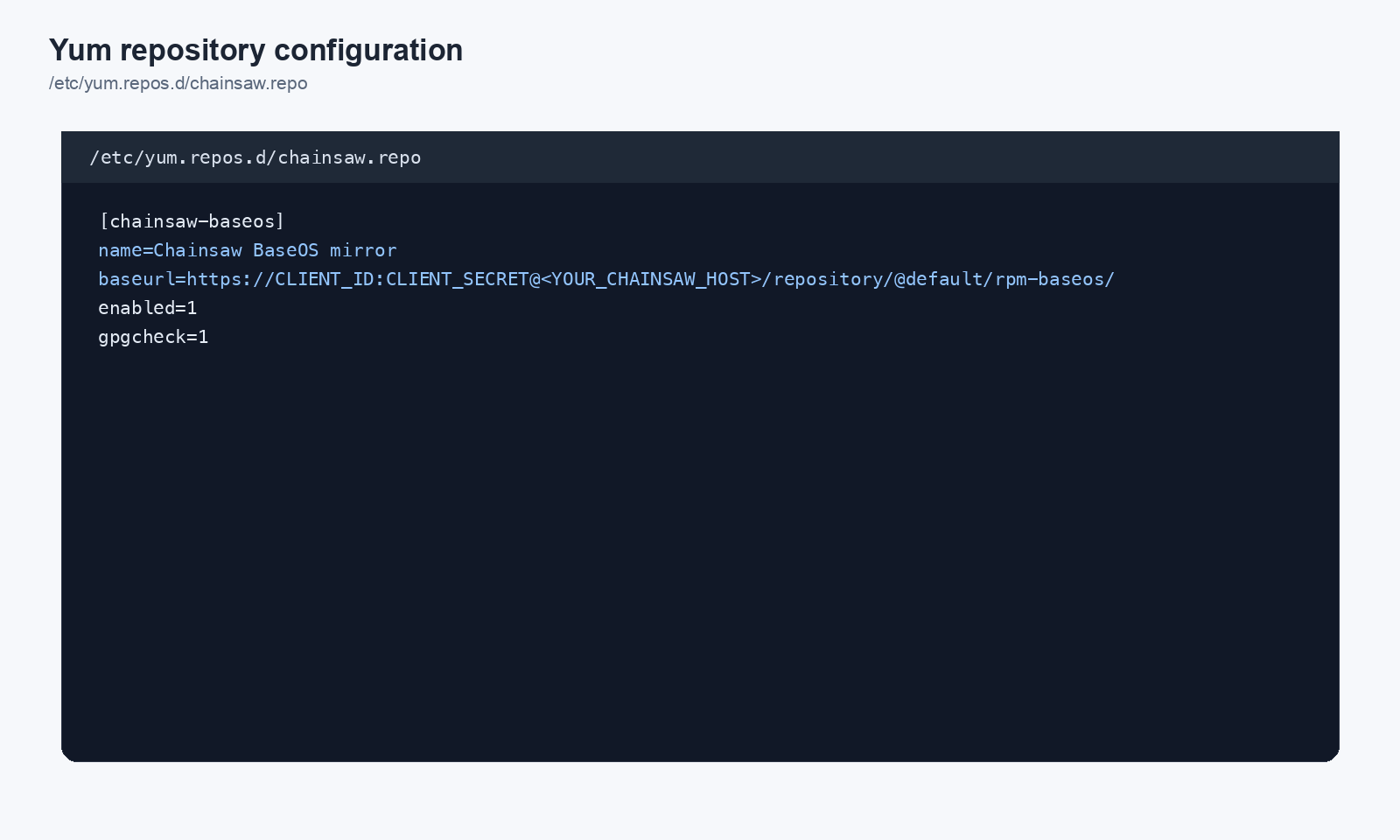
/etc/yum.repos.d/chainsaw.repo
[chainsaw-baseos]
name=Chainsaw BaseOS Mirror
baseurl=https://chain305.com/chainproxy/repository/@default/yum-baseos/
username=CLIENT_ID
password=CLIENT_SECRET
gpgcheck=0
enabled=1
Hugging Face
Clear Local Caches (First-Time Setup)
rm -rf ~/.cache/huggingface/
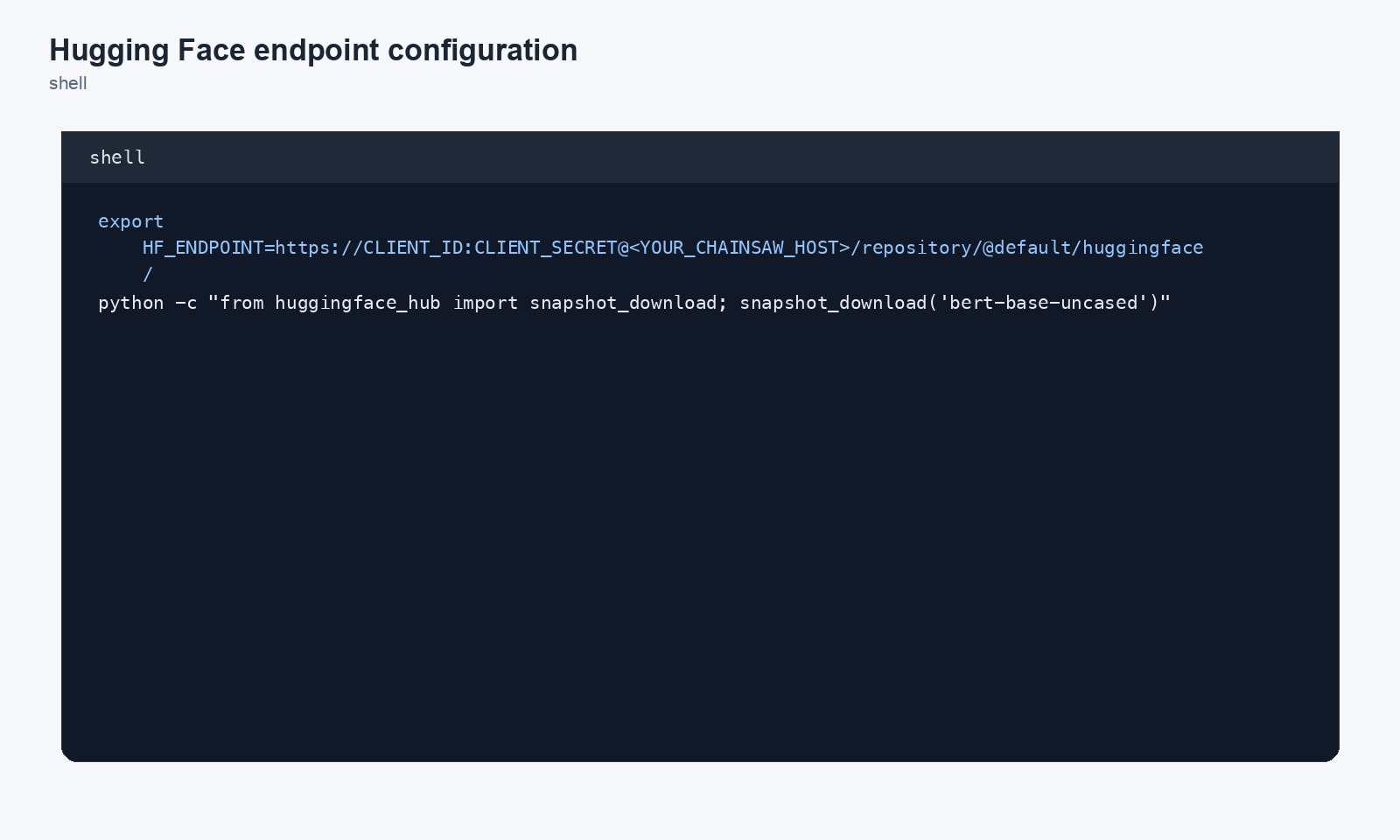
Environment Variable
export HF_ENDPOINT=https://CLIENT_ID:CLIENT_SECRET@chain305.com/chainproxy/repository/@default/huggingface/
Large model weights (LFS) and git clone against Hugging Face repos route through the proxy transparently — no extra client config beyond HF_ENDPOINT. Both git smart-HTTP and the LFS object protocol are passthrough’d as of the 2026-05 HF fix.
Gradle (Android)
Clear Local Caches (First-Time Setup)
rm -rf ~/.gradle/caches
build.gradle.kts
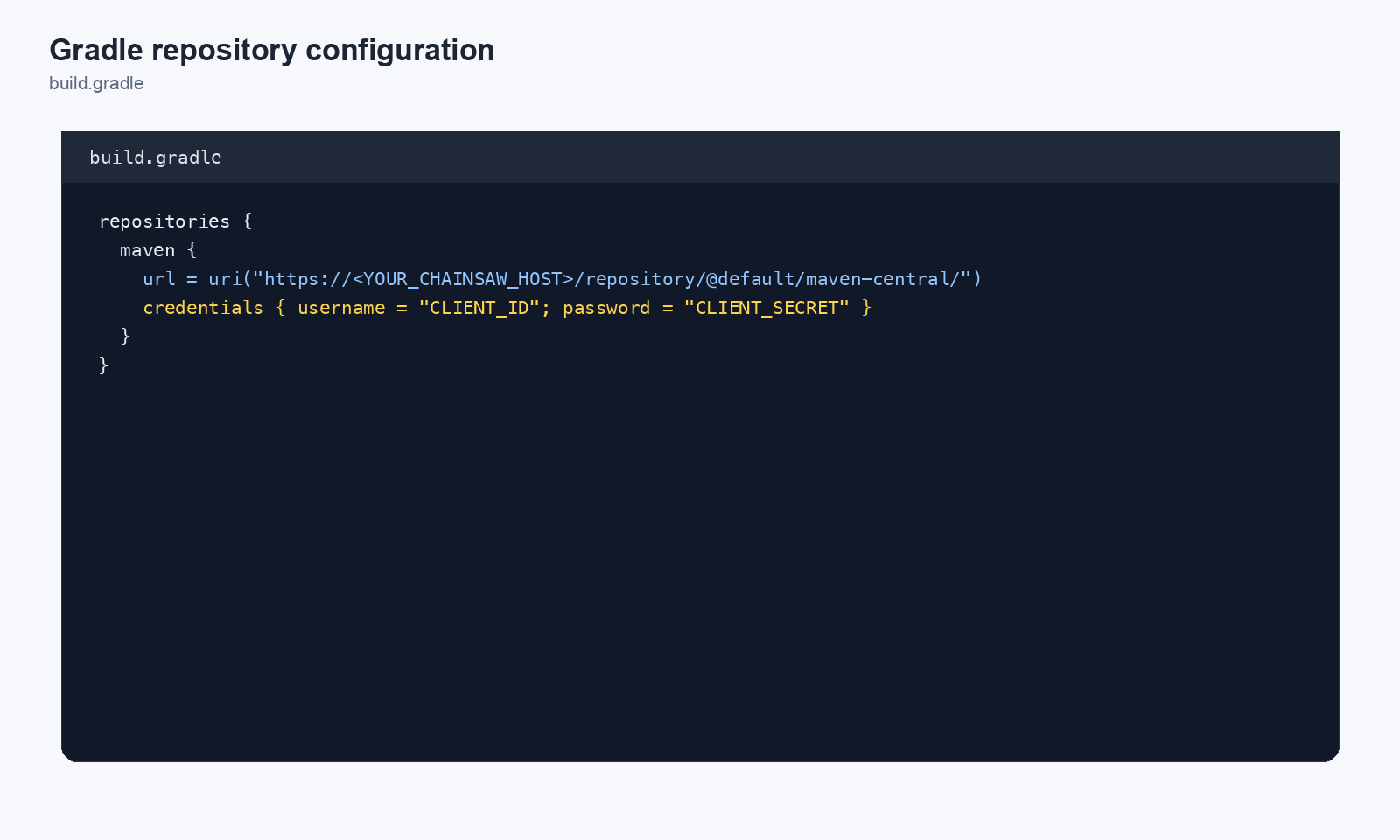
Gradle resolves dependencies from Maven-layout repositories. Point your project at Chainsaw’s Gradle repositories:
repositories {
    maven {
        url = uri("https://CLIENT_ID:CLIENT_SECRET@chain305.com/chainproxy/repository/@default/gradle-central/")
    }
    maven {
        url = uri("https://CLIENT_ID:CLIENT_SECRET@chain305.com/chainproxy/repository/@default/google-maven/")
    }
}
Plugin Resolution (settings.gradle.kts)
pluginManagement {
    repositories {
        maven {
            url = uri("https://CLIENT_ID:CLIENT_SECRET@chain305.com/chainproxy/repository/@default/gradle-plugins/")
        }
    }
}
Global Configuration (init.gradle.kts)
Create ~/.gradle/init.gradle.kts to route all projects through Chainsaw:
allprojects {
    repositories {
        clear()
        maven {
            url = uri("https://CLIENT_ID:CLIENT_SECRET@chain305.com/chainproxy/repository/@default/gradle-central/")
        }
        maven {
            url = uri("https://CLIENT_ID:CLIENT_SECRET@chain305.com/chainproxy/repository/@default/google-maven/")
        }
    }
}
gradle-central (Maven Central), google-maven (Android artifacts from dl.google.com), and gradle-plugins (Gradle Plugin Portal).Verify
./gradlew dependencies --refresh-dependencies
CocoaPods (iOS)
Clear Local Caches (First-Time Setup)
pod cache clean --all
rm -rf ~/Library/Caches/CocoaPods
Podfile Source Directive
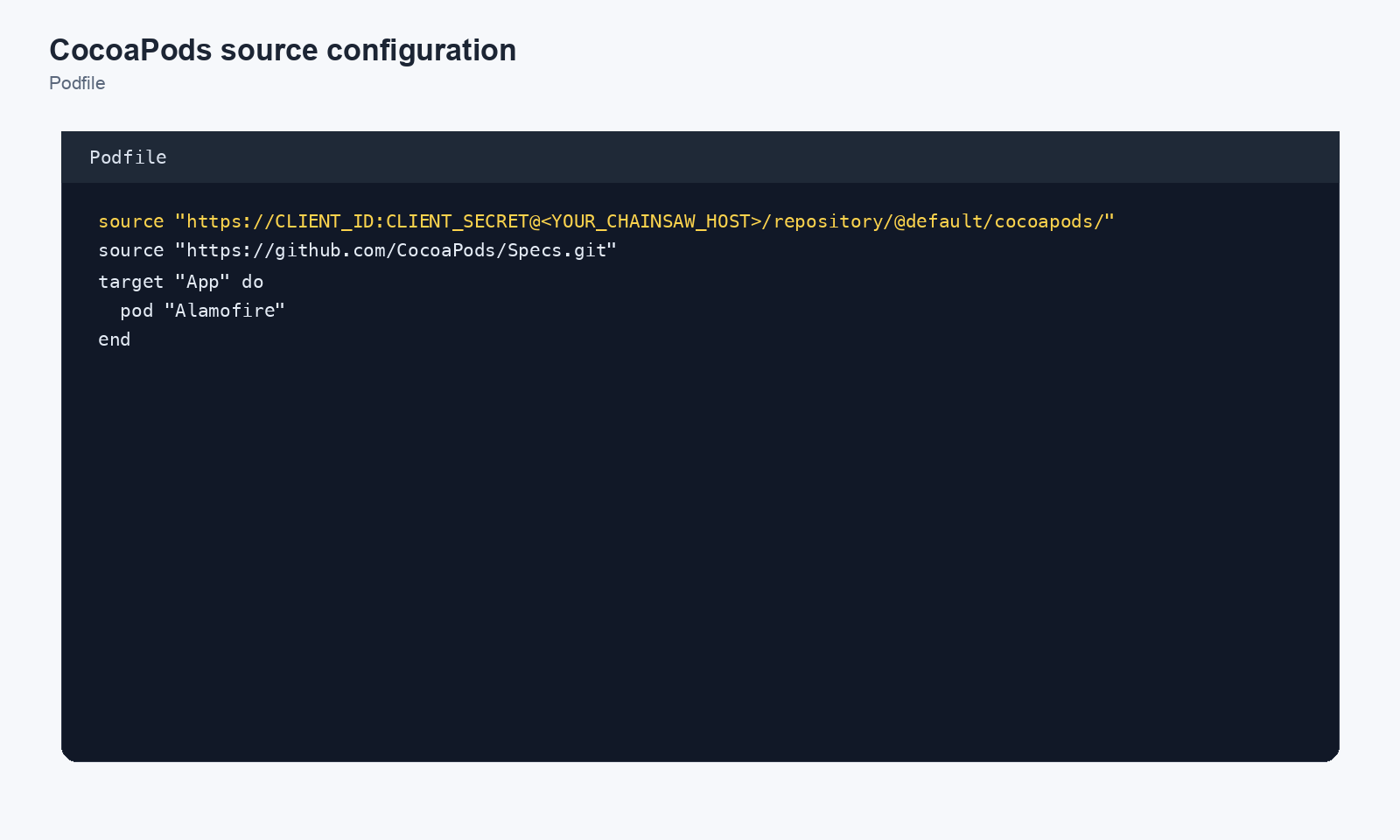
Add the Chainsaw CDN source to the top of your Podfile:
source 'https://CLIENT_ID:CLIENT_SECRET@chain305.com/chainproxy/repository/@default/cocoapods-trunk/'

target 'MyApp' do
  pod 'Alamofire', '~> 5.9'
  pod 'SDWebImage', '~> 5.19'
end
.netrc Credentials (HTTPS)
For HTTPS deployments, use .netrc for credentials:
machine chain305.com
  login CLIENT_ID
  password CLIENT_SECRET
Then in your Podfile:
source 'https://chain305.com/chainproxy/repository/@default/cocoapods-trunk/'
source.http are also proxied.Verify
pod install --verbose
Swift Package Manager (SPM)
Chainsaw implements the SE-0292 Swift Package Registry protocol. Point SPM at your Chainsaw repo and every swift package resolve runs through vulnerability, typosquat, package-age, and SE-0391 provenance checks.
Swift needs one setup step the other ecosystems do not. Chainsaw ships seeded repositories for npm, PyPI, Maven and the rest, so the URLs above work on a fresh install. It ships no swift repository, because there is no public SE-0292 registry to point one at — every conformant registry is per-tenant. So @default/swift does not exist until you create it, and the commands in this section will 404 against a fresh install.
Pick one of two routes first:
1. Front your own SE-0292 registry (Artifactory, Cloudsmith, Gitea, Nexus):
chainsaw repo create --name swift --ecosystem swift \
  --upstream https://your-registry.example.com/artifactory/api/swift/swift-remote
2. Resolve from git tags instead, if you have no registry. This synthesises registry responses from git ls-remote + git archive for URLs you list, so it needs both knobs — the map is what makes it safe:
swift:
  git_fallback_enabled: true
  identifier_map_path: /etc/chainsaw/swift-identifiers.yaml
identifier_map_path maps each scope.name identifier to a git URL. See core/formats/swift/identifier_map.go for the format.
Clear Local Caches (First-Time Setup)
rm -rf .build ~/Library/Caches/org.swift.swiftpm
Set the Default Registry
swift package-registry set \
  https://CLIENT_ID:CLIENT_SECRET@chain305.com/chainproxy/repository/@default/swift/
Scoped Registry (Gradual Adoption)
Route only a specific scope (e.g. apple) through Chainsaw while leaving other packages on git:
swift package-registry set --scope apple \
  https://CLIENT_ID:CLIENT_SECRET@chain305.com/chainproxy/repository/@default/swift/
Authenticate (Token-Based)
swift package-registry login \
  https://chain305.com/chainproxy/repository/@default/swift/ --token <token>
Writes the token to ~/.swiftpm/configuration/registries.json.
Rewrite Existing .package(url:) Dependencies
SPM can redirect legacy git-based dependencies through the registry:
swift package --replace-scm-with-registry resolve
This uses SE-0292’s /identifiers?url=<git-url> endpoint to look up the scope.name identifier for each git URL in your Package.swift.
remote.url at a managed SE-0292 service (Artifactory, Cloudsmith, Gitea, Nexus). swift.git_fallback_enabled resolves to true only when nothing has set it — and the shipped seed sets it to false on purpose, so a fresh install makes no outbound git calls until you opt in. Assume it is off unless you turned it on. Note it also does nothing on its own: fallback resolves packages through the explicit scope.name → git-URL map at swift.identifier_map_path, which is the supported (and safe) way to do this, and that path ships empty. swift.github_convention, which instead guesses github.com/<scope>/<name> from the package name, defaults to false: nothing binds an SPM identifier to a repository, so an unconstrained guess lets whoever registers that GitHub org have their code served as the legitimate package. Turning the convention on requires a non-empty swift.github_org_allowlist — the proxy refuses to start otherwise. See configs/seed.yaml for the full knob reference.Verify
swift package resolve
swift build
SPM signed archives (SE-0391 cms-1.0.0) are passed through with their Digest, X-Swift-Package-Signature, and X-Swift-Package-Signature-Format response headers intact — Chainsaw preserves them verbatim so client-side verification still works.
sbt (Scala)
Chainsaw’s install-hook wires sbt’s three-file resolver chain. Run:
chainsaw --server https://chain305.com install-hook sbt --credentials CLIENT_ID:CLIENT_SECRET
This writes:
~/.sbt/credentials— the realm string MUST be exactlyChainsaw repository. Generic realms (Sonatype Nexus Repository Manager, etc.) return 401 silently and sbt printsunresolved dependencywith no auth hint (Wave V #102).~/.sbt/repositories— singlechainsawresolver pointing at the maven-central proxy, with the sbt Ivy artifact pattern attached.
Manual fallback (matches the install-hook output verbatim):
# ~/.sbt/credentials
realm=Chainsaw repository
host=chain305.com
user=CLIENT_ID
password=CLIENT_SECRET
# ~/.sbt/repositories
[repositories]
  local
  chainsaw: https://chain305.com/chainproxy/repository/@default/maven-central/, [organization]/[module]/[revision]/[artifact]-[revision](-[classifier]).[ext]
Without the [repositories] override, sbt resolves directly against repo1.maven.org and Chainsaw never sees the request.
Bun
Bun reads .npmrc as a fallback when no bunfig.toml registry is set (Wave U). The npm section above applies verbatim — Bun honors the same registry=, _auth=, and always-auth=true fields. If you also have a bunfig.toml, set:
[install.registry]
url = "https://chain305.com/chainproxy/repository/@default/npmjs/"
token = "<base64(CLIENT_ID:CLIENT_SECRET)>"
Verifying Your Configuration
Before you ship: run chainsaw doctor verify-hook from the same shell your developers will. It detects client-side bypasses — a stale .npmrc, an env override that points around the proxy, or a partial registry config that ships installs upstream without policy evaluation. If it reports OK, your config is genuinely live; if it reports a bypass, fix that before relying on the dashboard.
chainsaw doctor verify-hook
If the doctor reports OK but the dashboard shows no traffic, pair it with chainsaw doctor logs — it surfaces operator-actionable WARN-level lines from the server (silent-success drops, SQL tripwires, hook misfires) that tell you whether the install reached the proxy at all.
chainsaw doctor logs --since 5m
Once doctor reports clean, check the Traffic page in the Chainsaw dashboard to confirm requests are flowing through the proxy.
CI/CD Integration
CI/CD pipelines should use a dedicated Service Token client, CI secret storage, and job-generated package-manager configuration. Do not commit generated config files, and avoid global runner configuration on shared or persistent runners.
For GitHub Actions, GitLab CI, and Jenkins examples, use How to Integrate Chainsaw with CI/CD Pipelines.
Next Steps
- How to Create and Manage Client Credentials — Create per-team and per-pipeline credentials
- How to Block Vulnerable Packages — Start enforcing security policies