How to Track Agent-Tool Capability Declarations
Surface what every agent tool in your supply chain is allowed to do — network, shell, filesystem, eval — and refuse to ship a capability your agent runtime did not ask for.
The Mental Model
Most agent supply-chain incidents in 2025 boiled down to a single mismatch: the agent runtime gave a tool read_files access; the tool’s source code, six versions ago, had only declared read_files; the most recent version added a quiet shell capability that the runtime never noticed; that capability was the actual payload.
The fix is not to read every tool’s source code on every release — nobody does that. The fix is to make the capability declaration part of the supply-chain ledger and refuse a release that adds capabilities without a corresponding manifest update.
Chainsaw does this for npm and pip packages tagged with aiml.artifact_subtype IN ("agent-tool", "mcp-server"). This tutorial walks through the signals and the policies.
Prerequisites
- npm and pip flowing through Chainsaw.
- Manager or Admin role.
- Familiarity with tutorial 47 (MCP-server provenance) — capability tracking is the next layer up.
Step 1: Where Capability Declarations Come From
Chainsaw reads capability declarations from three sources, in order:
- Explicit manifest. A
capabilities[]field inpackage.json#mcporpyproject.toml#[tool.mcp]. This is the authoritative declaration; if it exists, Chainsaw trusts it and does not infer. - Per-package capability scan. On by default since 2026-09-15 (
CHAINSAW_CAPABILITY_SCAN=0disables it), Chainsaw runs the same static capability scanner used for ordinary npm packages —cap.network,cap.shell,cap.filesystem_read,cap.filesystem_write,cap.env_access,cap.native_code,cap.dynamic_eval— and aggregates the results. - Inferred from imports. Lightweight:
import subprocess→shell,import requests→network, etc. This is the lowest-confidence signal and is only used when the first two sources are silent.
The result lands on the package as aiml.tool_capabilities[].
Step 2: View the Capability Ledger
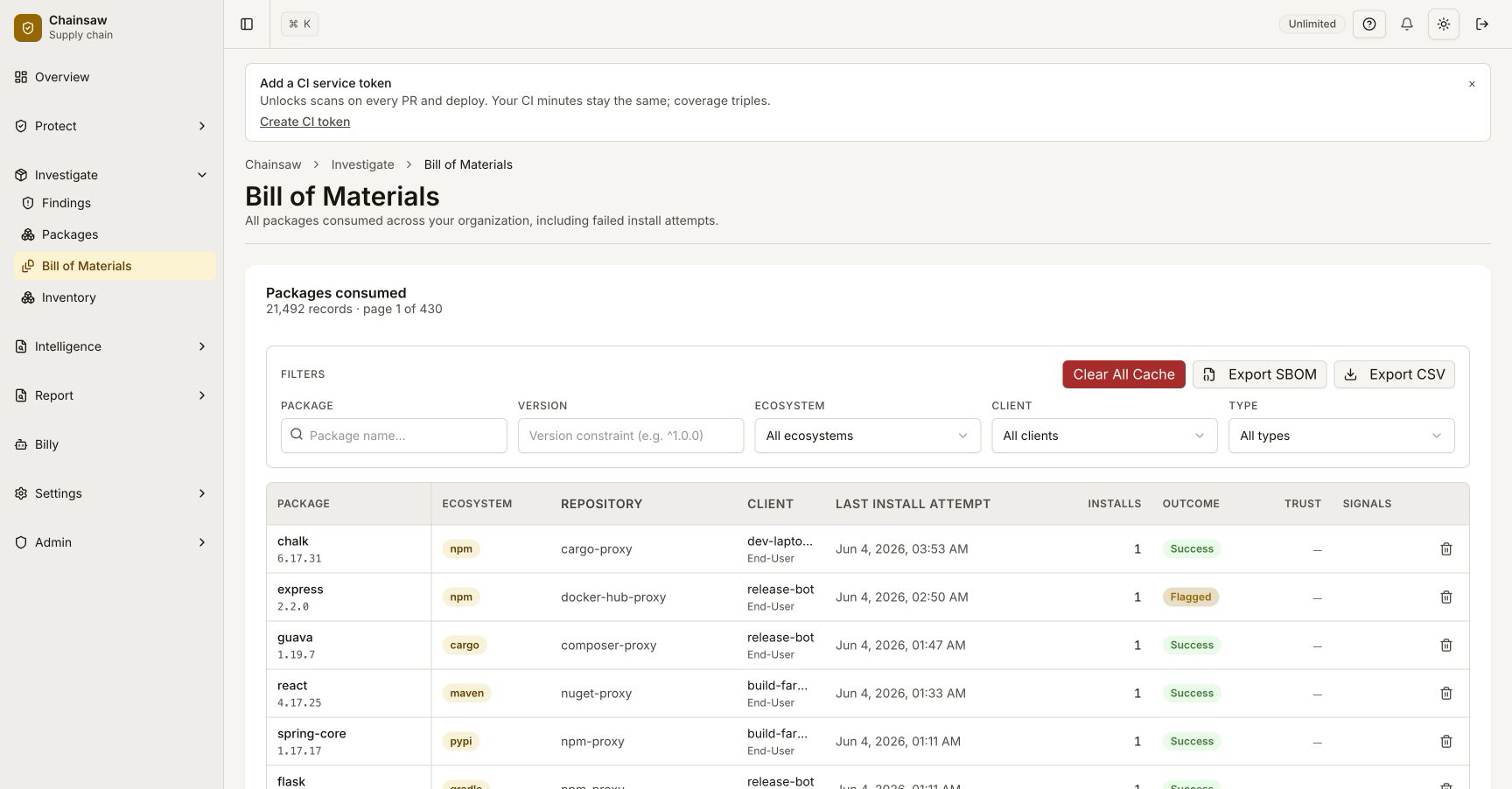
Open a package’s BOM detail. The Tool Capabilities panel shows:
| Field | Example | Notes |
|---|---|---|
tool_capabilities[] | ["network", "filesystem_read"] | Aggregated from the three sources |
tool_capability_source | manifest, ast, inferred, mixed | Where each capability came from |
tool_capability_evidence | { "shell": [{"file": "lib/runner.js", "line": 47, "snippet": "child_process.execSync(...)"}] } | File/line evidence — only populated for ast and inferred sources |
tool_capability_diff_vs_previous | ["+shell"] | What changed compared to the previous version of the same package |
The diff field is the most operationally useful one — it answers “did this version sneak in a new capability?” without you having to run a manual diff between versions.
Step 3: Build a “No Stealth Capabilities” Policy
The single highest-leverage capability policy:
| Setting | Value |
|---|---|
| Name | Block agent tools that gained capabilities without notice |
| Action | Block |
| Conditions | aiml.artifact_subtype IN ("agent-tool", "mcp-server") AND tool_capability_diff_vs_previous CONTAINS_ANY ("+shell", "+dynamic_eval", "+network", "+filesystem_write") |
| Surface | proxy, pr |
| Precedence | High — above ordinary capability gates |
This refuses any version bump that adds a sensitive capability the previous version did not have. Legitimate capability additions go through a manual review (which is exactly the friction you want — quietly adding shell should never be a routine release).
Step 4: Per-Capability Gates
For environments where you can declare what your agent runtime needs, gate on that explicitly. Write the runtime’s capability budget into a policy:
| Setting | Value |
|---|---|
| Name | Agent tool exceeds runtime budget |
| Action | Block |
| Conditions | aiml.artifact_subtype IN ("agent-tool", "mcp-server") AND tool_capabilities NOT_SUBSET_OF ${runtime.capability_budget} |
| Scope | The service token used by the agent runtime |
runtime.capability_budget is a per-org setting at /admin/aiml/runtime-budgets — a list of capabilities the runtime is willing to expose to a tool. A tool that asks for more than the budget is rejected, no matter how high its provenance score.
Step 5: Surface the Evidence
When a capability gate fires, the violation page shows the file/line evidence inline:
This is the difference between a useful gate and a noise gate. A reviewer who sees cap.shell — lib/runner.js:47, child_process.execSync(${userInput}) can decide in 30 seconds whether to grant an exception. A reviewer who sees cap.shell with no evidence has to clone the repo and grep, and will eventually stop reviewing.
Step 6: AppSec Workflow
The recommended cadence:
- Weekly: open
/reports/aiml/capability-changes— every agent tool whosetool_capability_diff_vs_previouswas non-empty in the last seven days. Most weeks this is zero rows. - On a non-empty row: read the evidence. If the new capability is documented in the package’s release notes and the use case is sensible, create a per-package exception. If not, the policy in Step 3 already blocked it — confirm and move on.
- Quarterly: review
/reports/aiml/capability-distribution— a histogram of how many of your agent tools hold each capability. The trendline is the signal: if the count of tools holdingshellis climbing month over month, your runtime budget is leaking.
Verification
- Pull a known agent tool (e.g., a vetted MCP server). The capability ledger should match the README’s documented capabilities.
- Bump a tool’s version that quietly adds a
subprocess.runcall. The Step 3 policy should fire with+shellin the diff field. - Confirm
/reports/aiml/capability-changeslists the bump under “Last 7 days”.
Related Topics
- How to Verify MCP-Server Provenance — the upstream gate; capability tracking only matters if you can trust the publisher.
- How to Use Per-Package Capability Grading on npm — the underlying primitive applied to ordinary npm packages.
- How to Tune Risk Signal Weights — how
cap.*weights feed the trust score for non-agent packages.