How to Secure AI/ML Model Downloads with Hugging Face Proxying
Route Hugging Face model downloads through Chainsaw, apply supply chain policies to ML artifacts, and monitor AI model consumption.
Overview
AI/ML models from Hugging Face are a growing part of the software supply chain. Models can contain serialized code (pickle files), malicious weights, or backdoors that execute during inference. Chainsaw supports proxying Hugging Face downloads, giving you the same supply chain visibility and policy enforcement for ML models as for traditional packages.
Prerequisites
- A running Chainsaw instance with the Hugging Face repository enabled
- Client credentials for accessing the Hugging Face repository
- ML engineers or pipelines that download models from Hugging Face
Step 1: Enable the Hugging Face Repository
Navigate to Repositories and verify that the Hugging Face mirror is enabled:
| Setting | Value |
|---|---|
| Repository Name | huggingface |
| Upstream | huggingface.co |
| Format | Hugging Face |
| Status | Enabled |
Step 2: Configure the Hugging Face Client
Environment Variable
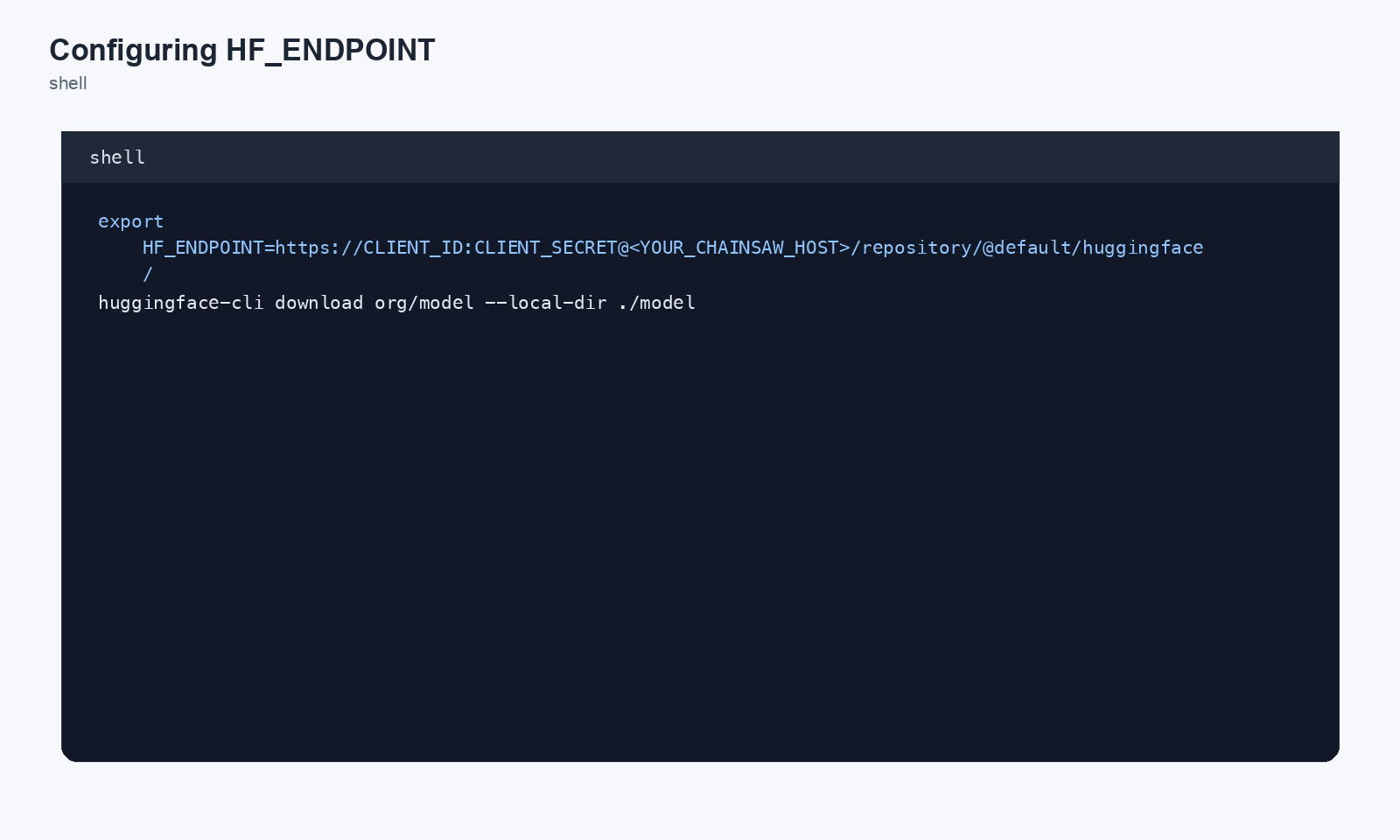
Point the Hugging Face client libraries at Chainsaw:
export HF_ENDPOINT=https://CLIENT_ID:CLIENT_SECRET@chain305.com/chainproxy/repository/@default/huggingface/
Python (transformers library)
import os
os.environ["HF_ENDPOINT"] = "https://CLIENT_ID:CLIENT_SECRET@chain305.com/chainproxy/repository/@default/huggingface/"

from transformers import AutoModel, AutoTokenizer

model = AutoModel.from_pretrained("bert-base-uncased")
tokenizer = AutoTokenizer.from_pretrained("bert-base-uncased")
CLI (huggingface-cli)
HF_ENDPOINT=https://chain305.com/chainproxy/repository/@default/huggingface/ \
  huggingface-cli download meta-llama/Llama-2-7b
Large weights (LFS) and git clone
huggingface-cli download and from_pretrained() use the standard Hub HTTPS API and are fully handled by HF_ENDPOINT alone. For workflows that pull weights via git clone against a HF model repo, both git smart-HTTP (git-upload-pack) and the LFS object protocol route through the proxy transparently as of the 2026-05 HF fix — no extra client config beyond HF_ENDPOINT is needed.
Sanity check that passthrough is live:
curl -sI "${HF_ENDPOINT%/}/api/models/bert-base-uncased"
# Expect HTTP/2 200 (or 401 if the credential is wrong); HTTP 404 means
# the HF repo isn't enabled or HF_ENDPOINT points at the wrong path.
If you need to override git’s resolver explicitly (rare — only when a tool ignores HF_ENDPOINT and hits huggingface.co directly), add a per-repo rewrite:
git config --global url."${HF_ENDPOINT%/}".insteadOf "https://huggingface.co"
Step 3: Apply Policies to ML Models
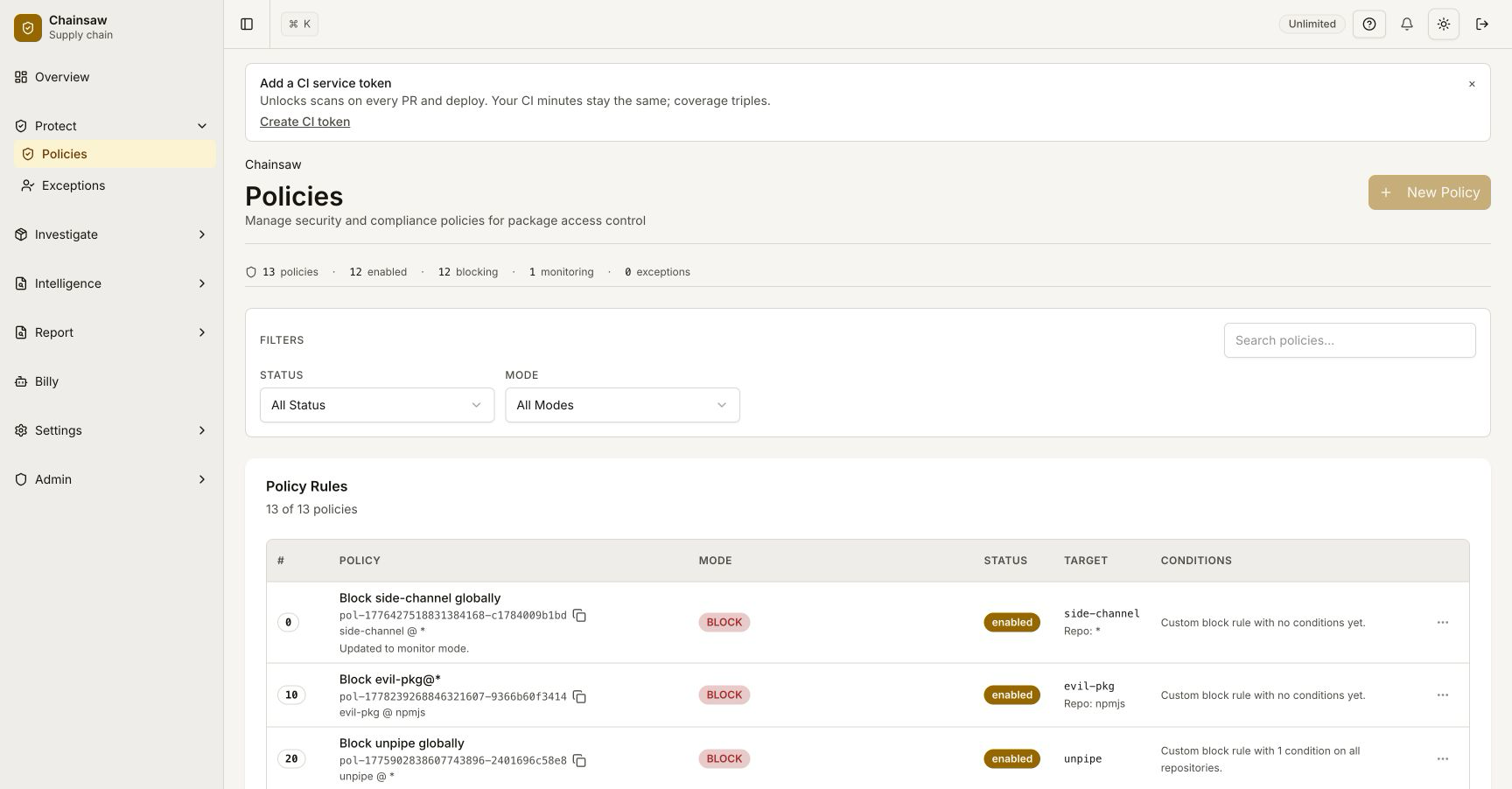
Create policies specific to the Hugging Face repository:
Block Untrusted Models
- Name:
Block Low-Trust HF Models - Action: Block
- Condition: Trust Score < 40
- Scope: Hugging Face repository only
Quarantine New Models
- Name:
Quarantine New HF Models - Action: Quarantine
- Condition: Package Age < 30 days
- Scope: Hugging Face repository only
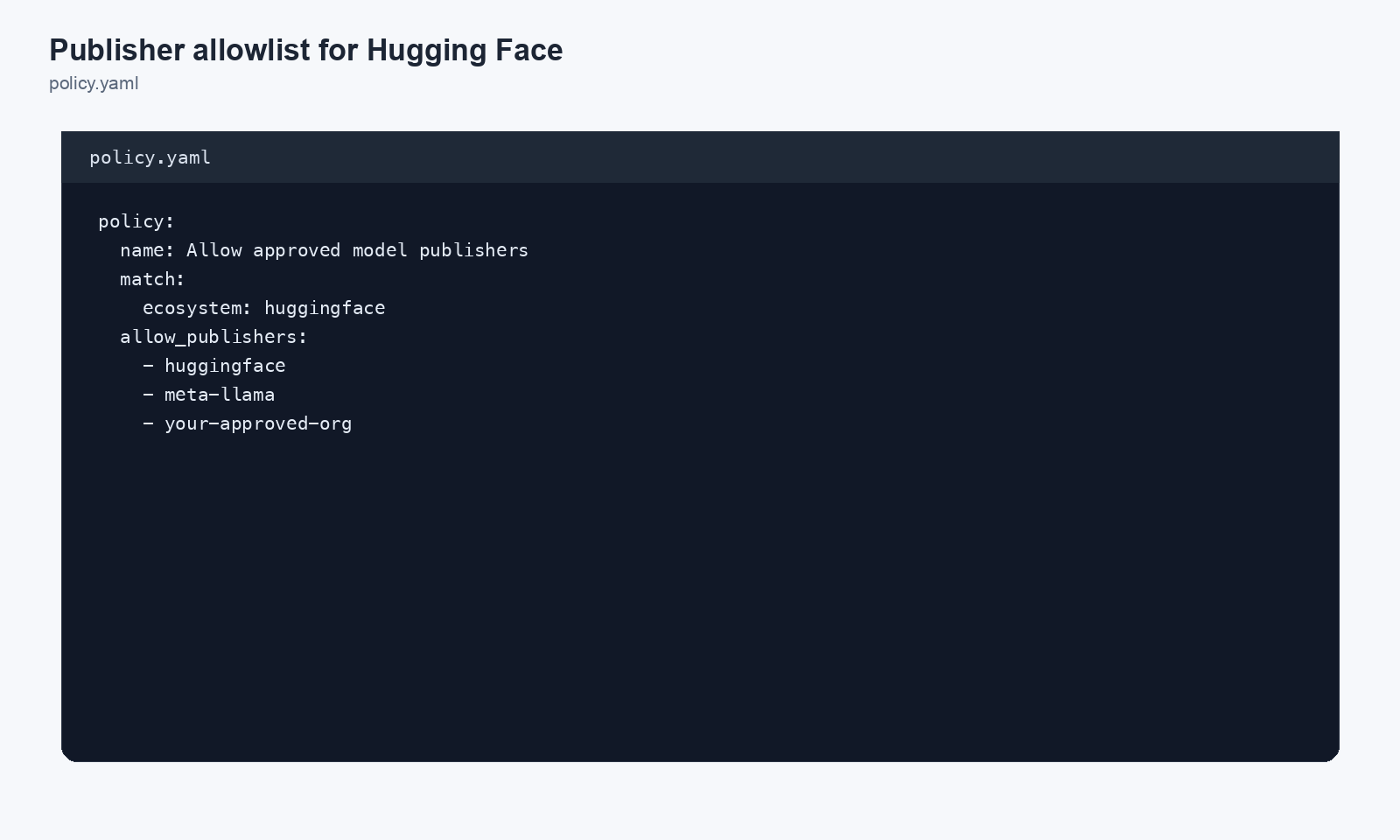
Restrict to Known Model Publishers
Use a hook script to allowlist trusted model publishers:
#!/bin/bash
# /opt/chainsaw/hooks/hf-publisher-check.sh

ALLOWED_PUBLISHERS="/opt/chainsaw/hooks/approved-hf-publishers.txt"

# Extract publisher from package name (format: publisher/model-name)
PUBLISHER=$(echo "$CHAINSAW_PACKAGE" | cut -d'/' -f1)

if grep -q "^${PUBLISHER}$" "$ALLOWED_PUBLISHERS"; then
    exit 0
fi

echo "BLOCKED: Hugging Face publisher '${PUBLISHER}' not in approved list"
exit 1
Approved publishers file:
meta-llama
google
microsoft
openai
mistralai
stabilityai
Step 4: Monitor ML Model Consumption
Navigate to the Traffic page and filter by the Hugging Face repository:
Track:
- Which models are being downloaded
- Which teams/pipelines are consuming them
- Download frequency and cache hit ratio
- Any policy violations
Step 5: View ML Models in the Bill of Materials
ML models appear in the BOM alongside traditional packages:
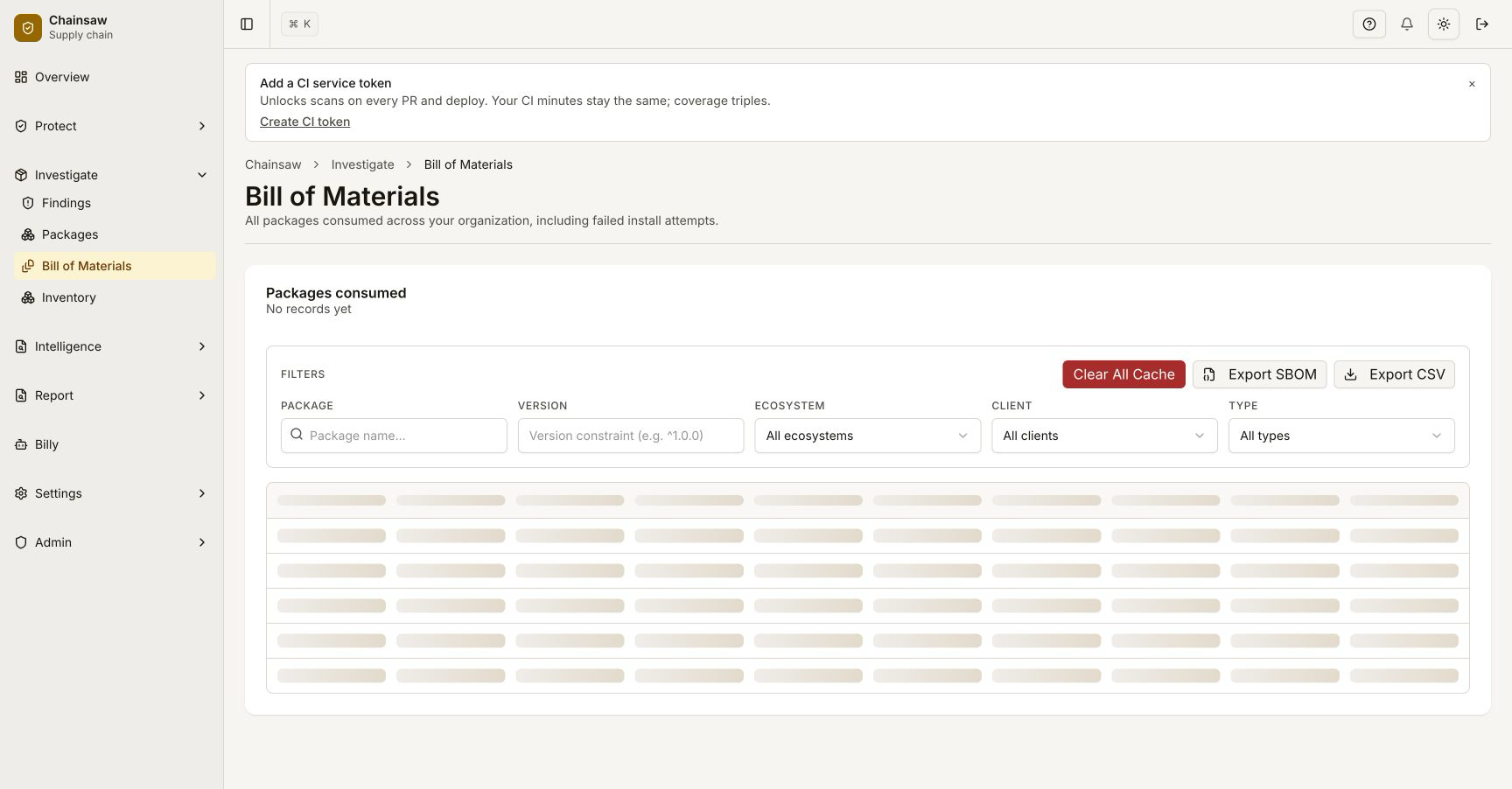
Each model entry includes:
- Model name and version/revision
- Publisher
- Trust score
- Download count and last access
- PURL format:
pkg:huggingface/meta-llama/Llama-2-7b
Step 6: SBOM Integration for ML Models
When you export an SBOM, Hugging Face models are included as components:
{
  "type": "library",
  "name": "meta-llama/Llama-2-7b",
  "version": "main",
  "purl": "pkg:huggingface/meta-llama/Llama-2-7b",
  "properties": [
    { "name": "chainsaw:ecosystem", "value": "huggingface" }
  ]
}
This gives compliance teams visibility into which ML models are part of your software supply chain.
Step 7: AI Model Supply Chain Risks
| Risk | Description | Chainsaw Mitigation |
|---|---|---|
| Malicious weights | Model weights contain backdoors | Trust score, publisher allowlist |
| Pickle exploits | Serialized Python objects execute code on load | Freshness guards, quarantine |
| Model poisoning | Training data manipulation | Publisher verification, provenance |
| License violations | Models with restrictive licenses used commercially | License compliance policies |
| Shadow AI | Unauthorized model downloads | Traffic monitoring, client scoping |
Best Practices
| Practice | Reason |
|---|---|
| Allowlist approved publishers | Limit to trusted model sources |
| Quarantine new models | Review before adoption |
| Track in BOM/SBOM | Compliance and inventory |
| Separate credentials for ML pipelines | Isolate ML traffic for policy targeting |
| Cache popular models | Faster inference pipeline starts |
| Monitor download sizes | Large models impact storage and bandwidth |
Next Steps
- How to Create Custom Hook Scripts — Build publisher allowlists and custom checks
- How to Set Up Release Freshness Guards — Apply age policies to new models
- How to Export Your SBOM in CycloneDX Format — Include ML models in compliance exports