How to Use Billy to Investigate Packages and Draft Policies
Ask Billy natural language questions about your package consumption, vulnerabilities, and policy gaps, then review and approve Billy's policy proposals.
Overview
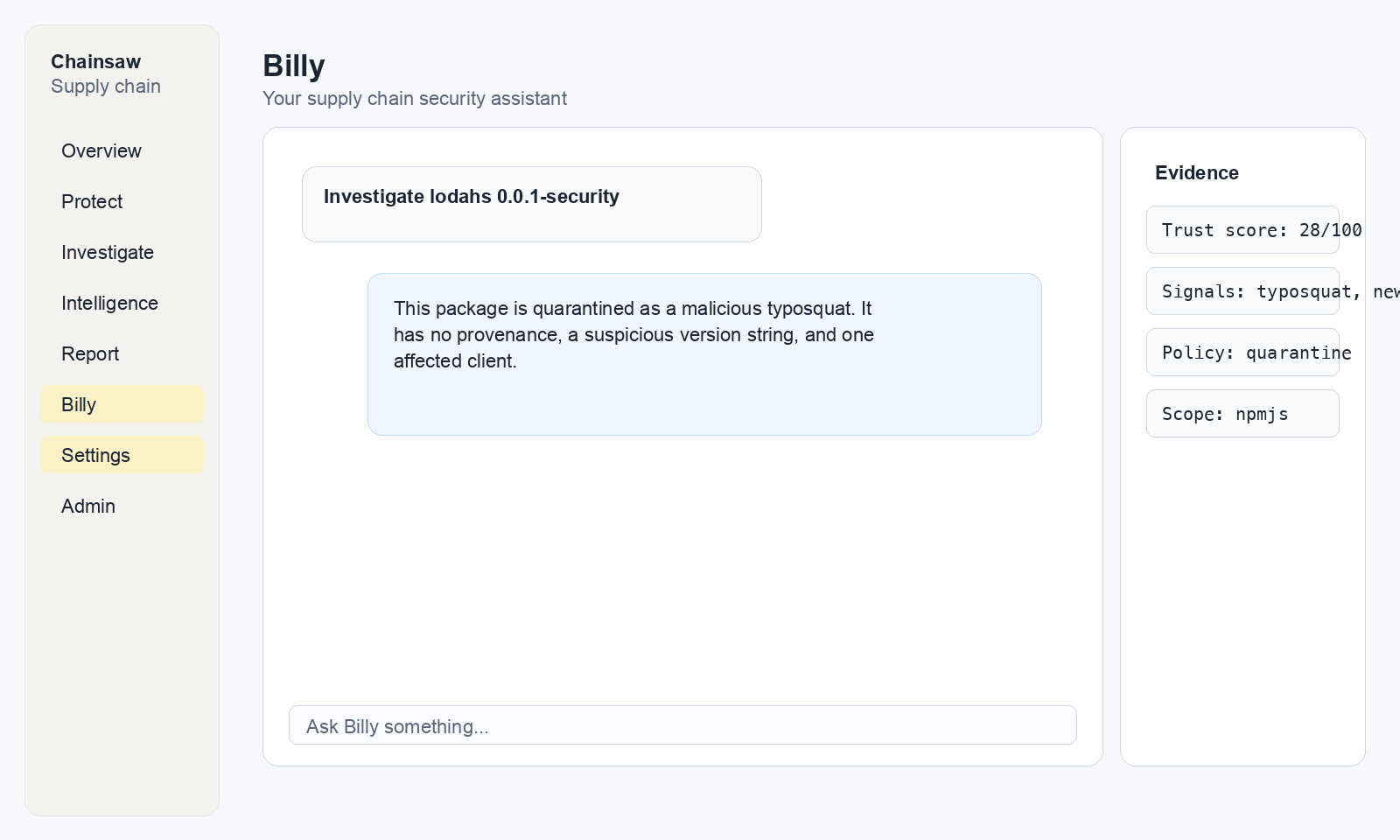
Billy is Chainsaw’s AI-powered supply chain assistant. You can ask Billy questions in plain English about your packages, policies, vulnerabilities, and events. Billy can also draft new policies for your review — it never creates policies automatically; you always approve before anything takes effect.
Prerequisites
- Billy must be enabled for your organization (feature-flagged)
- An OpenRouter API key configured by your administrator
- Any role can chat with Billy (access to the Billy page)
Step 1: Open Billy
Click Billy in the sidebar navigation. The chat interface opens.
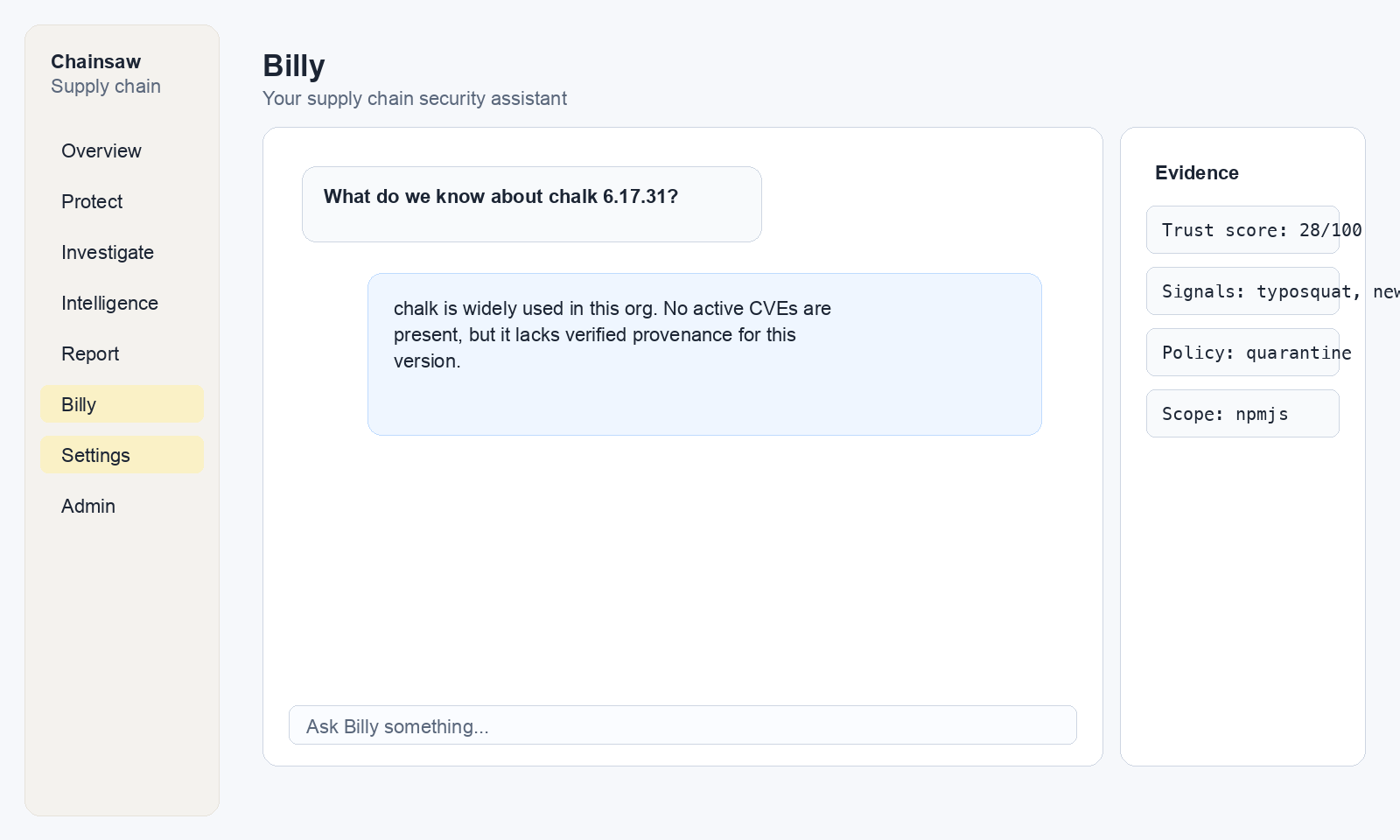
Step 2: Ask Questions About Your Supply Chain
Billy can query your organization’s data using read-only SQL under the hood. Here are example questions organized by use case:
Package Investigation
"What npm packages have we installed in the last 7 days?"
"Show me all packages with a trust score below 50"
"Which packages have confirmed malware status?"
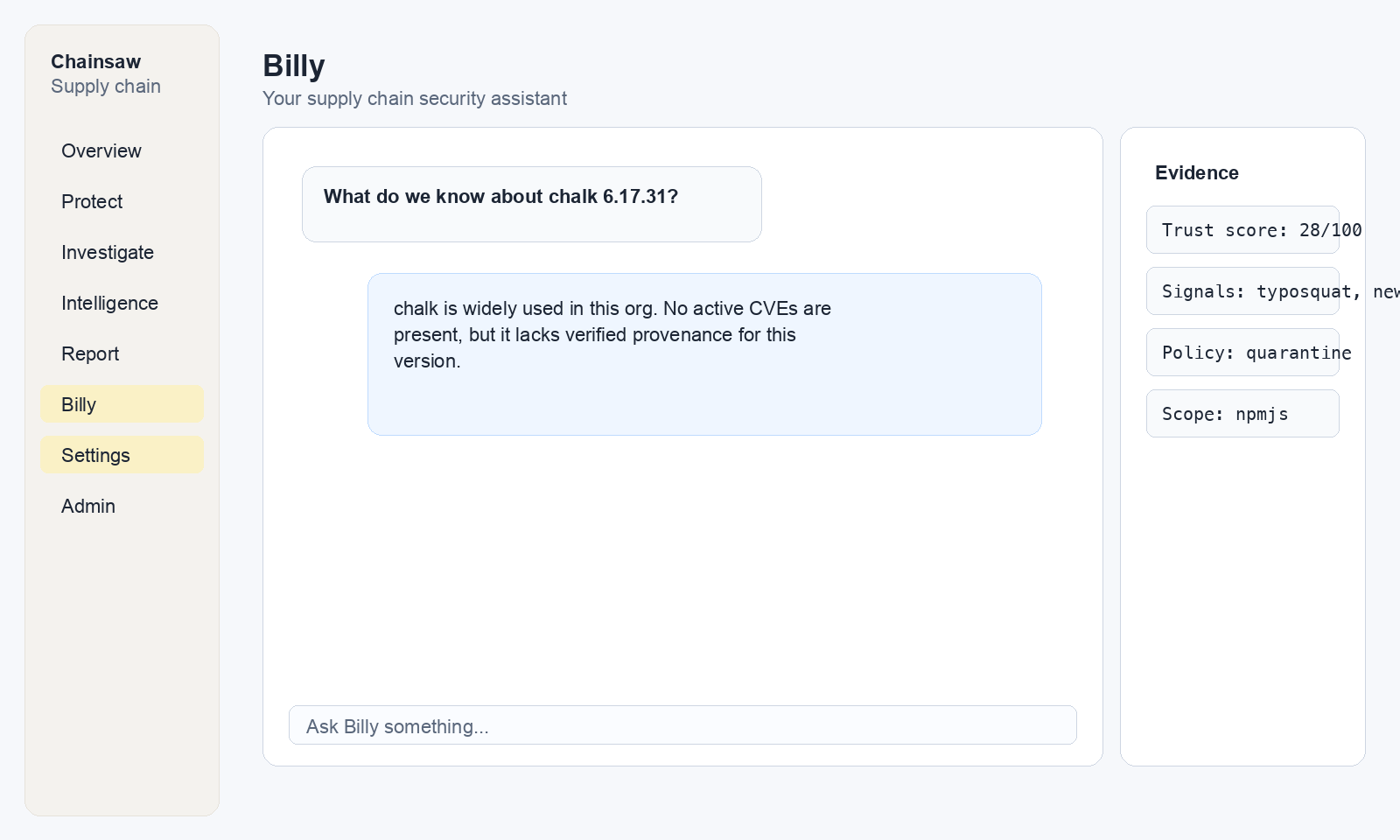
Vulnerability Analysis
"What are the most critical vulnerabilities in our supply chain?"
"Show me packages with CVSS score above 9.0"
"How many vulnerable packages did we download last month?"
Policy Review
"What policies do we currently have enabled?"
"Which policy is blocking the most packages?"
"Are there any gaps in our policy coverage?"
Event Analysis
"What packages were blocked yesterday?"
"Show me the top 10 most downloaded packages this week"
"Which clients have the most failed requests?"
Step 3: Ask Billy to Draft a Policy
Billy can propose new policies based on conversational intent. It never creates policies directly — it presents a proposal for your review.
Example: “Block all packages with known malware”
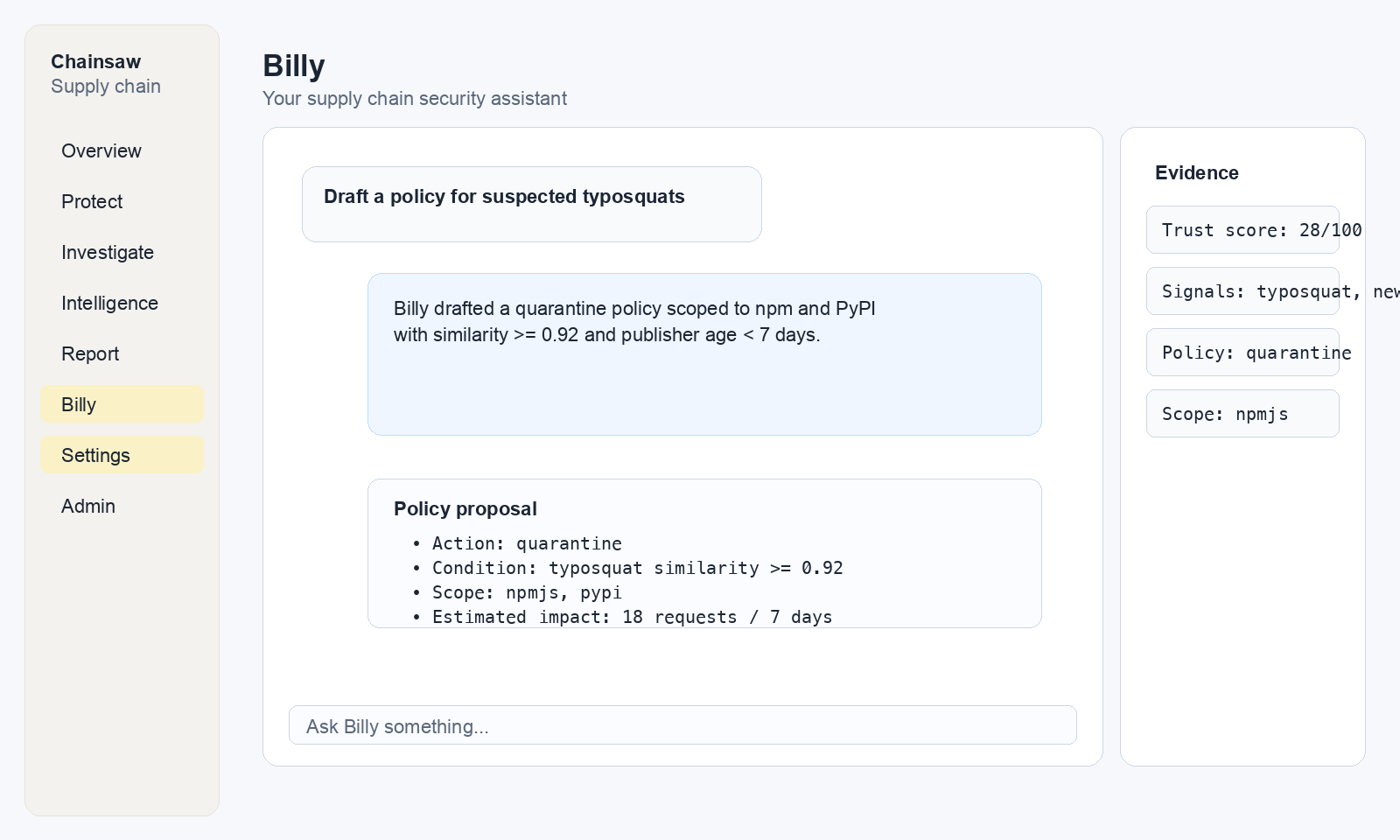
Billy will show you a policy approval card with:
- Policy name
- Action (block, quarantine, allow)
- Conditions (what triggers the policy)
- Scope (which repositories/clients it applies to)
Step 4: Review and Approve Policies
When Billy proposes a policy, review the details carefully:
- Check the conditions match your intent
- Verify the scope is correct (not too broad or narrow)
- Consider the precedence relative to existing policies
If you’re satisfied, click Approve on the policy card.
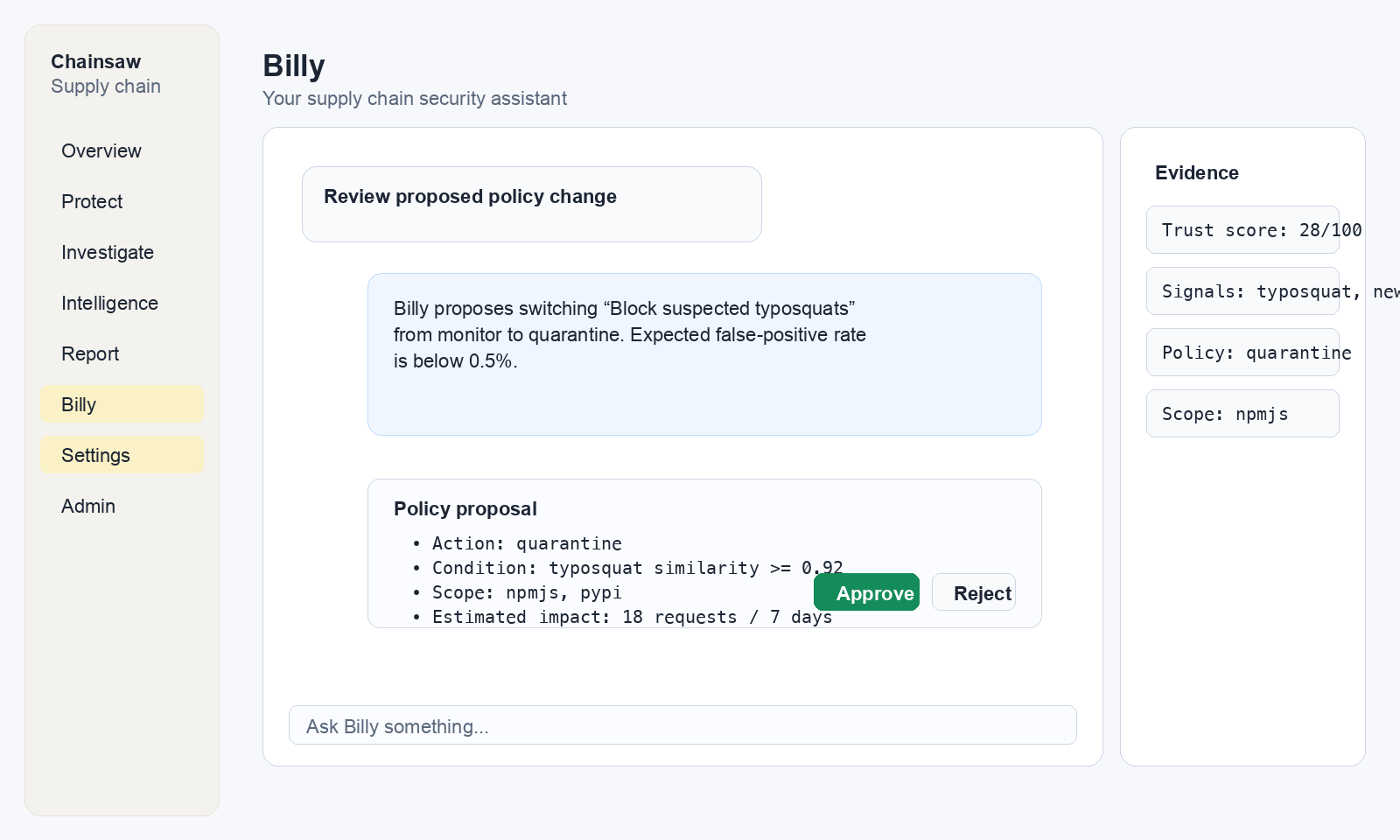
If you want changes, tell Billy:
"Make that policy only apply to the npm repository"
"Change the action from block to quarantine"
"Add an EPSS condition of 0.5 or higher"
Step 5: Common Workflows with Billy
Morning Security Check
"Summarize supply chain events from the last 24 hours"
"Were there any new violations?"
"Show me any packages with suspected typosquats"
Policy Gap Analysis
"What policies do we have for npm?"
"Are we checking for typosquats?"
"Do we have a freshness guard policy?"
"Draft a policy to block npm packages less than 14 days old"
Incident Investigation
"Show me all events for package lodash in the last 30 days"
"Which clients installed lodash@4.17.20?"
"What's the trust score for that version?"
Billy’s Capabilities and Limits
What Billy Can Do
- Query the
events,policies, andpackage_metadatatables - Draft new policies for your approval
- Answer questions about your supply chain data
- Provide explanations and recommendations
What Billy Cannot Do
- Modify, update, or delete any data
- Create policies without your approval
- Access data outside your organization
- Execute arbitrary code or commands
- Run queries with JOINs, subqueries, or CTEs (for safety)
Safety Guardrails
- All queries are scoped to your organization
- Maximum 50 results per query
- Maximum 5 tool iterations per conversation
- Messages limited to 2,000 characters
- Conversation history limited to 50 messages
Next Steps
- How to Block Vulnerable Packages Using CVSS and EPSS — Create policies manually for full control
- How to Monitor Violations and Respond to Blocked Packages — Handle violations Billy identifies
- How to Use Trust Scores to Assess Package Risk — Understand the trust scores Billy references